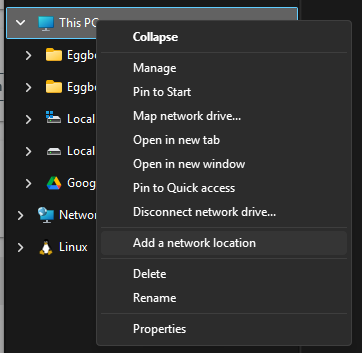
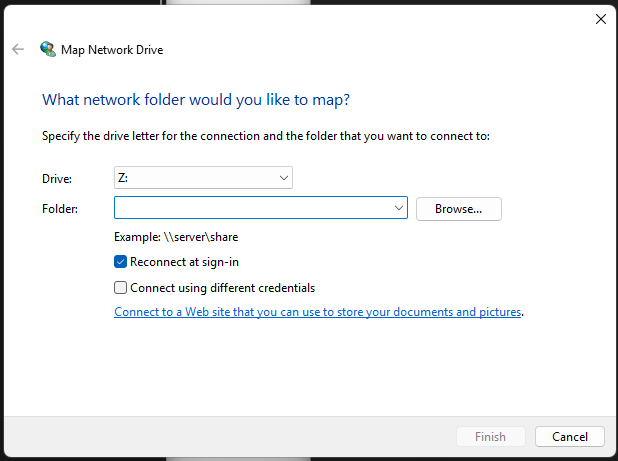
I just want to note that the Windows WebDAV instructions on the FluidNC wiki are a bit odd. Instead of right clicking on This PC and selecting Map Network Location, just select Add a Network Location.
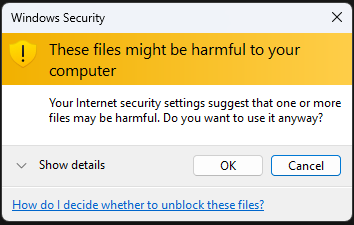
Mostly that skips the step where you would click on the Connect to a Web site link. Even if you do that, you don’t need to enter anything on the Map Network Drive dialog.
I did some bulk operations and it worked. It’s not particularly fast but it’s fine.
I have FluidNC v4.0.2 with WebUI v3.0.10 on my pen plotter and eggbot currently. Still testing to do. For my pen plotter, I upgraded from v3.9.4 and due to a change in v3.9.5, I needed to update the M6 tool change macro to include an M61 at the end to update the tool but I don’t suspect many will come across that.
FluidNC v4 changed the web server stuff to asynchronous so there was work done to support multiple websocket connections. So, it used to be if you connected the WebUI somewhere and then connected via the WebUI somewhere else, it would disconnect the first connection. Now, it still does that on a local computer (I assume limiting to one connection per IP address). However, I can be connected via the WebUI on multiple devices plus connected to a websocket separately (such as via FluidTouch). I haven’t run a job, but at least jogging updates on all 3 just fine.
Still more testing to do, but I haven’t run into a problem yet.