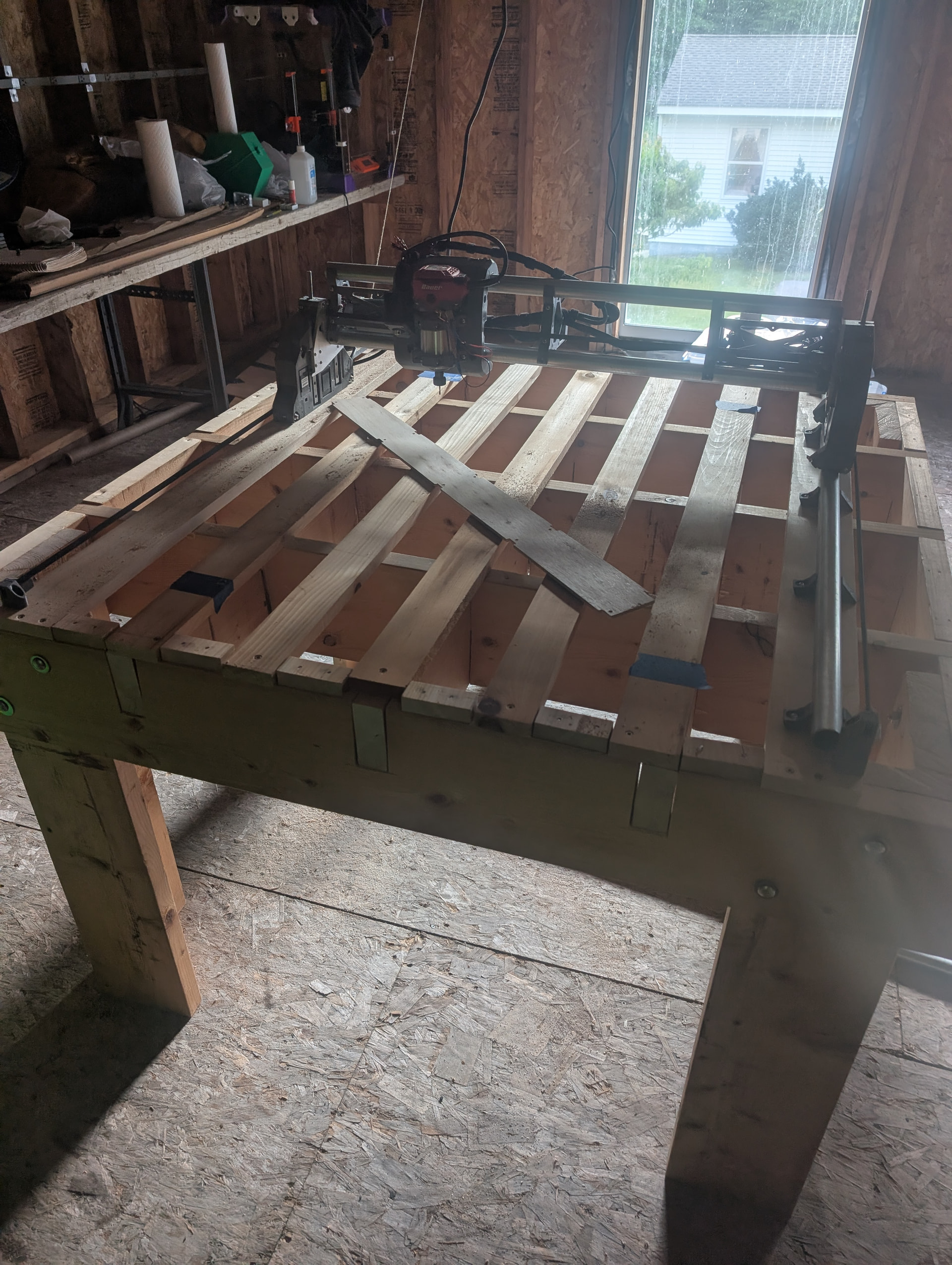
OK, so I finally got my LR4 built, using the jackpot v3. Powered it up, did some moves in FluidNC, some stuff was backwards so I flipped the connectors, and now doing manual moves in FluidNC all look like I would expect them to look; Home is front-left, X+ is to the right, Y+ is away, Z+ is up.
Where I’m getting into trouble, is getting an initial pen plot / engraving set up in Estlcam.
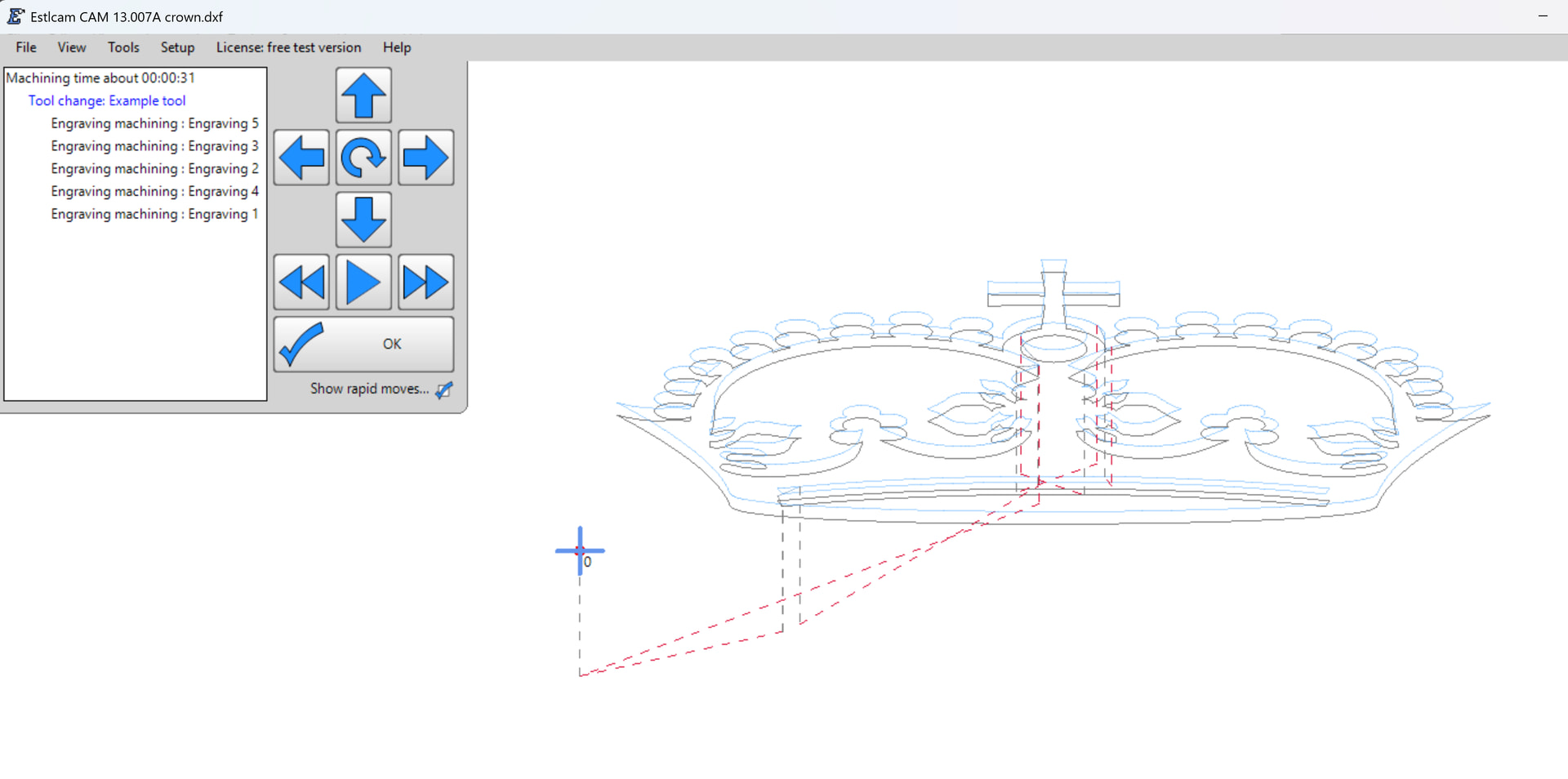
I ran through the estl-basics page, and made sure to set up all my settings exactly like they are seen in the screenshots. I even grabbed the crown dxf/svg, to make sure I was following along exactly. When I preview the generated path, the z-movements are all inverted. The initial clearance lift is down and the cut surface is above the dxf/svg. I’ve tried reversing the z-axis, played with the z-axis origin settings… nothing seems to change the behavior.
This is all before I ever get to running the gcode on the LR4, so I think this is 100% an Estlcam issue.
OK, so I haven’t been able to figure out how to make Estlcam display a correct preview, but it looks like whatever issue I have going on, the preview doesn’t always match the generated gcode.
I guess as long as before I run the gcode, I double check it in an alternate viewer or look at the raw text, I should be OK.
Peeps should be aware the Estlcam preview isn’t entirely reliable.