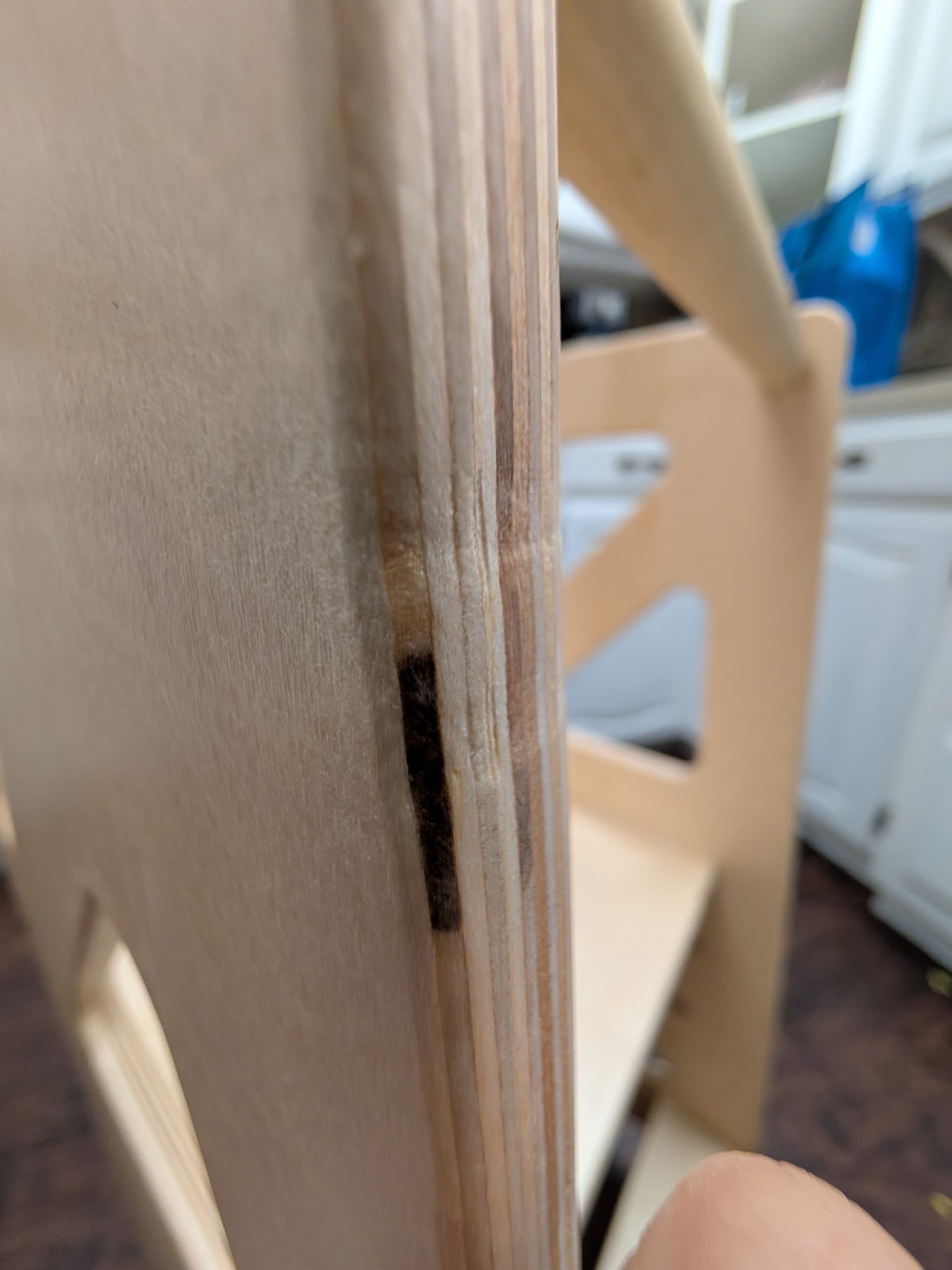
One thought I had is I wonder if my router is not square to the work surface. (So the bit is at and angle instead of straight down). Is there a method to square that?
You can’t really get rid of them if you are using the traditional tabs, they are always going to be there. If you are using EstlCAM to generate the toolpaths, you can check “round tabs” in the tool’s settings (make sure to make them bigger!), then the CNC does not stop but “bounces” over them. It’s a LOT faster and does not leave those marks.
Haha for sure. Your answer helps me to troubleshoot more though and see if has something to with the way I did the tabs, and see if changing that will help reduce the issue.
In Estlcam, are the round tabs cut at full feedrate, or do they use plunge rate “on the way down”?
I also used a template bit to clean the tabs, so maybe the indentions were only at the top, but the template bit added them along the whole line.
What’s curious though is that these indentions only seem to be on one side of the cut. Made me wonder if it had something to with my router not being “level” with the table