OK the update fixed it!
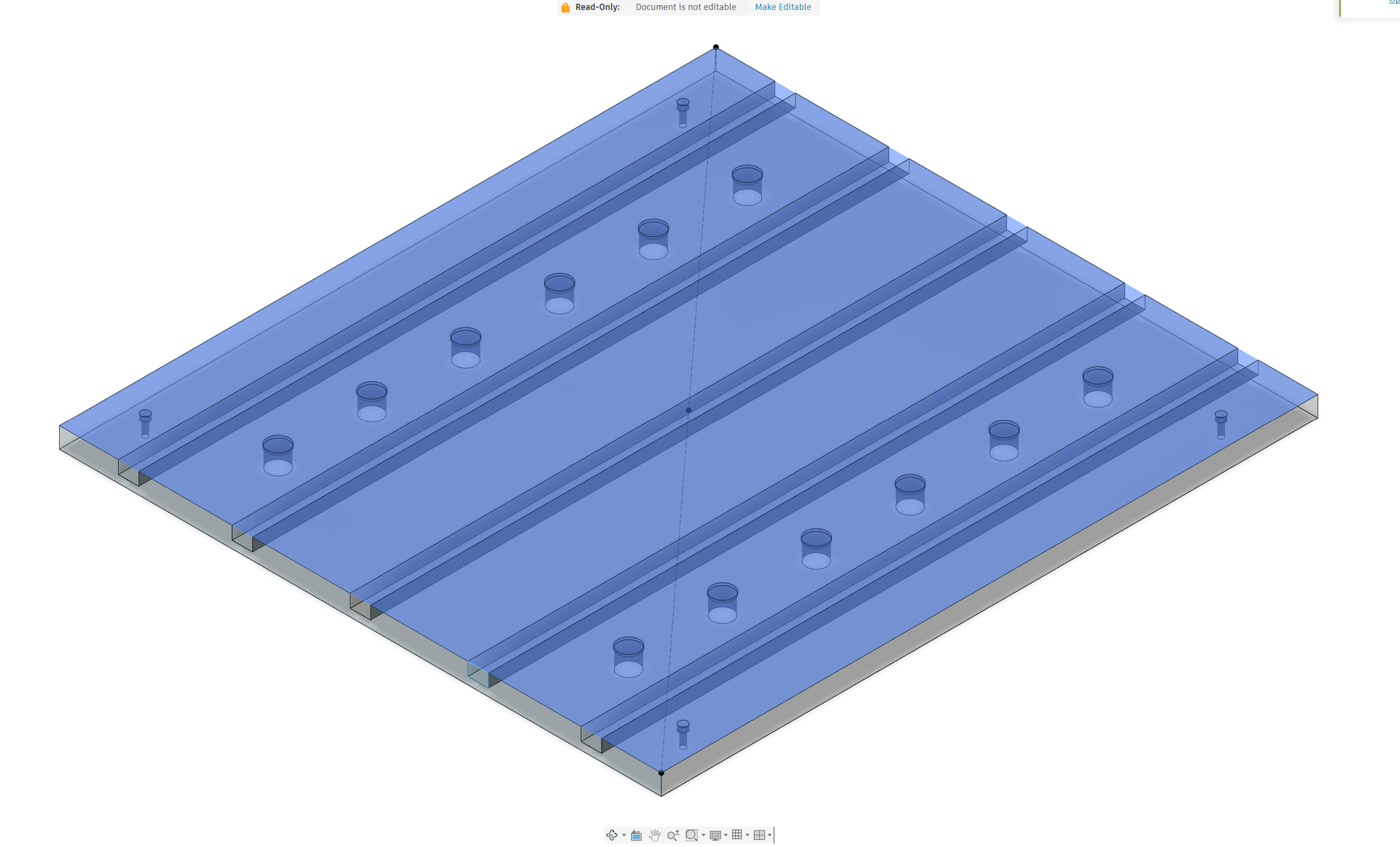
Ok you do have sketches, but they are all just little parts of the whole piece. So this is what I do…
Select the top of the body and start a new sketch…
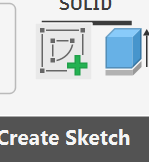
Under Create, select Project (or just hit P on the keyboard)
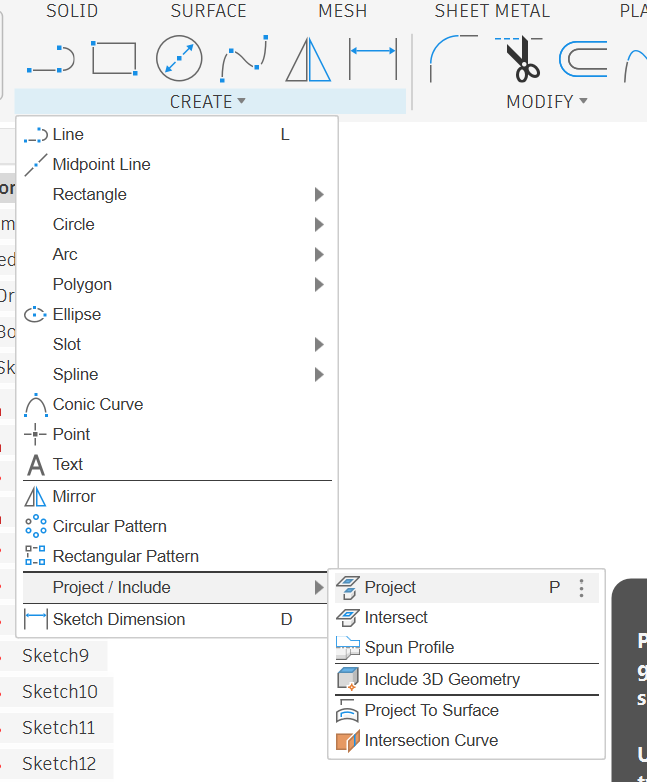
Then select all of the lines/circles you have in the part.
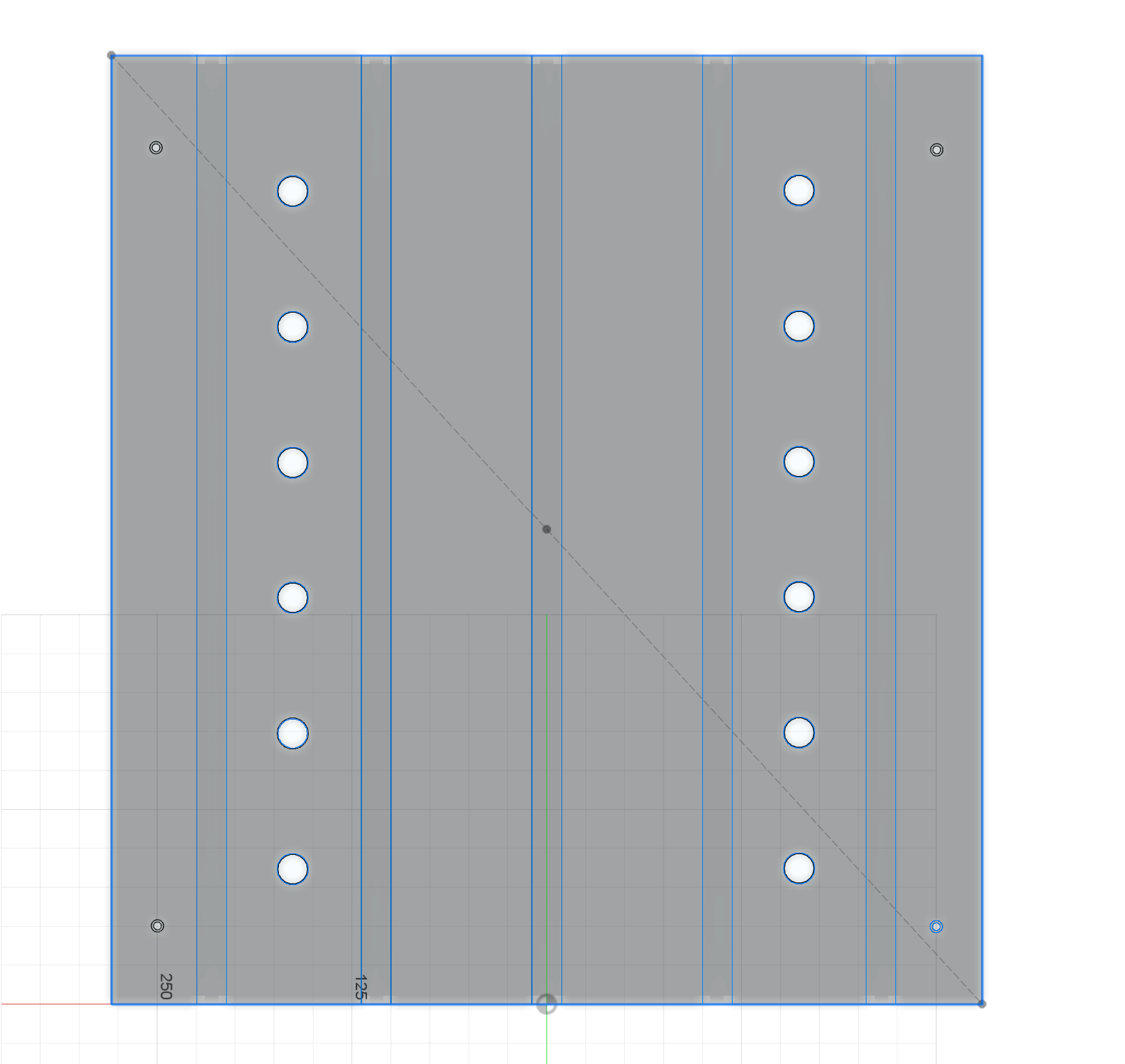
Make sure to zoom in and get all of the smaller stuff…
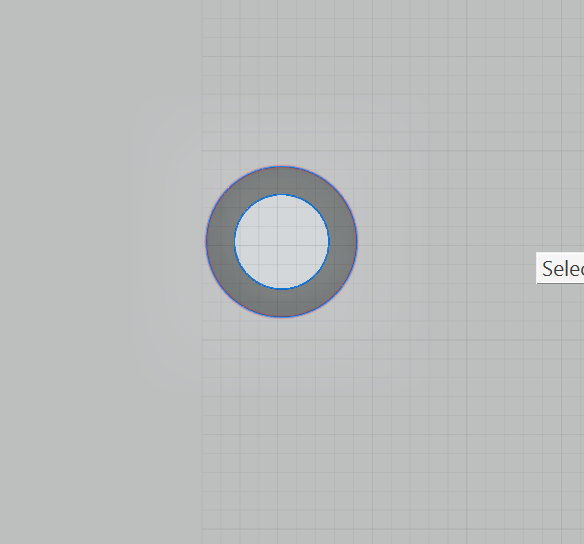
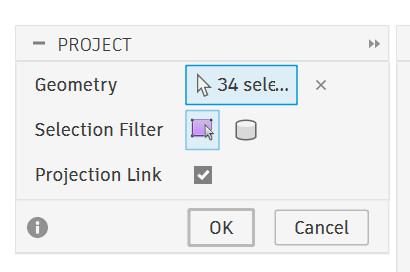
Once you have everything you need selected, click ok on the project menu box
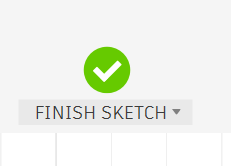
Then finish sketch
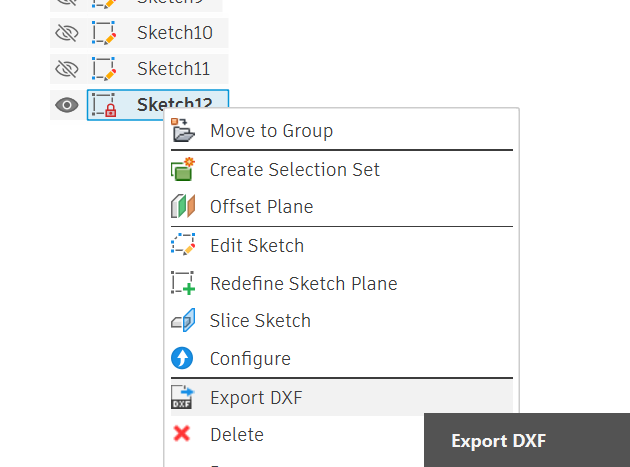
Open the drop down for your sketches, the one you just made will be the last on the list. I hide everything else (sketches and bodies) and make sure I didnt miss anything, if you do just double click on the sketch to reopen it, hit P and add the things you missed.
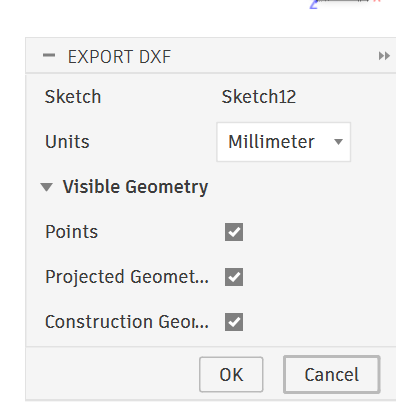
After you have the projected sketch finished, right click and Export DXF
Then make sure the export settings are how you want them…
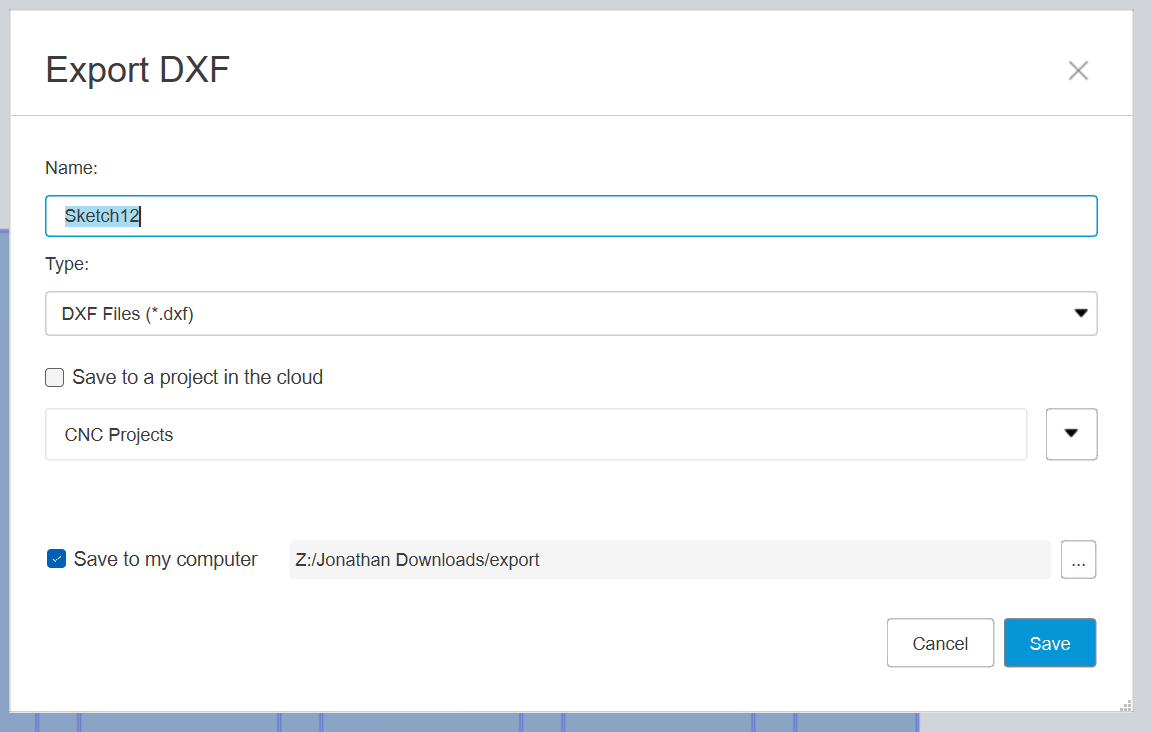
Choose where to save it…
Sketch12.zip (1.4 KB)