export.zip (137.4 KB)
Says file is corrupt 
lol figures. opened up for me after a re download. guess i’m just doomed for tonight.
1 Like
Wait. Might be my fusion is out of date. Its updating now. been a while since I used it
come on old timer.
2 Likes

I do all my stuff in onshape now 99% of the time.
1 Like
I don’t even know what that is 
I do have google though..
2 Likes
Looks interesting.. I will check it out tomorrow.
1 Like
dying already have an account
3 Likes
OK the update fixed it!
Ok you do have sketches, but they are all just little parts of the whole piece. So this is what I do…
Select the top of the body and start a new sketch…
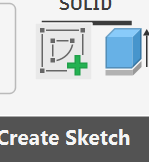
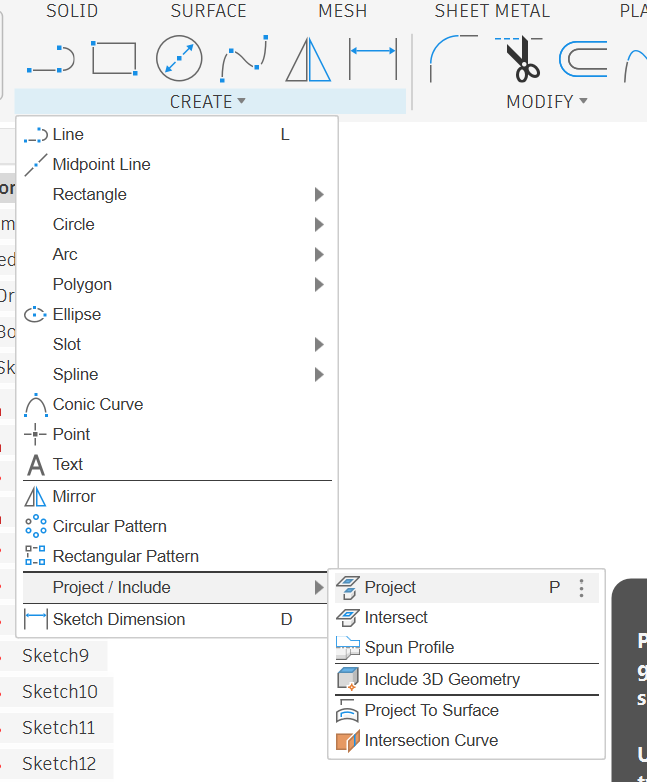
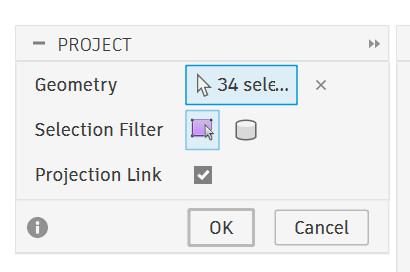
Under Create, select Project (or just hit P on the keyboard)
Then select all of the lines/circles you have in the part.
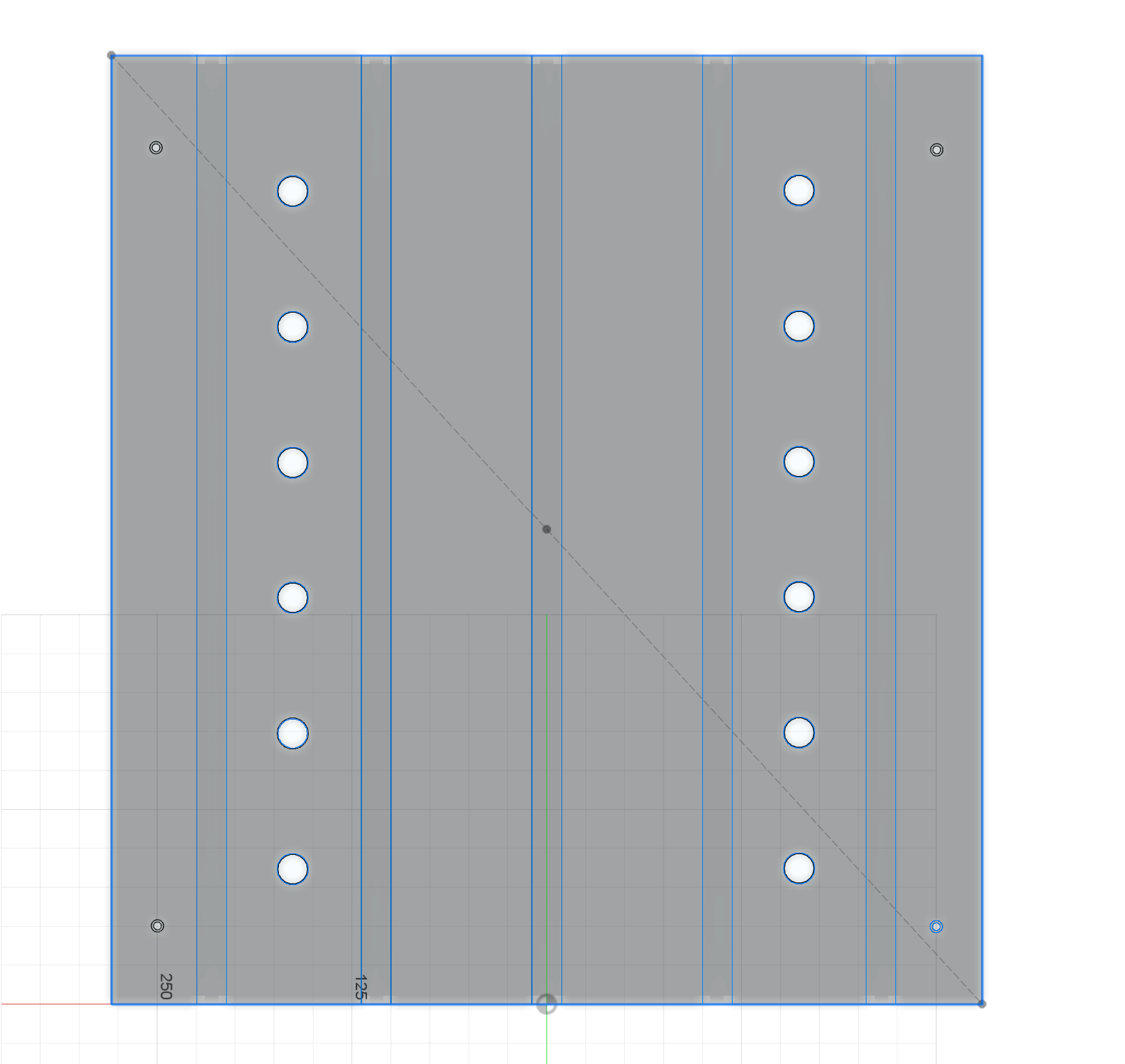
Make sure to zoom in and get all of the smaller stuff…
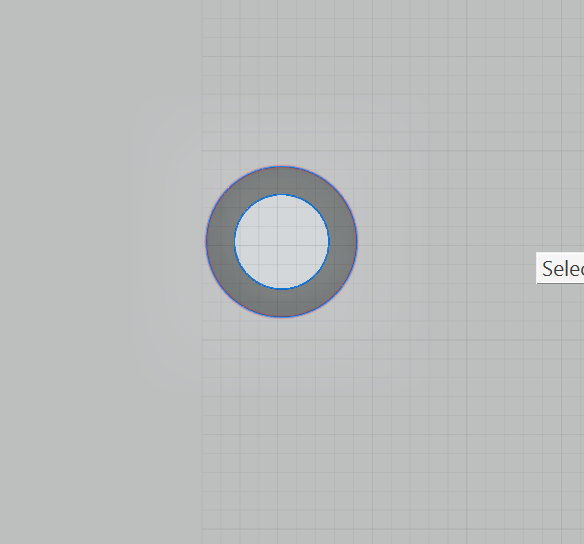
Once you have everything you need selected, click ok on the project menu box
Then finish sketch
Open the drop down for your sketches, the one you just made will be the last on the list. I hide everything else (sketches and bodies) and make sure I didnt miss anything, if you do just double click on the sketch to reopen it, hit P and add the things you missed.
After you have the projected sketch finished, right click and Export DXF
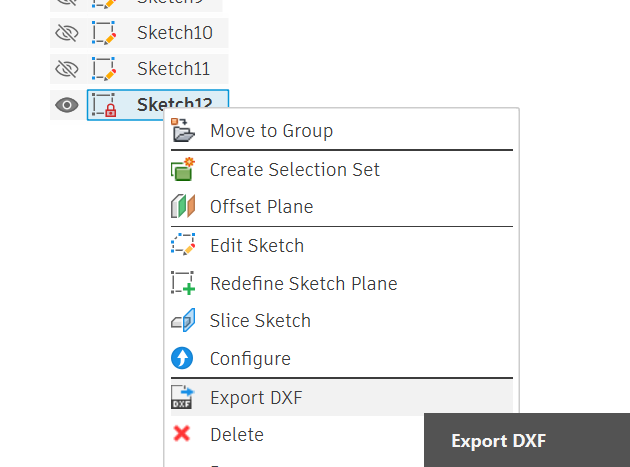
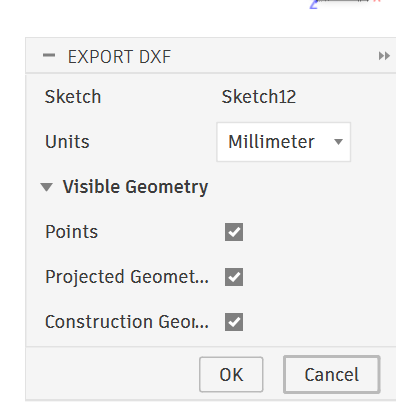
Then make sure the export settings are how you want them…
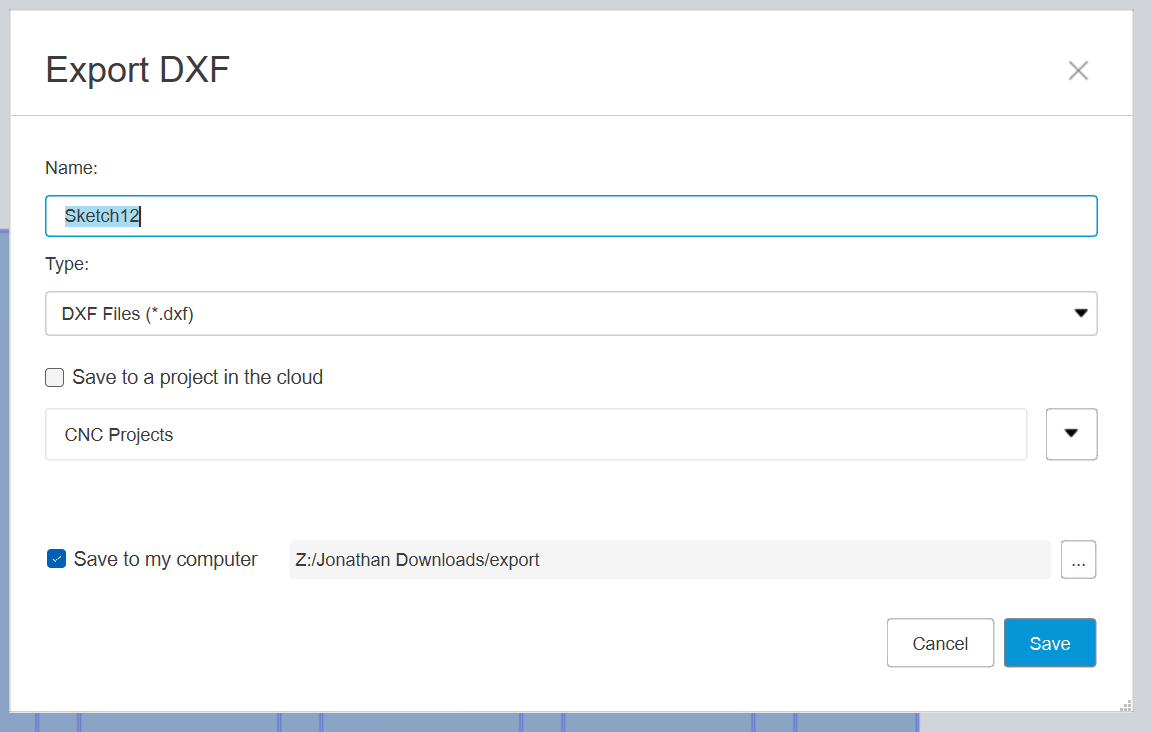
Choose where to save it…
Sketch12.zip (1.4 KB)
6 Likes
will read in the morning. tyvm.
1 Like
Makes sense. For all that though I may as just post process it in Fusion. I will cut some foam later and see if going this route has any impact on the dimensions of the slots. I suppose I could just put the dado stack on the table saw - but that would be too easy - and that isn’t how I do things
1 Like
That will be much harder than just exporting the DXF IMO. It seems like a lot but once you learn how to do it, it goes really fast. CAM in fusion gets difficult because of SO MANY OPTIONS. I looked at it a few times but always just went back to estlcam because its so easy.
2 Likes
19mm on the money with the calipers!
2 Likes