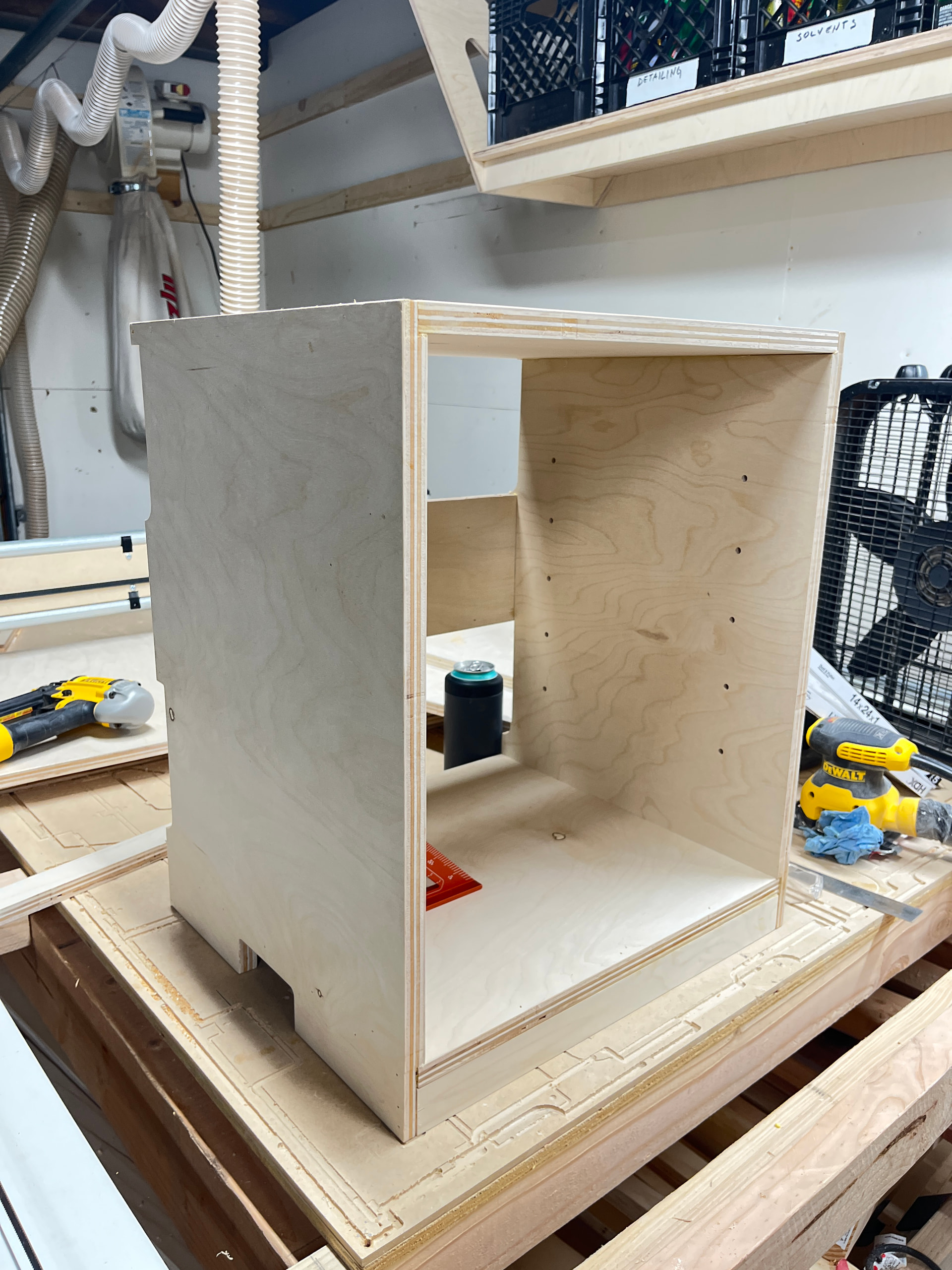
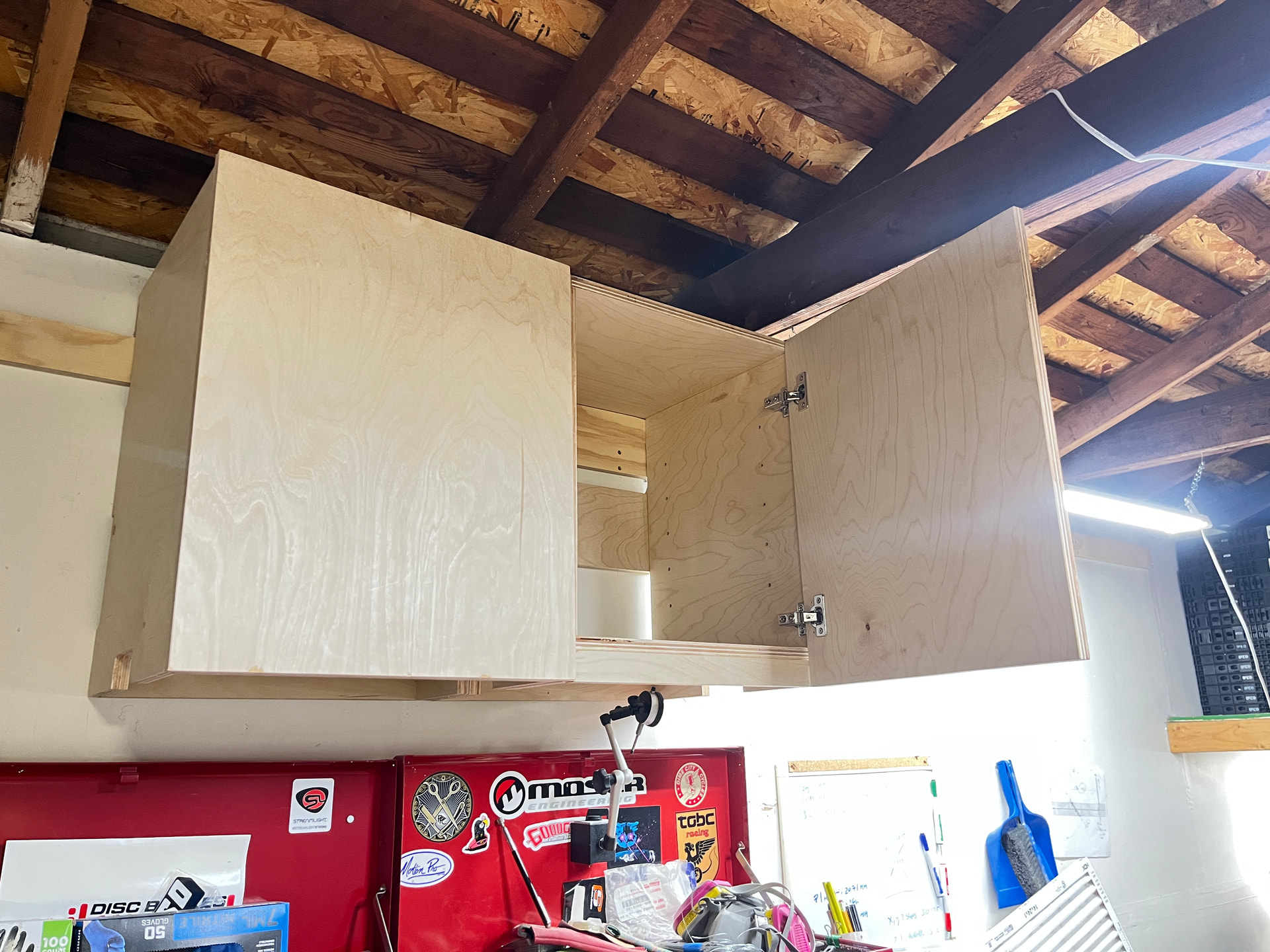
So I love the LR4, love Fusion 360, but hate the CAM setup. there’s 10,000,000 different settings in Fusion and every new project feels like I’m starting from scratch. I’ve been building an engineering team in Claude for a startup (up to ~20 custom agents now) and thought “I bet Claude could handle the CAM setup.”
To make a long story short, I installed the Fusion MCP, trained it on an existing project’s CAM settings that have a bit of everything for cabinet making, then spent a day refining test cuts. Holy shit this is awesome!
Being able to just chat w/ Claude code, it instantly makes some tweaks, I run a small cut, and feed the results back is a game changer. I tuned the fit on dado cuts in 3/4" ply, set depths for through cuts, added a chip evacuation channel for deep through cuts (Claude’s idea). This thing absolutely ripped through my settings and nailed it. The goal is to create saved tool operation profiles in Fusion so I don’t fully rely on Claude to do everything for me.
I realized that this could be super useful for others in this forum and am considering generalizing the project a bit so anyone can use it and sharing the repository. I’m using the standard V1E bits from the store and a pretty standard machine albeit with the AutoSpin T1. Would there be any interest?
Side note: I also connected my computer via USBC and it was able to hop in and set up the STA wifi access for me, so seems like it can make quick work of any FluidNC settings too.
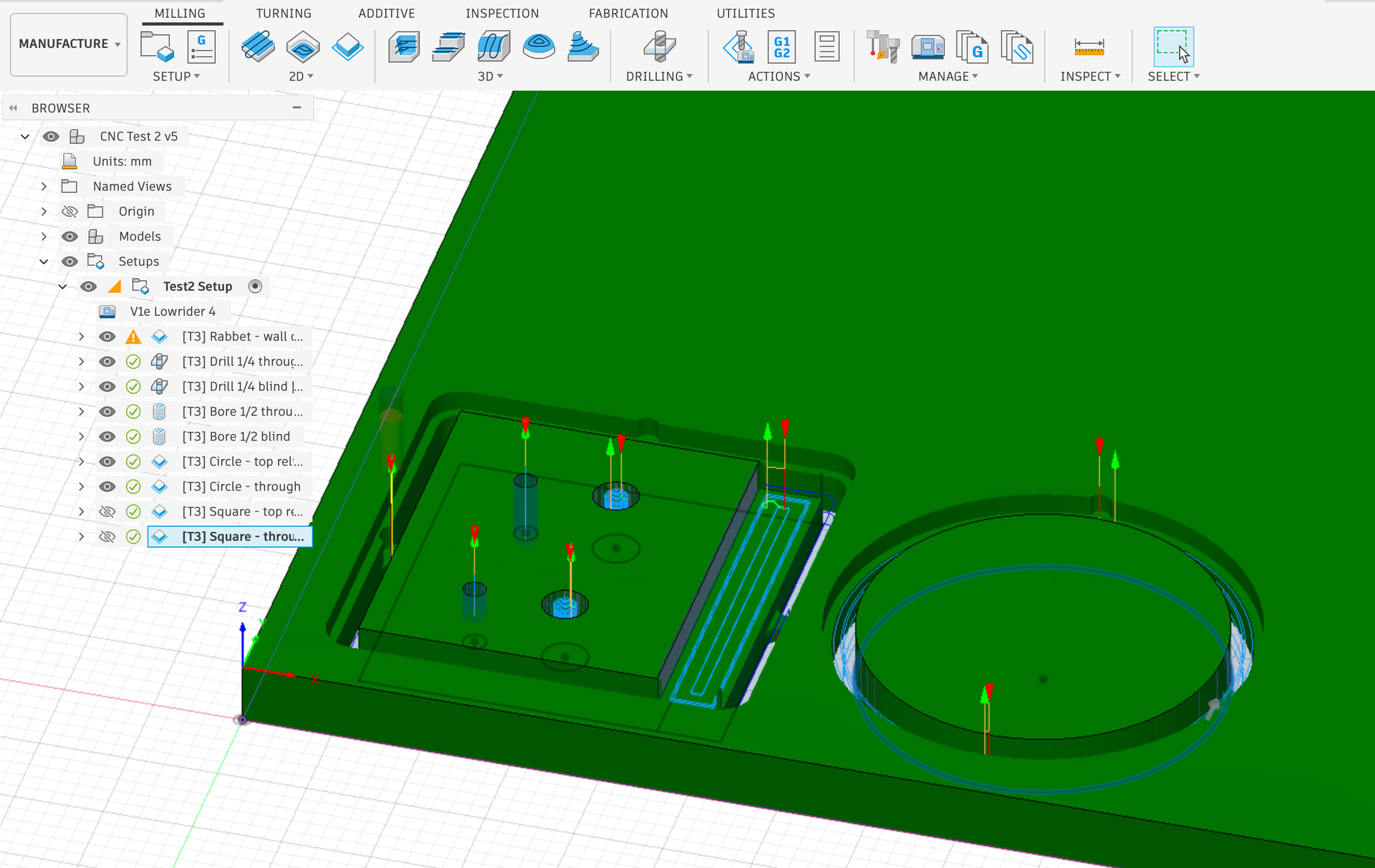
Completely hands off CAM setup from a drawing
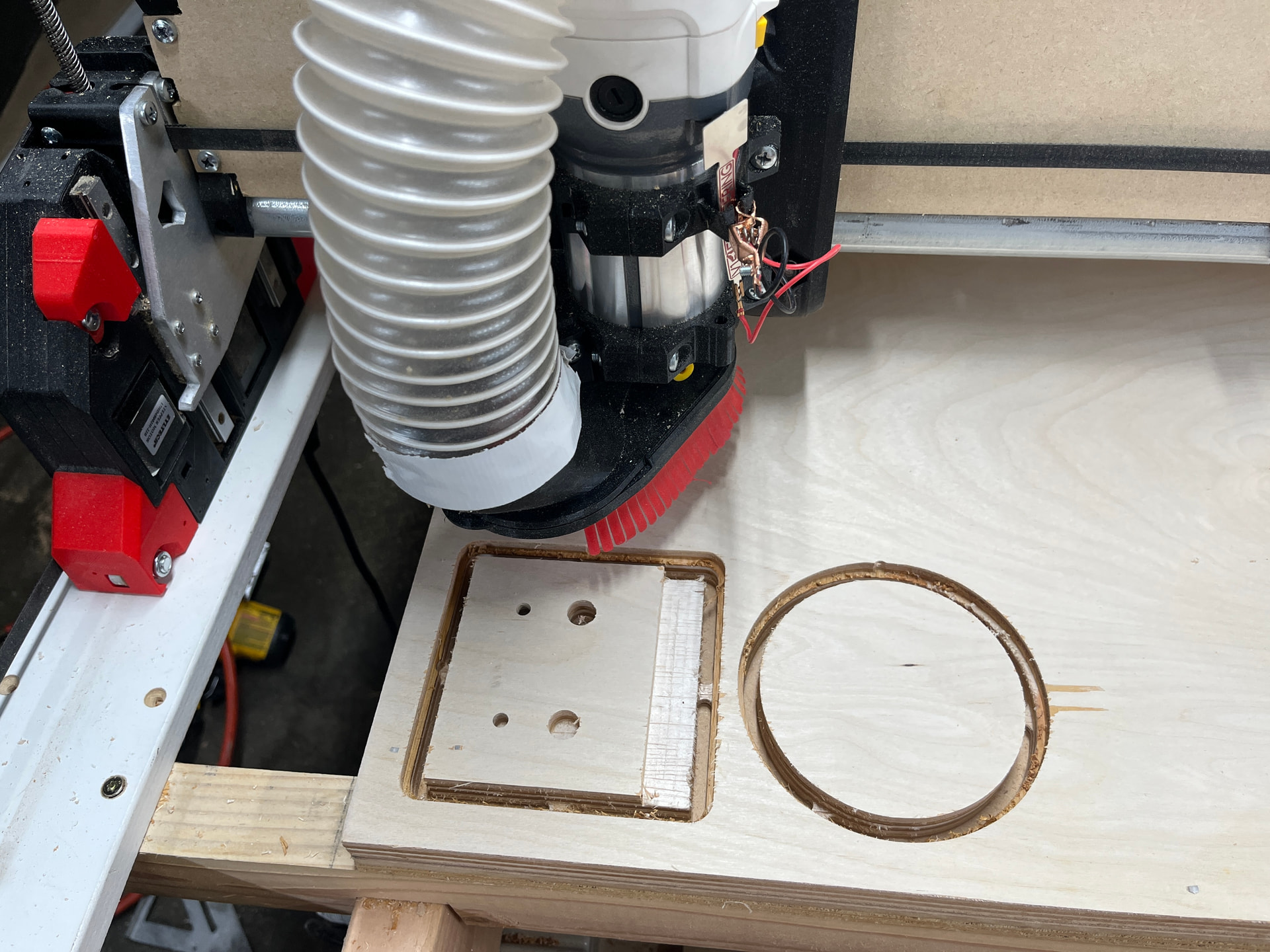
Cut from previous CAM output
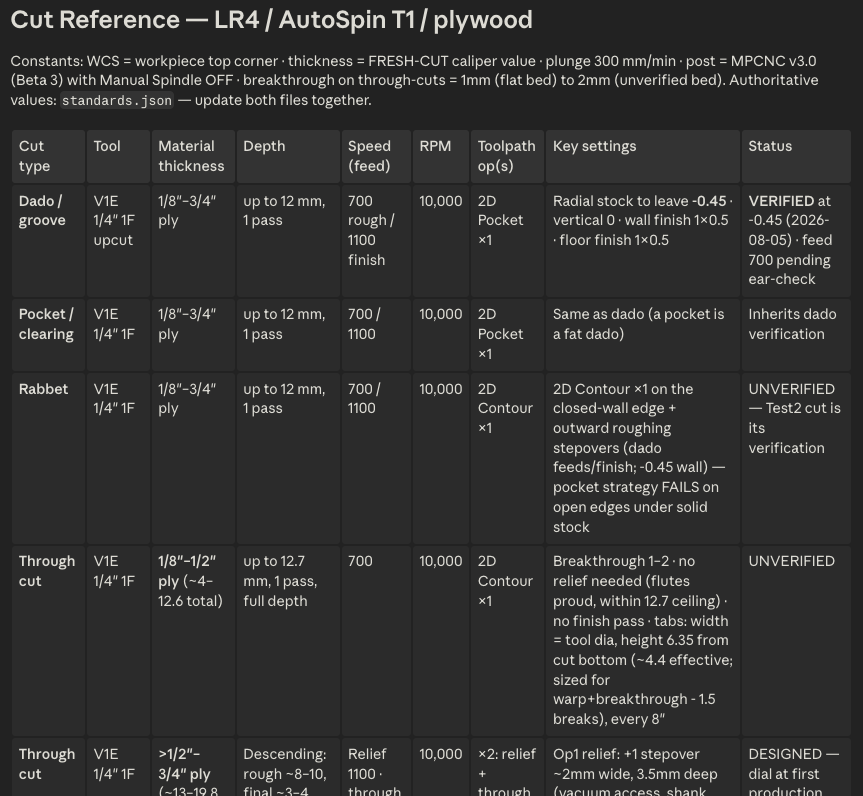
Table of toolpath operations I’m working on
Not sure about a repo, but i definitely want to look into this a bit further.
There is a line somewhere between “i can just do it faster” and “this ai stuff is so easy” and it’s not much different than table saw vs cnc for cabinets. I find myself struggling to find the line. And it gets even blurrier when you look at the table saw vs cnc and add ai cnc
I think if I were doing many of the she cabinet over and over, the ai tweaking my settings and getting the best results would be the way. But to slap together one cabinet, table saw and done.
This is super interesting though and I want to take some more time and look more closely at it.
Maybe a little misunderstanding – I’m just using claude for CAM profiles so common tool paths in plywood. This does nothing for design and can be used for anything you’re making really.
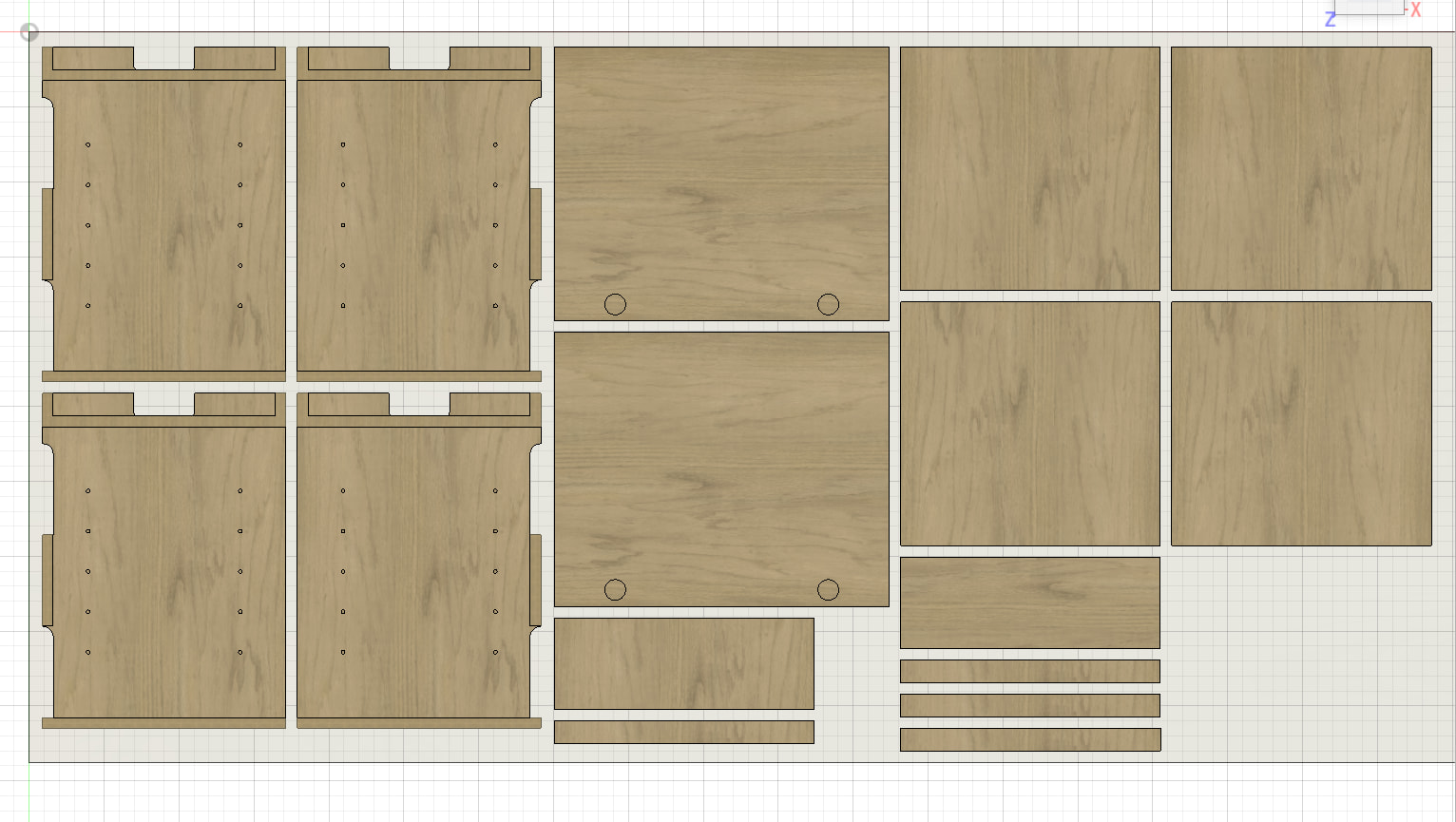
Re: cabinets, yes I half agree with you. I think the best workflow is to cut the sides on the CNC and mark the table or track saw lines for the other cuts on the sheet. I’ve designed the sides to have dados, rabbets, and the shelf pins which makes it super easy to assemble. These are french cleat style so the back panel of the sides also have some reliefs for the cleats. Whole thing is parametric in fusion.
I really need to get a pen tool or laser to mark the straight cuts. Dados/rabbets + glue + brads makes assembly super quick though.
This is very cool. I’ve been using Claude to help me with all of my feeds and speeds on Estlcam as well as tuning up my 3d printing parameters and it has been incredibly helpful. I will have to try playing around with this Fusion 360 Connector. This seems like a great step as the interface today between Claude desktop and either my CAM or Slicer programs is very inefficient.
Thanks for sharing!
I made some more progress on some of my cut operation settings and will see if I can get a repo shared on here in the next week or so.
@spsully2582 inspired me to finally work in an operation for a circular/track saw cut path instead of milling squares out of the sheet. I’m working on using a V bit to score a manual cut path at a depth that jives with the blade thickness and hopefully helps prevent tear out.
But that’s pretty specialized for cabinets/flatpack stuff. The repo will mostly have pretty generic cutting and clearing operations designed for a standard LR4 and V1E 1F bit.
That’s an interesting idea.
I went the other way. I wanted a smaller machine and less lifting full sheets so I use the track saw to make panels and then have the cnc do the real work.