I’m finally up and running and want to sort out directions for axis and basic homing testing with the endstops.
I pressed home Y once and it goes the opposite direction / away from my endstops. (Have I built it back to front?)
I had a look through the docs and it looks like I just need to change the axes//homing/positive_direction value (true/false)
Where/how do I edit this information please? Is it in the config file?
I’d also like to invert my Z axis controls, as currently Z- goes up and vice versa. I know I could turn the stepper drive connections around, but Z0 is quite tight in the socket and after the nightmare I’ve had with stepper motor wiring the last day or two I don’t want to risk breaking anything by yanking it out, so if I can simply invert it in the controller that would be ideal.
You don’t need to change anything in the config. You just need to turn the plug 180° for any stepper that is going the wrong direction. Be sure to power down the board before you unplug any wires from the board
I strongly recommend flipping the plug rather than jiggering the configuration so that as new updates are released you’re aligned with “out of the box” or “yellow brick road” configuration. That way you don’t have to remember to reapply changes if/when you upgrade.
I’m not sure and I’m not home to be able to pull mine up and look at it. Best course of action is to not jog the machine farther than you have room to go in one shot. Worst case is it reaches the end of travel and the steppers skip steps. It sounds bad but doesn’t hurt a thing
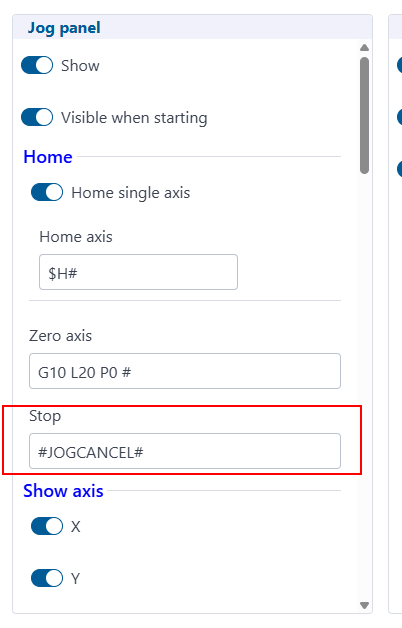
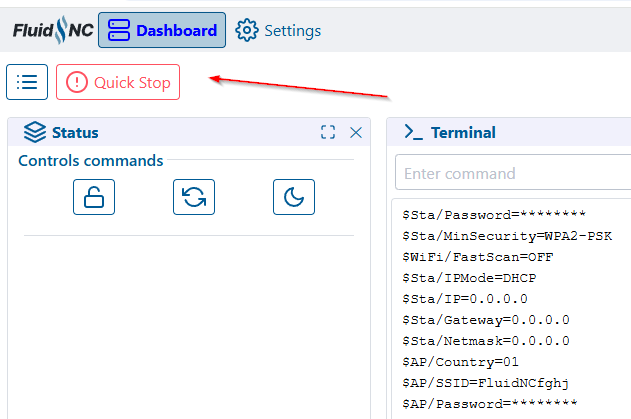
If its a jog cancel button, that won’t stop homing. Pause won’t stop homing. A soft reset will but that will cause an alarm due to a reset while in motion.
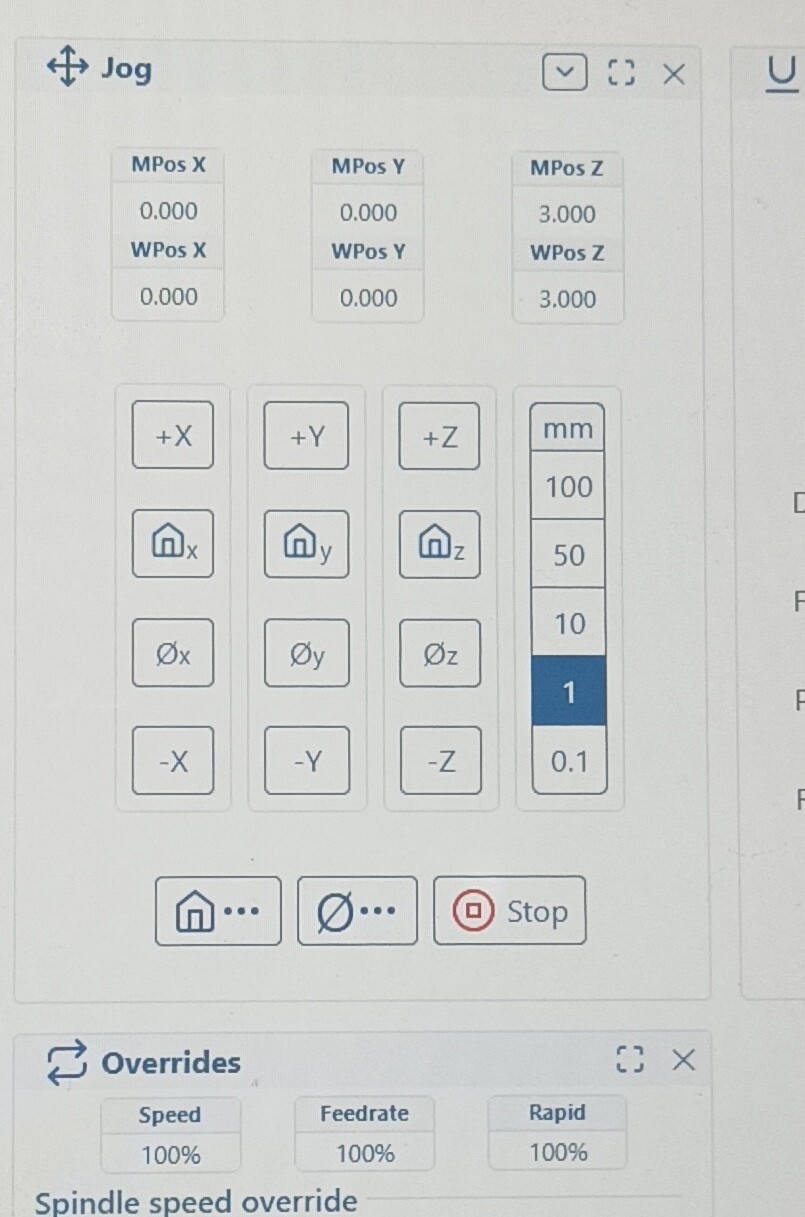
Basically I pressed Y home, it started moving in the opposite direction than I expected, then I pressed stop here but it kept moving. Pressed it frantically a few more times as the beam went up against the YMax(?) and started skipping but nothing happened, so just cut the power.
The one issue was that like in another guys thread, I sorta built with mental orientation backwards, i.e YMax as my starting area in my head and visually while building, rather than the endstops section where it homes. So in my mind I flipped everything if that makes sense and didn’t really take homing into account.
It’s an easy fix, just flip things and reorientate mentally, but it added to my confusion.