Cat feeding station

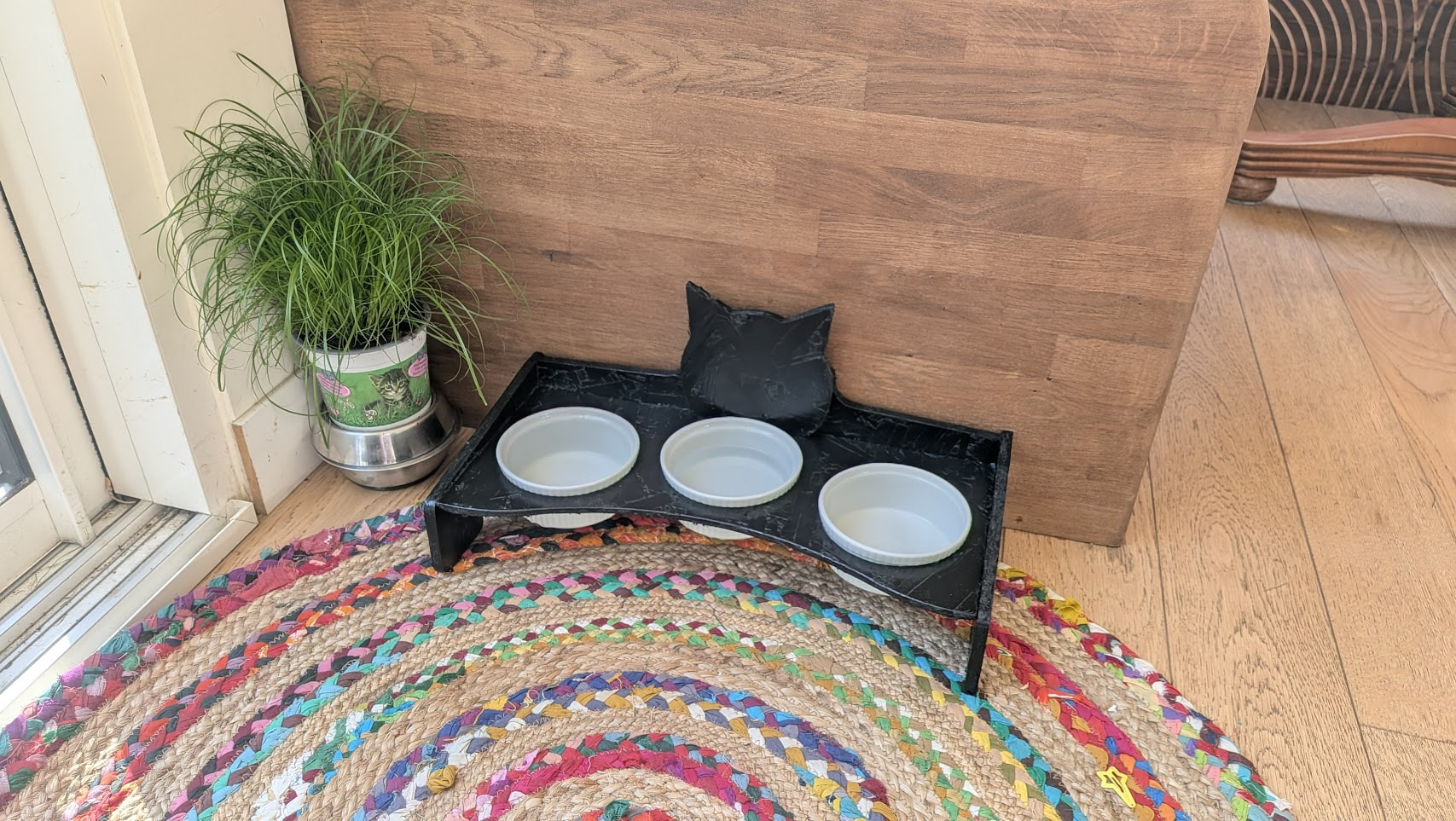
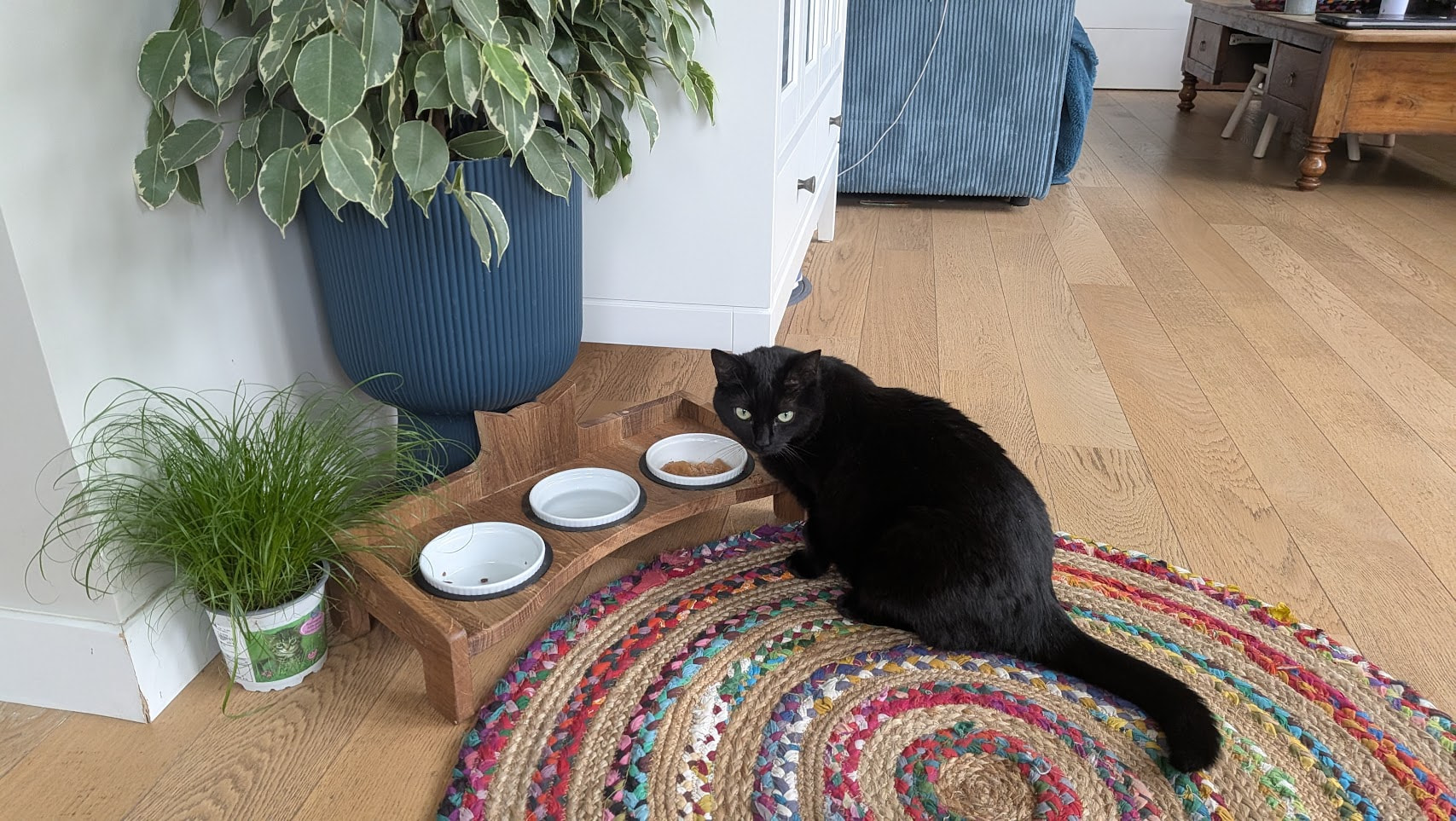
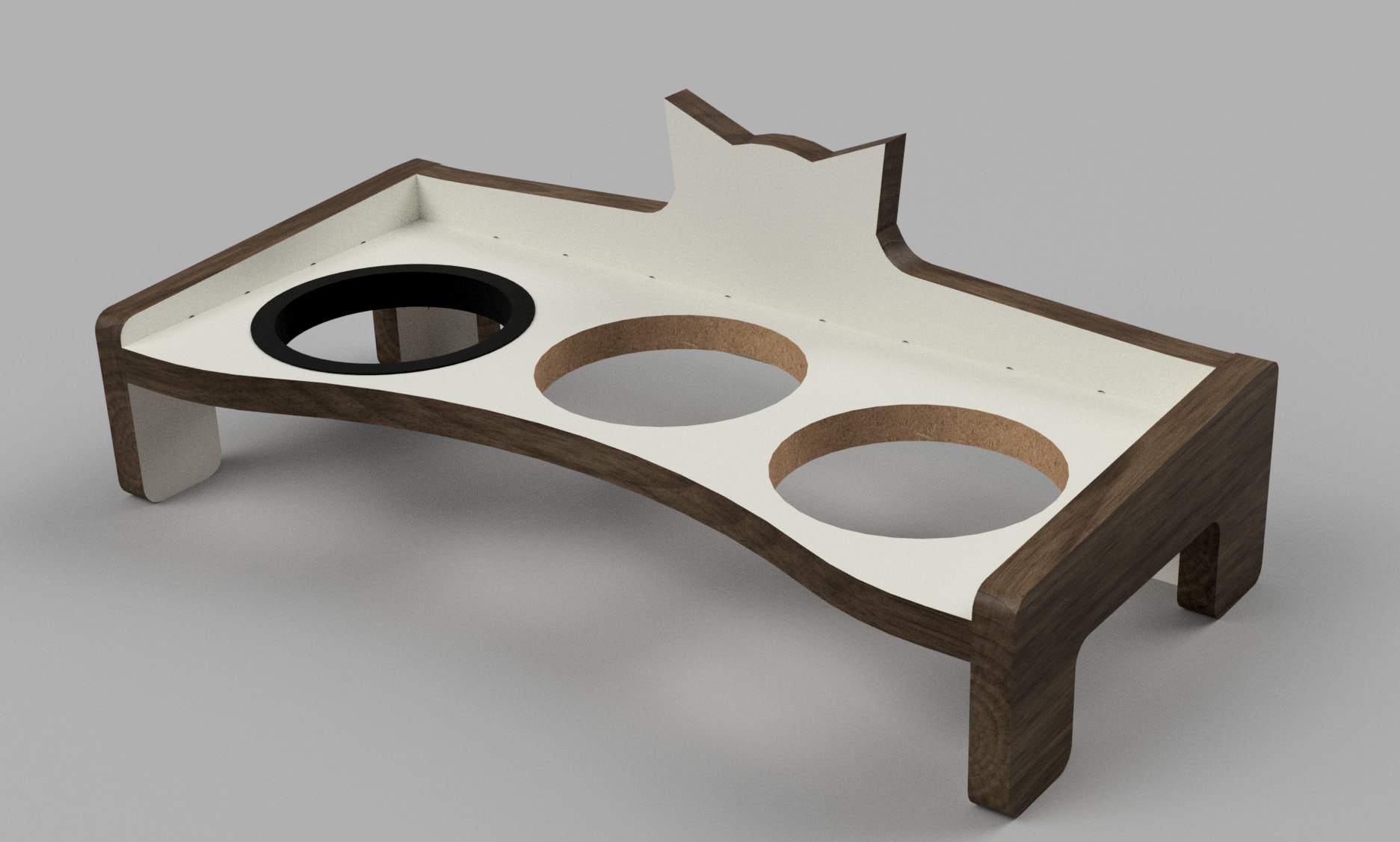
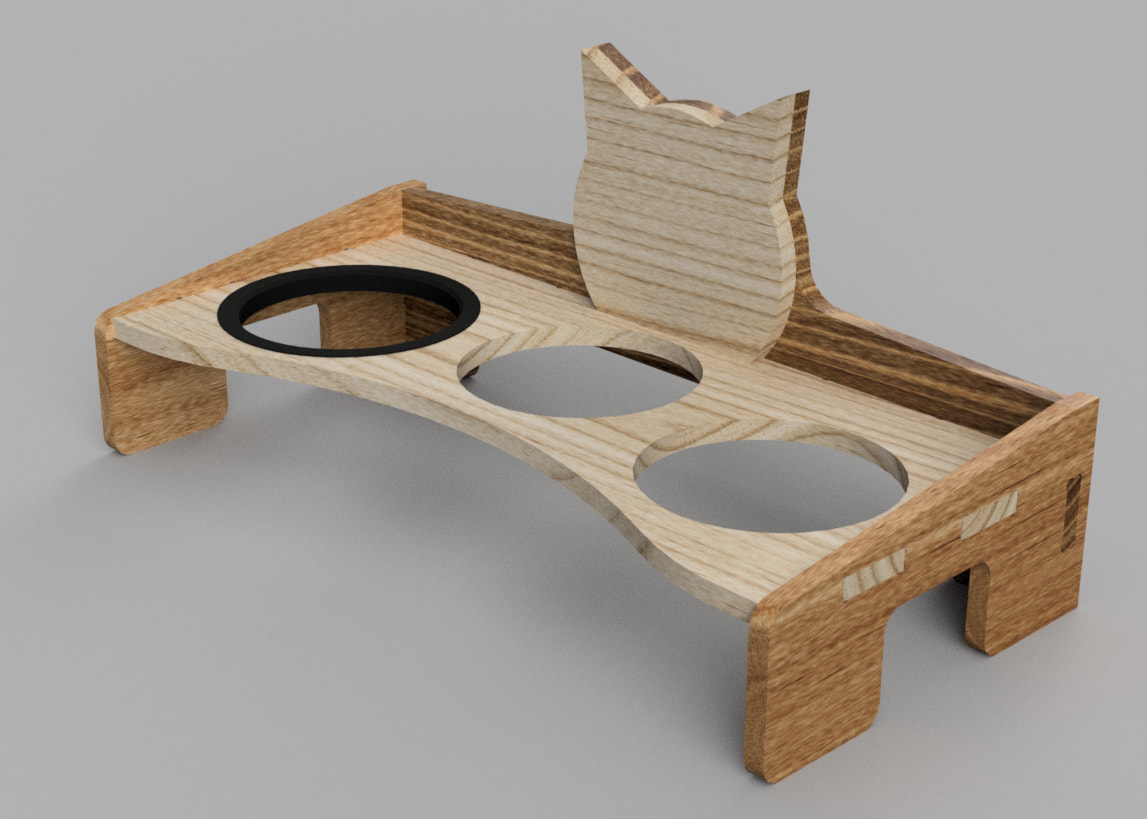
Had enough with the cat’s feeding bowls lying on the floor in the living room… so I designed thiis little cat feeding station

I have 2 cats, so 2 feeding bowls and a water bowl in the center, bowl diameter can be adjusted by printing bespoke TPU gaskets

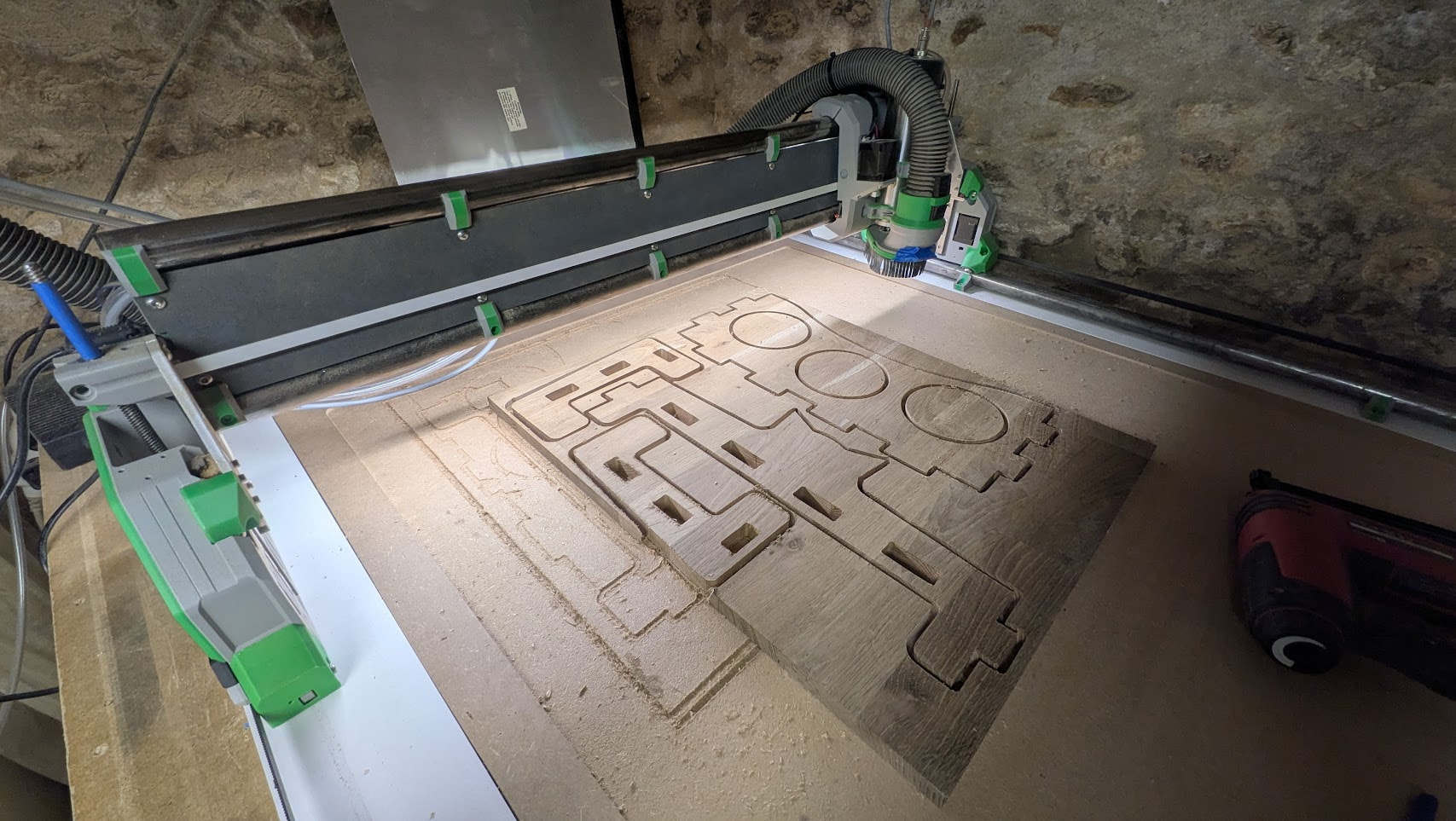
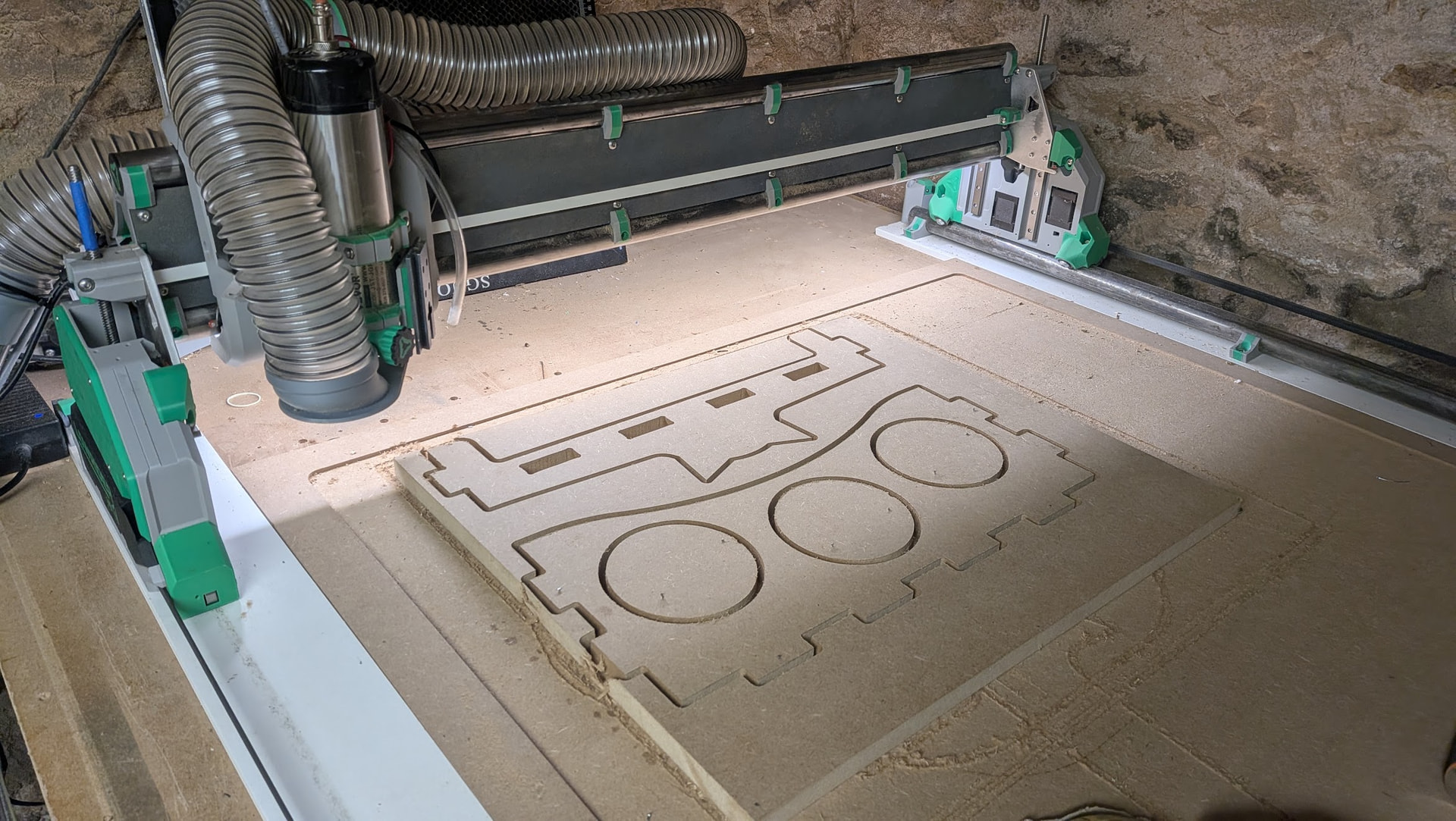
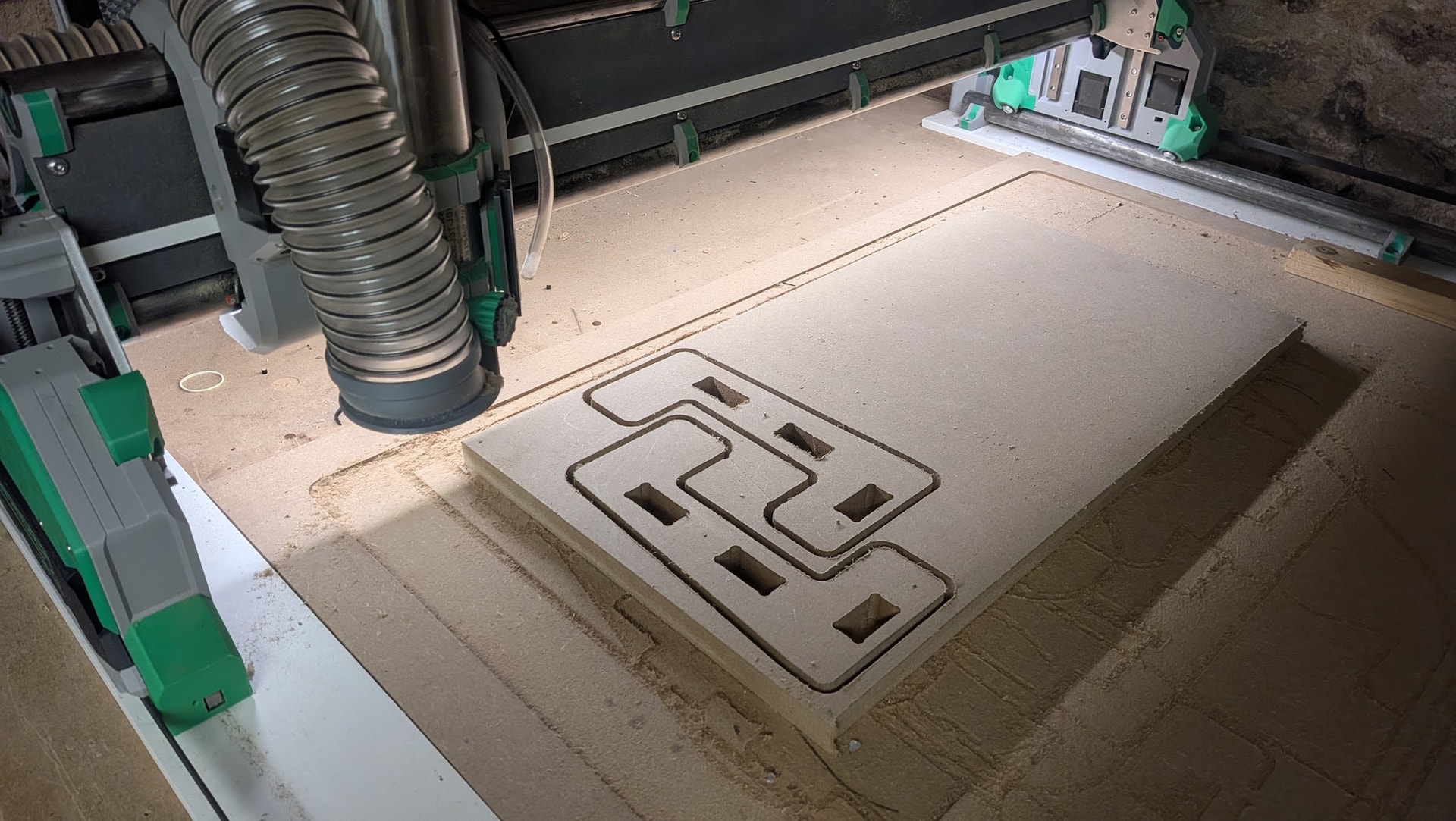
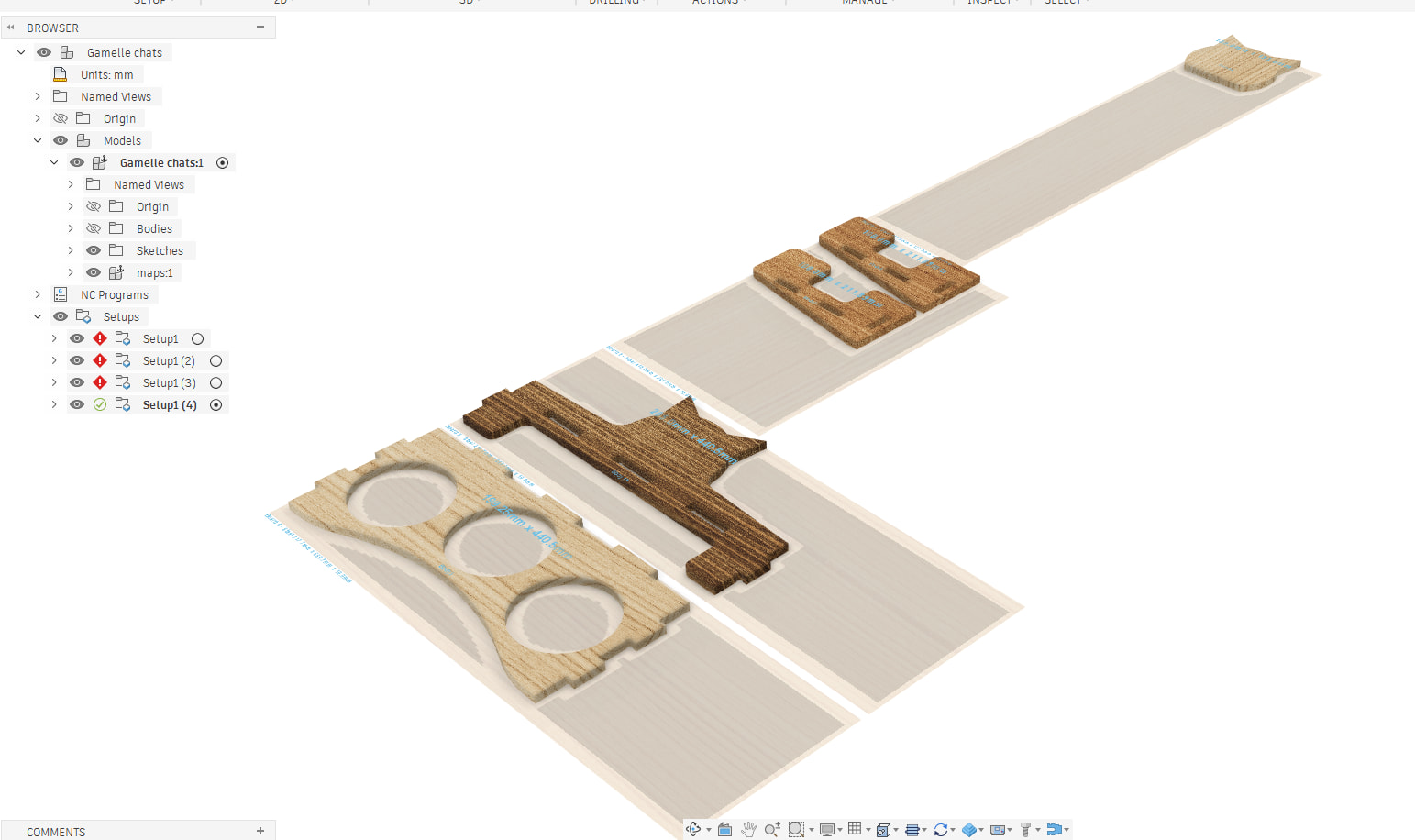
As always, finger joints and dogbones f360 plugins for assembly, and mapboards pro for laying out the parts…

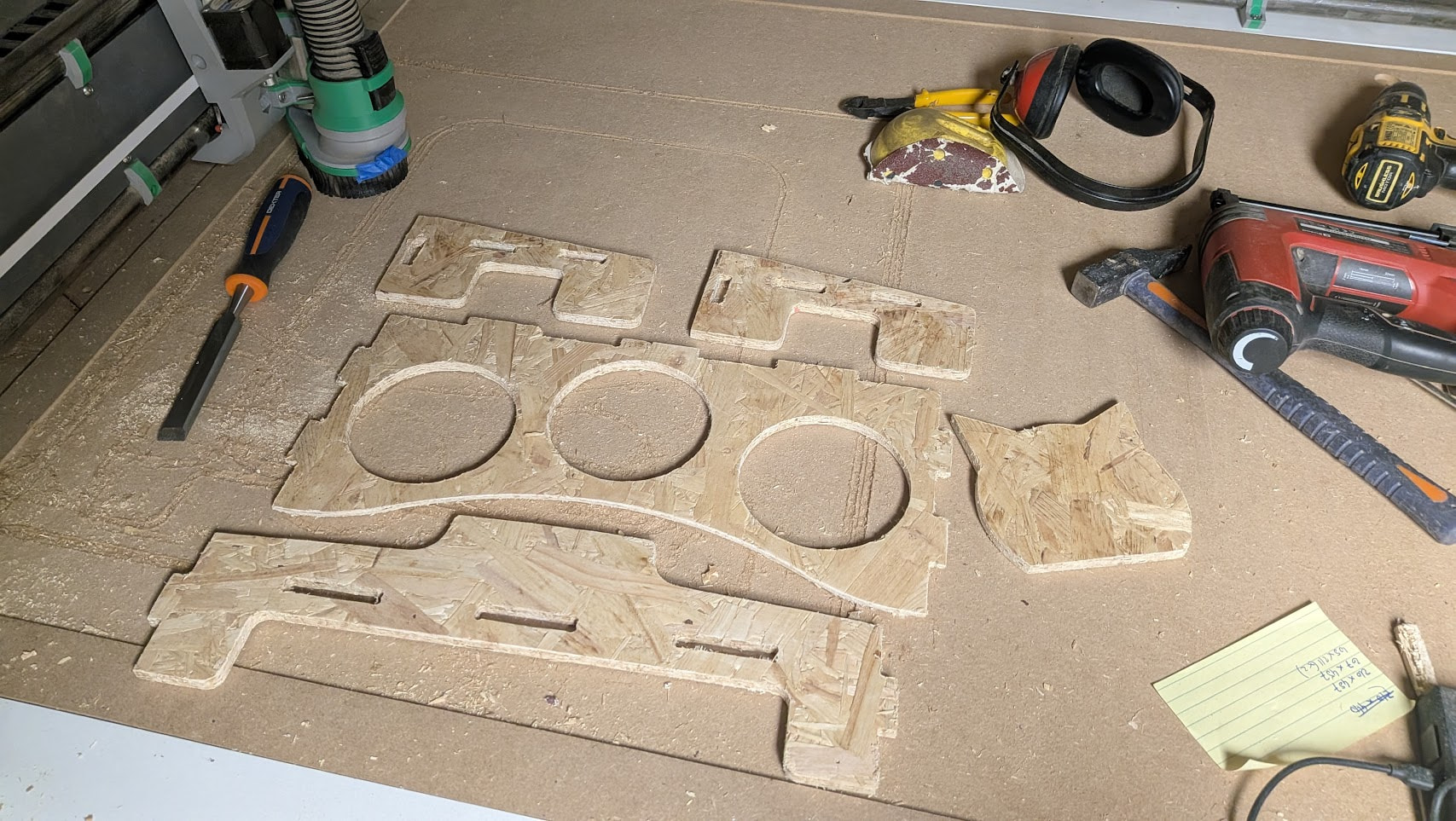
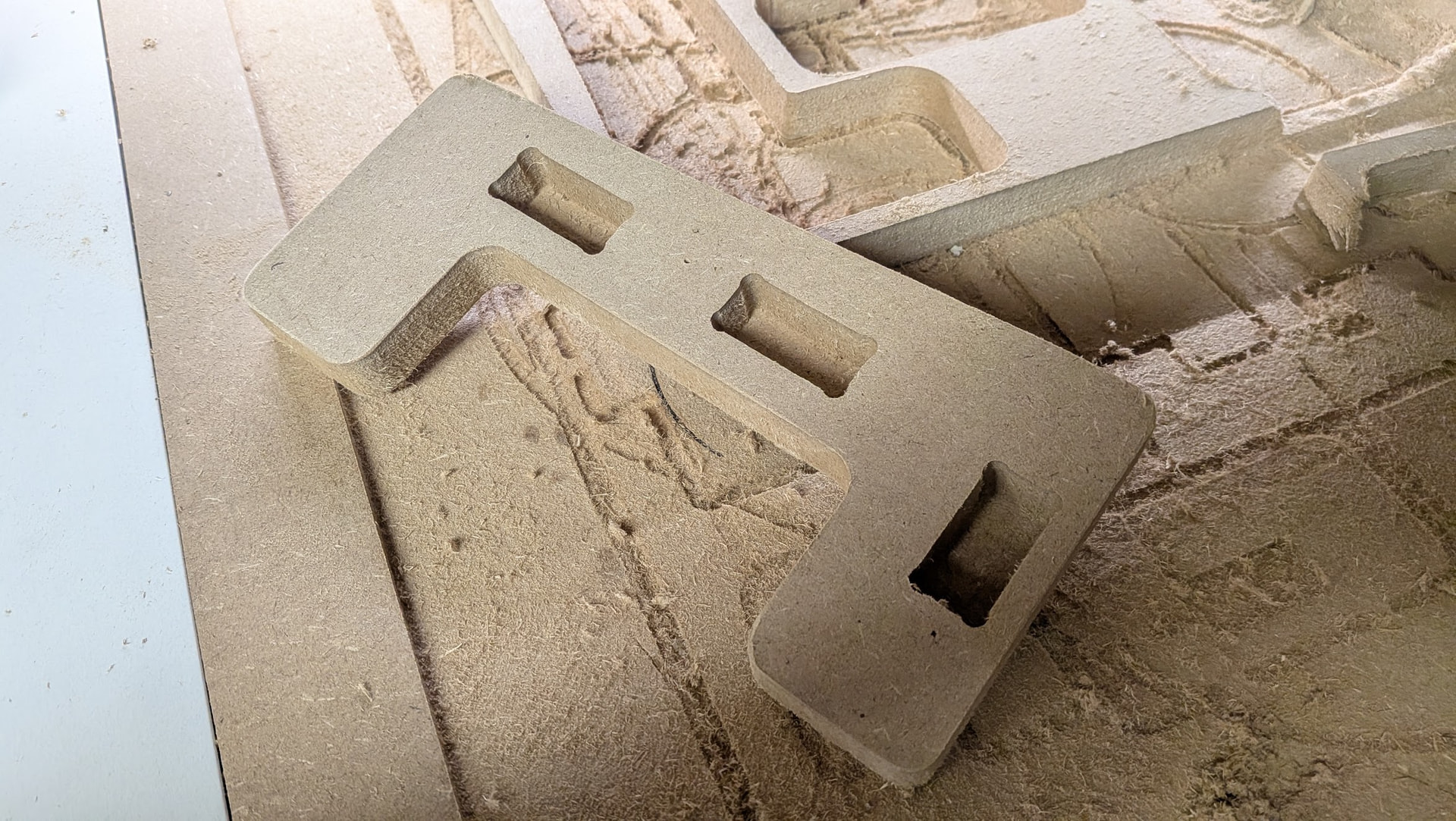
Cut out of 10mm OSB, 2000mm/min, 3mm DOC, the LR4 really shines at fast cutting those simple materials

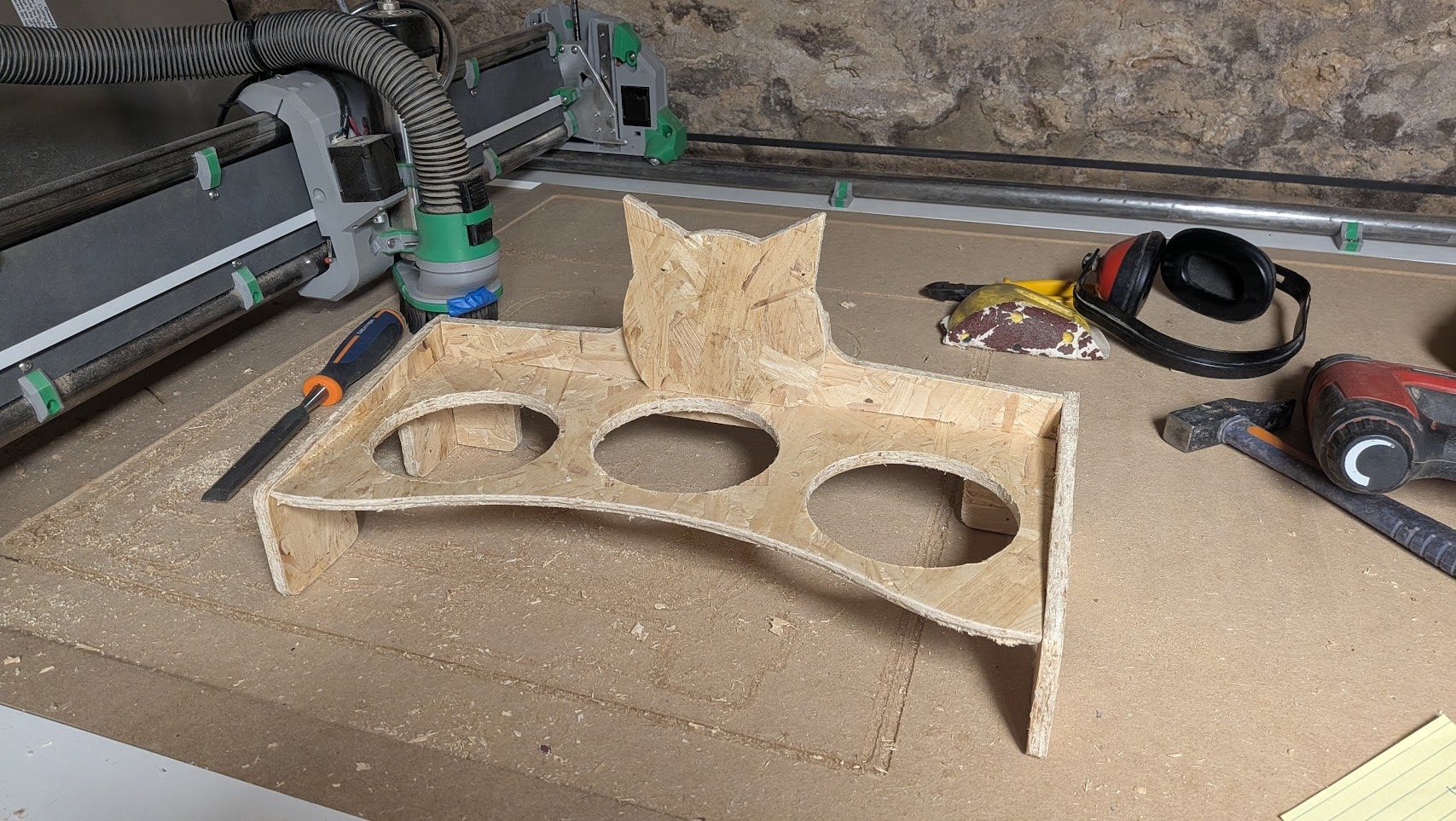
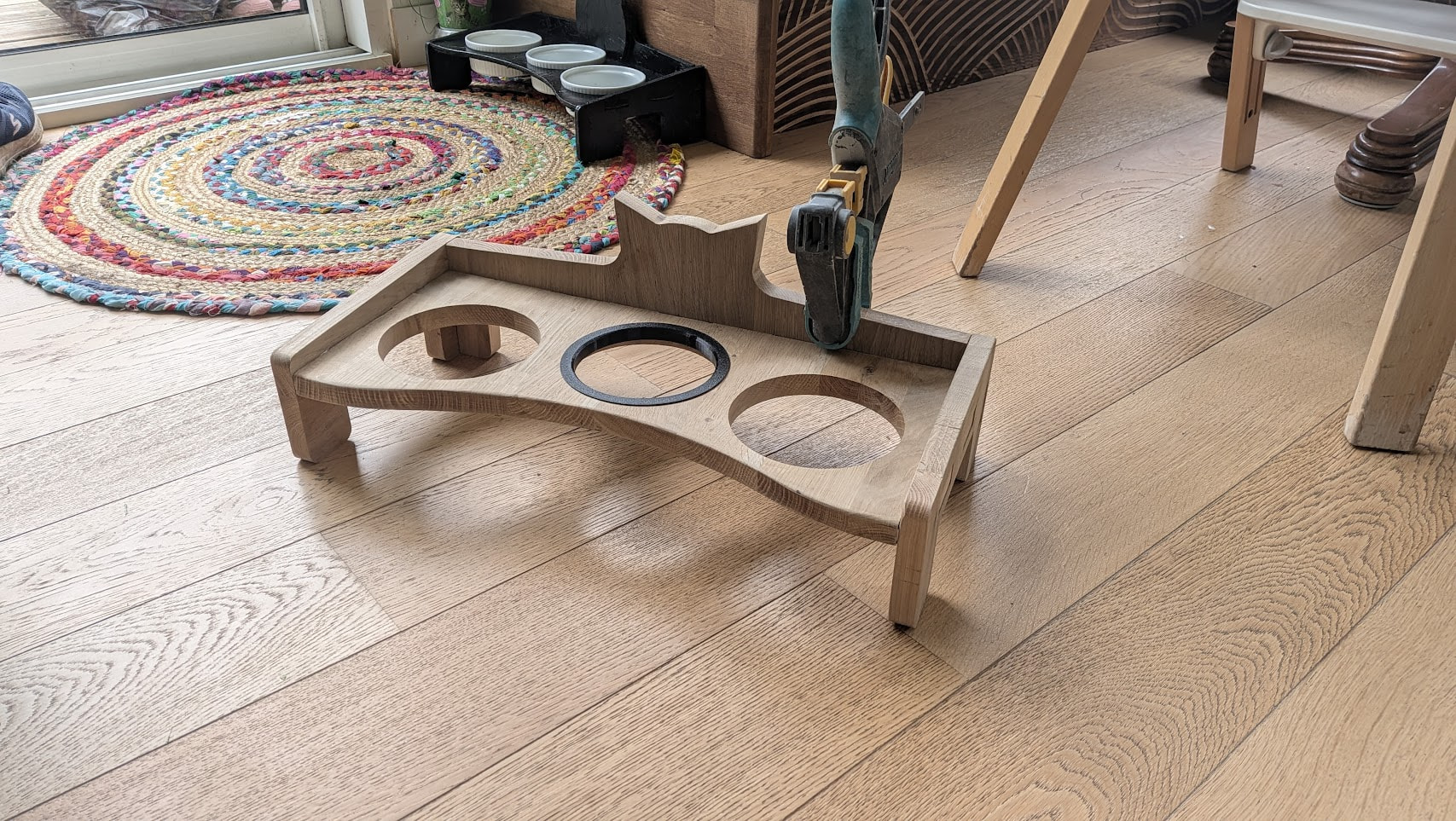
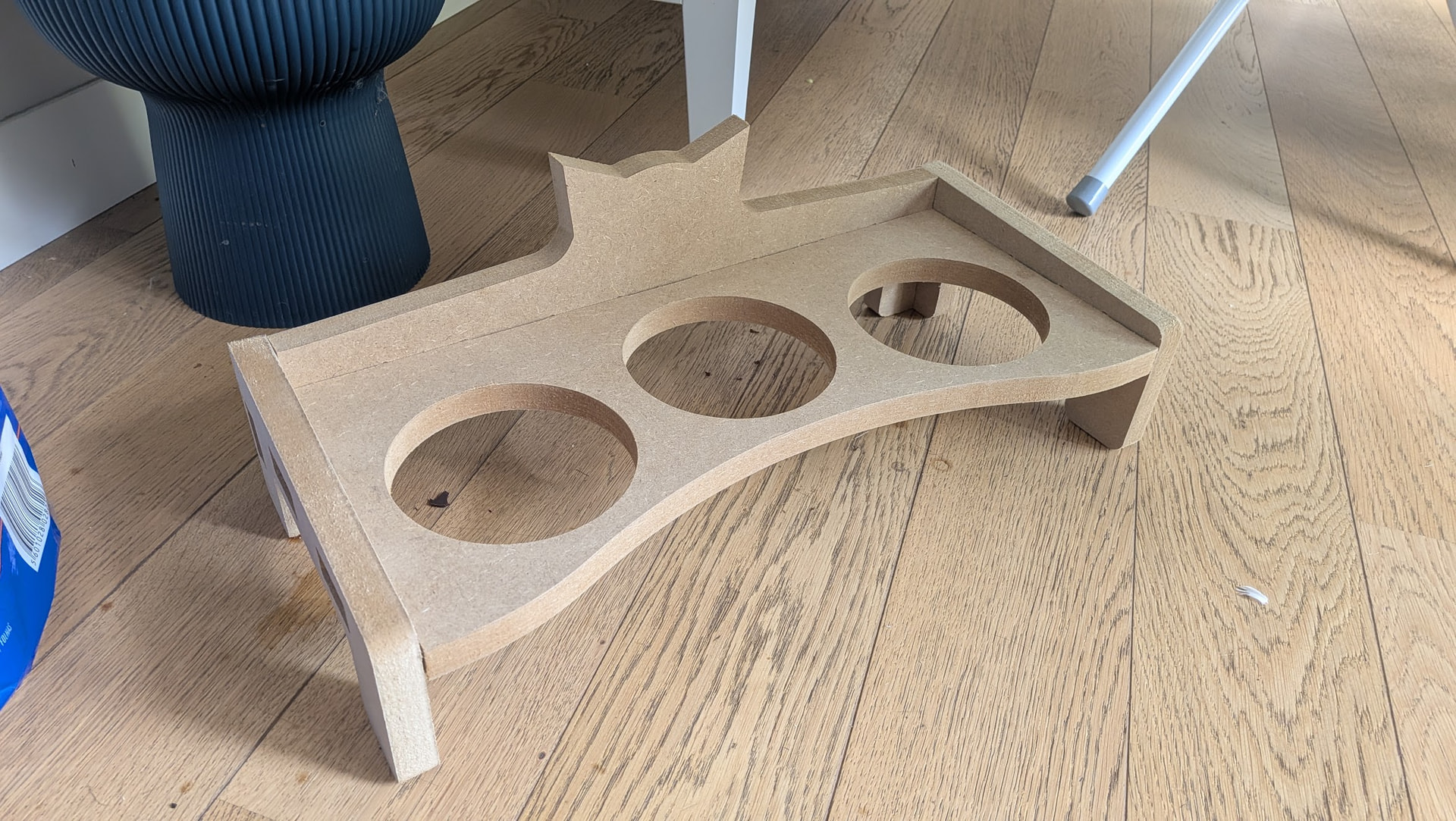
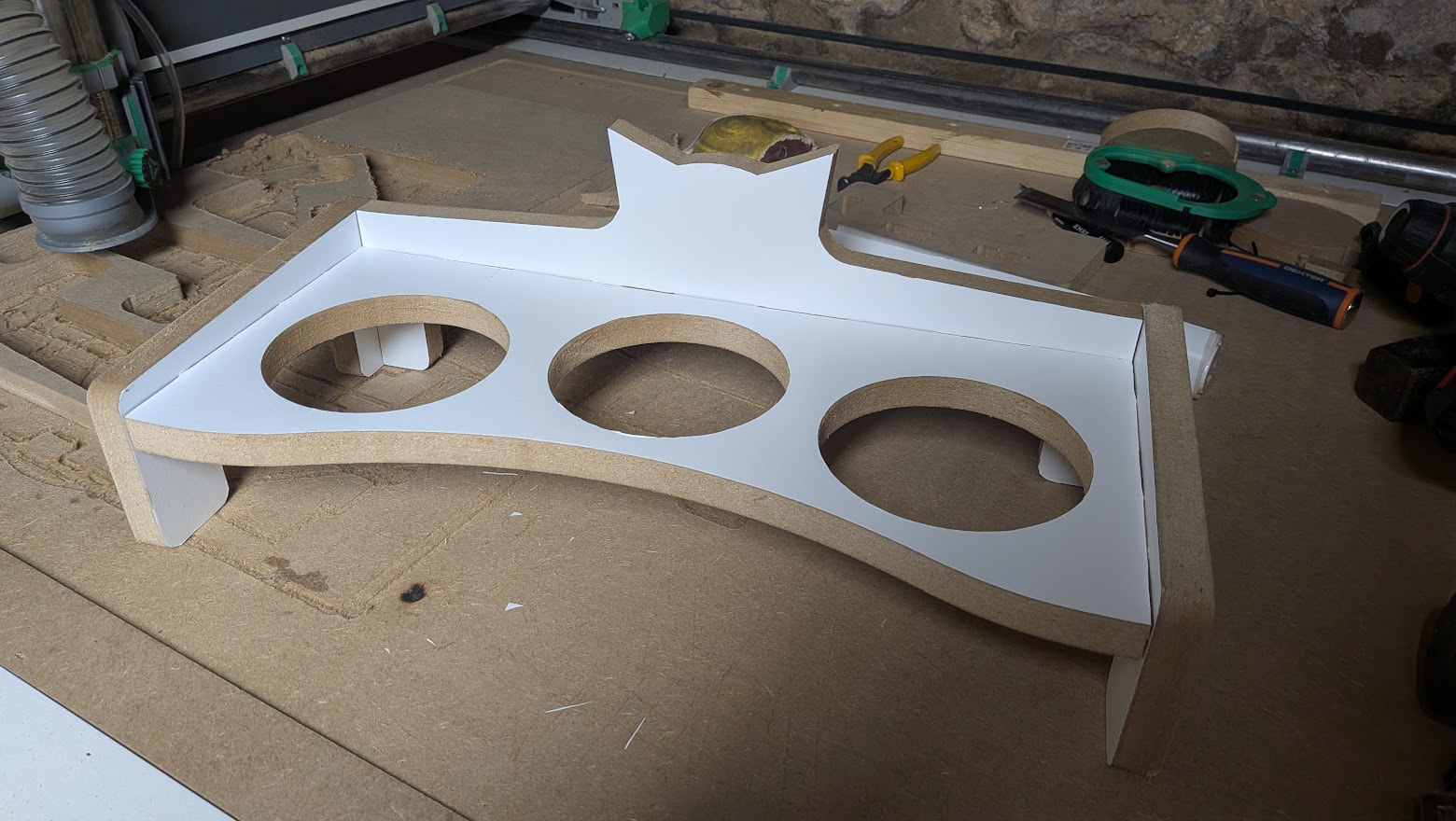
Had a boo-boo on the bowl hodler part, the back board wasn’t tall enough for the back part (hence the added cat head silhouette), but shh… don’t tell anyone :wink:

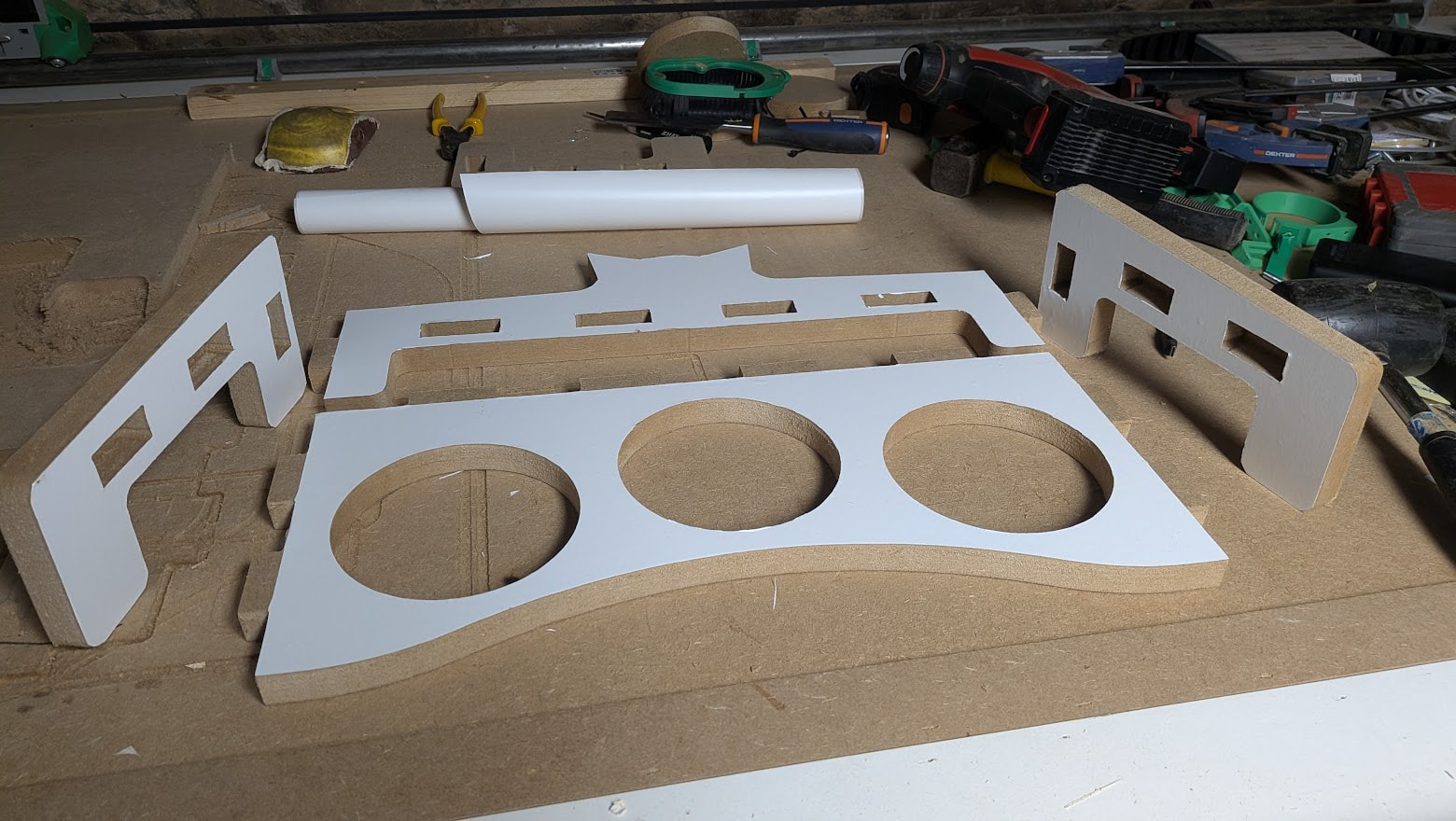
Design was ~1h/1h30, cut time: 40min, sanding time: 15min, now I’m painting those and waiting for it to dry so I can glue them up…

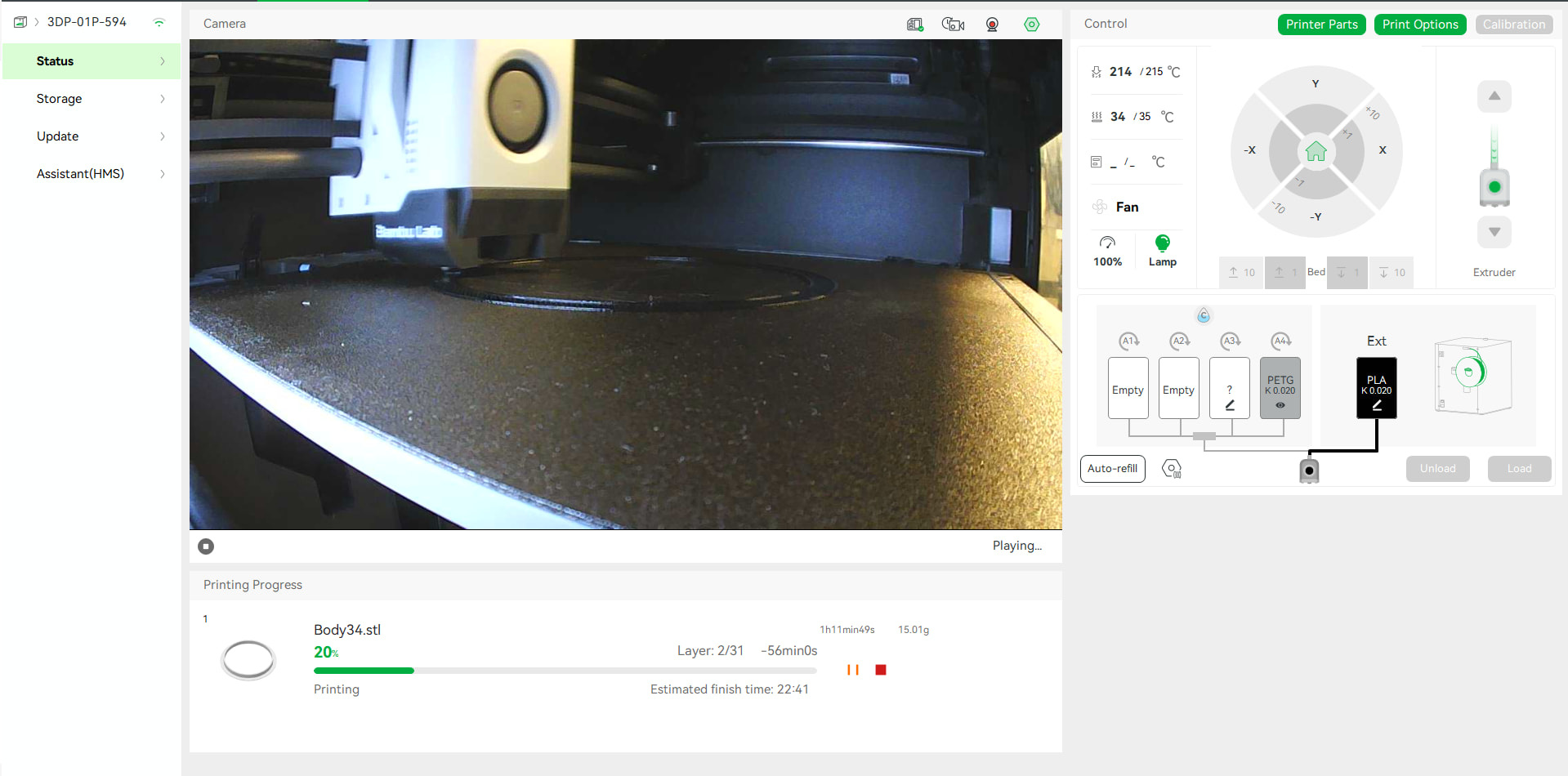
TPU parts are printing right now while the paint dries…

Love those fast projects, started design at 2pm, had the parts cut and ready to assemble at 9pm, going shoppping for 2 hours in-between…

Will keep you posted with pictures once assembled…

Did you know you can absolutely ruin a piece just by chosing the worst colors?

This is horrible, can’t believe I could pull out such a monstrisity, I’m laughing out loud right now :smiley:

Lol, I don’t think the color is too bad, at least on the picture it looks nice, but it clearly needs a bit of sanding !

Cool project :+1:

… for a cat. I get it!!

You know, if you put enough paint on it, it will be fine. Painting is kind of like soldering… the bigger the blob, the better the job. (not serious)

Let’s call this a prototype :slight_smile:

Ok, that’s much better :slight_smile:

Made a massive crack in the rear panel because the board was thicker than advertised and I hammered the finger joints, but it should be alright…

Also noticed I lost z steps during the cut, my Z axis ended up 3mm lower than it started :confused:
I re-homed Z, and it was all good after that, so it’s not the bit sliding in the collet or router sliding on the core…0
Don’t know what’s going on here…

If Z is too fast it sometimes does not do the transition from down to up well and loses a few steps.

Regarding the cat: it looks great! I’d be scared that it cracks in the front though, I would have changed the direction of the grain for it. Maybe it works if the cats aren’t fat and the kids don’t step on it. :stuck_out_tongue:

Yeah the grain direction is wrong, but as you could tell from the nesting, I was quite limited in options for it to fit on the stock :stuck_out_tongue:

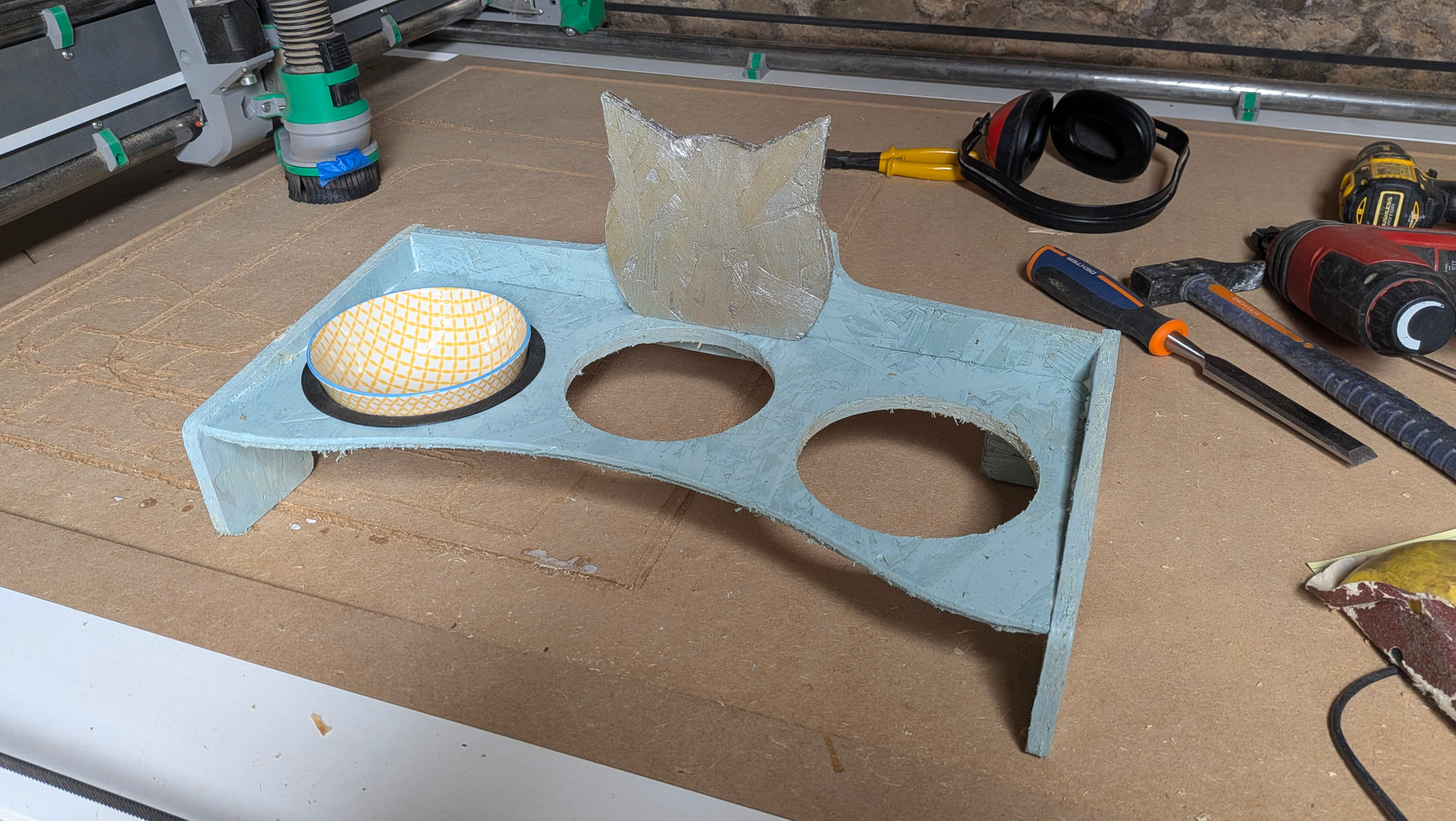
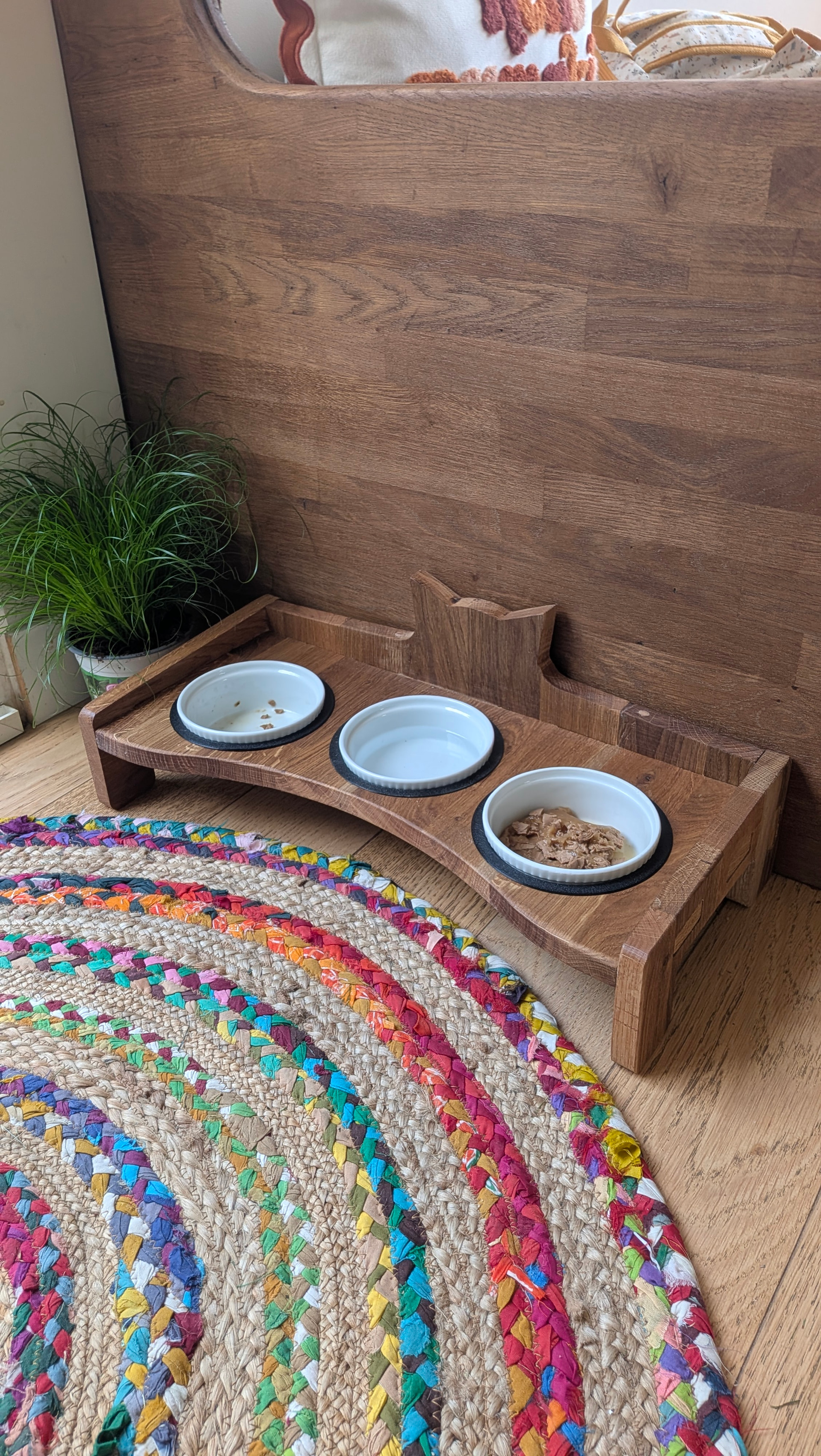
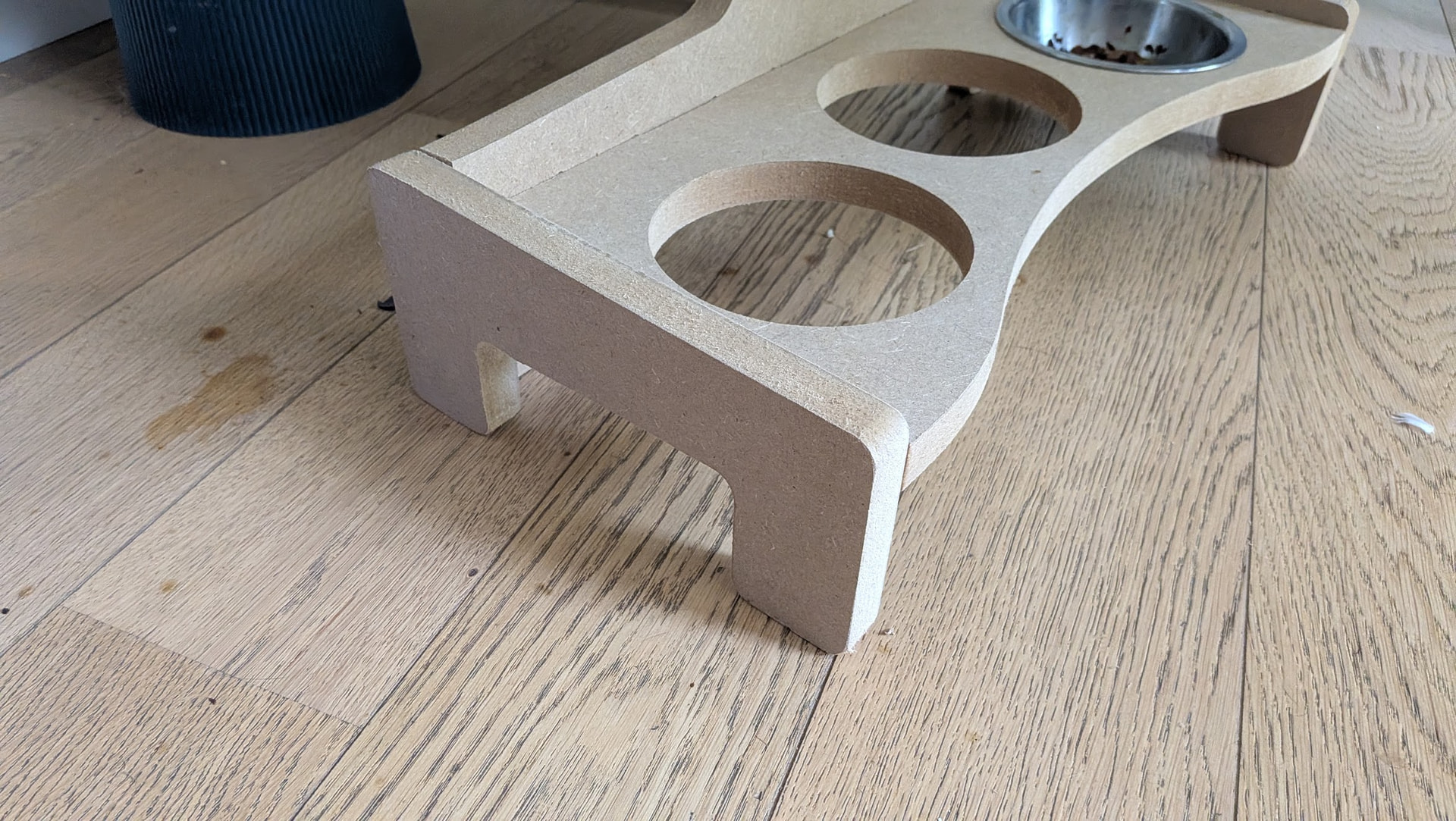
All done, wiped with mineral oil and printed the TPU gaskets
Also fixed the cracks with some dowels

Very happy with how this turned out

I dont run a jackpot, but i had a similar issue with lost z steps and turned down the z acceleration to solve it. Top speed wasn’t the issue, it was changing speeds too quickly.

I’ll consider that a win :slight_smile:

I hear a sort of “clonk!” sometimes when the Z axis lift up suddenly I think that’s correlating…

What max-acceleration are you running at?
Should I limit it in FluidNC parameters or in CAM?

Is that the motor skipping or the lead screw connection grub screw?

In klipper the acceleration number is 80-150 mm/s^2. I think mine is at 120, but my github repo hasn’t been updated so I cant see the actual values for a couple weeks.

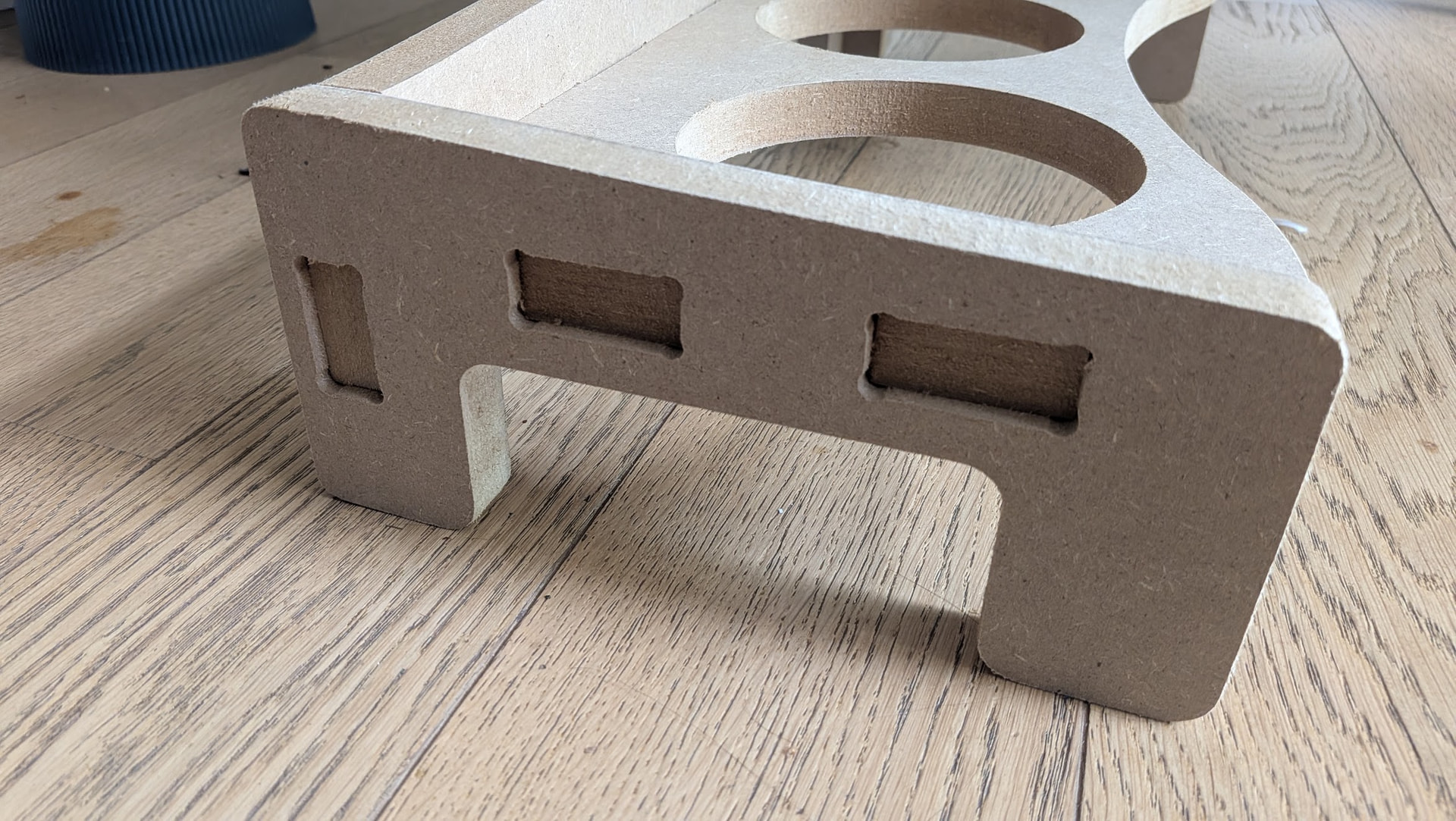
The second one was begining to crack (fitting was a bit too tight on the fingers), so I made another one in MDF

I adjusted the finger’s size using negative offset so that a scarap from the same material just fits inside, and now it’s a nice tight fit but without being too tight

I also went with half-blind joints this time, but…

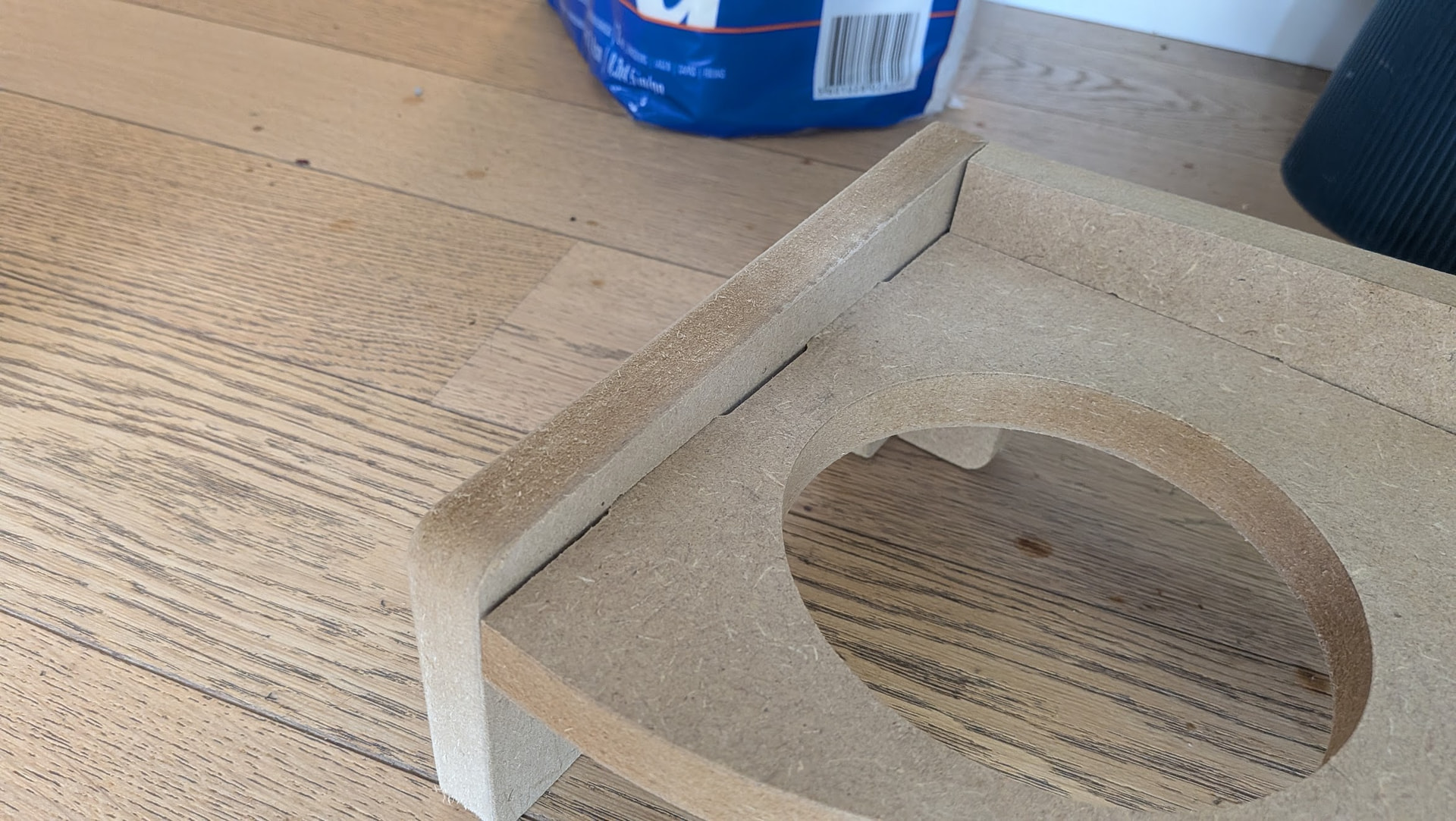
As you can see, the cut went just right through, because of the Z position getting lower during the cut…
This was supposed to be a 2.50mm wall at the bottom of the finger hole :confused:

The Z was homed at the table’s height, after the cut, I re-zerozed the Z axis and it was 3mm deeper than at the start of the job :confused:

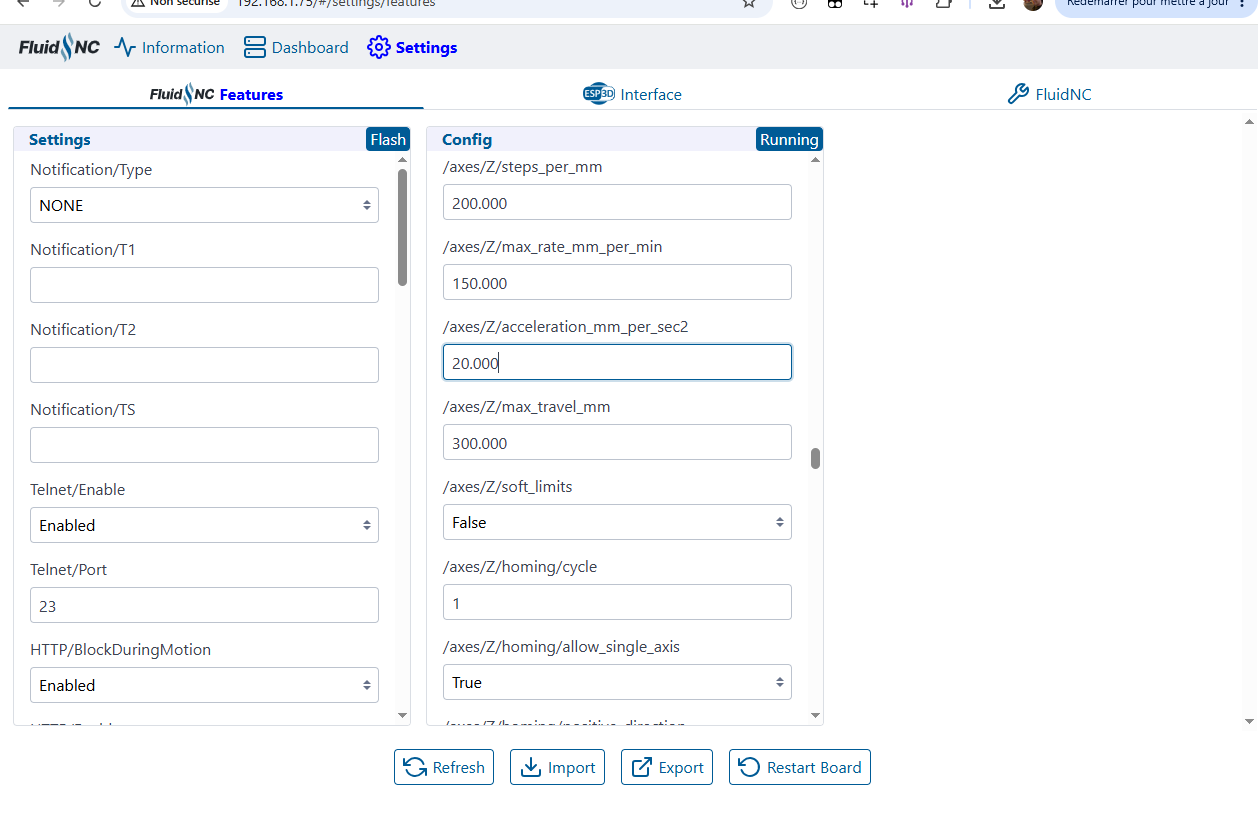
I tried lowering the Z accel as discussed above, but can’t seem to change the value

$$
$13=0
$20=0
$21=0
$22=1
$23=1
$30=255
$32=1
$100=50.000
$101=50.000
$102=200.000
$110=9000.000
$111=9000.000
$112=900.000
$120=200.000
$121=200.000
$122=80.000
$130=1220.000
$131=2440.000
$132=300.000
$10=1

$122=20.000
error:162

Editig the json and re-uploading it doesn’t work either…

Don’t know what’s going on really…


EDIT
Found this powt from Jason

So it seems it’s just the webUI being crap… -_-

Just edited the value with very conservative accels, I’ll re-cut this and see…

Much better!


There’s a little gap although I added a 0.5mm gap between the end of the finger and bottom of the slot, but maybe it’s just dust in there…

Just ordered some walnut veneer as I’ve been waiting to try my hand at this technique for quite some time…

Wood veneer on the outer sides and white paint or vinyl for the inside, so that it remains easy to clean…

I just want to die… this cheap covering is so awful… and a nightmare to work with -_-

Need to find a beter ione… -_-

Just use wood? :grinning_face_with_smiling_eyes:

I kinda want the top surfaces to be “plastic” so that I can clean the food that’ll inevitabely drop on it :slight_smile:
Also, one of the bowls is for water, and it may splash over so I need it to be water-resistant too

Available solutions:

  • Paint - but it needs to be water-resistant and a thick coat (probably the simplest option)
  • Vinyl / Stickers - Which I tried… not great…
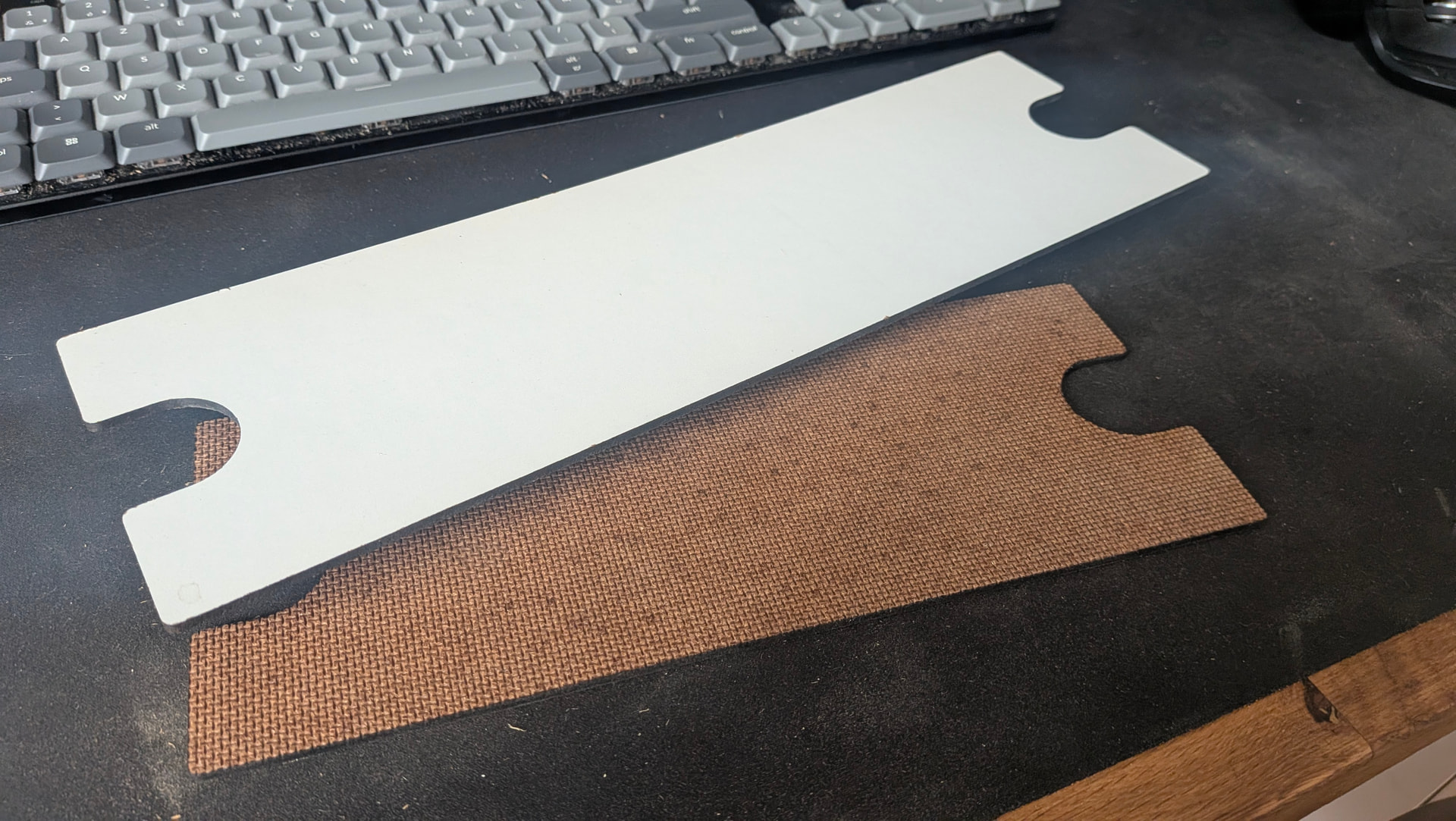
  • Doubling the MDF with the hard white melamine you make furniture’s back panels of - Probably the most durable, but then it’s yet another layer / thickness
Perhaps a top surface out of acrylic/plexiglass?

I was thinking about this stuff