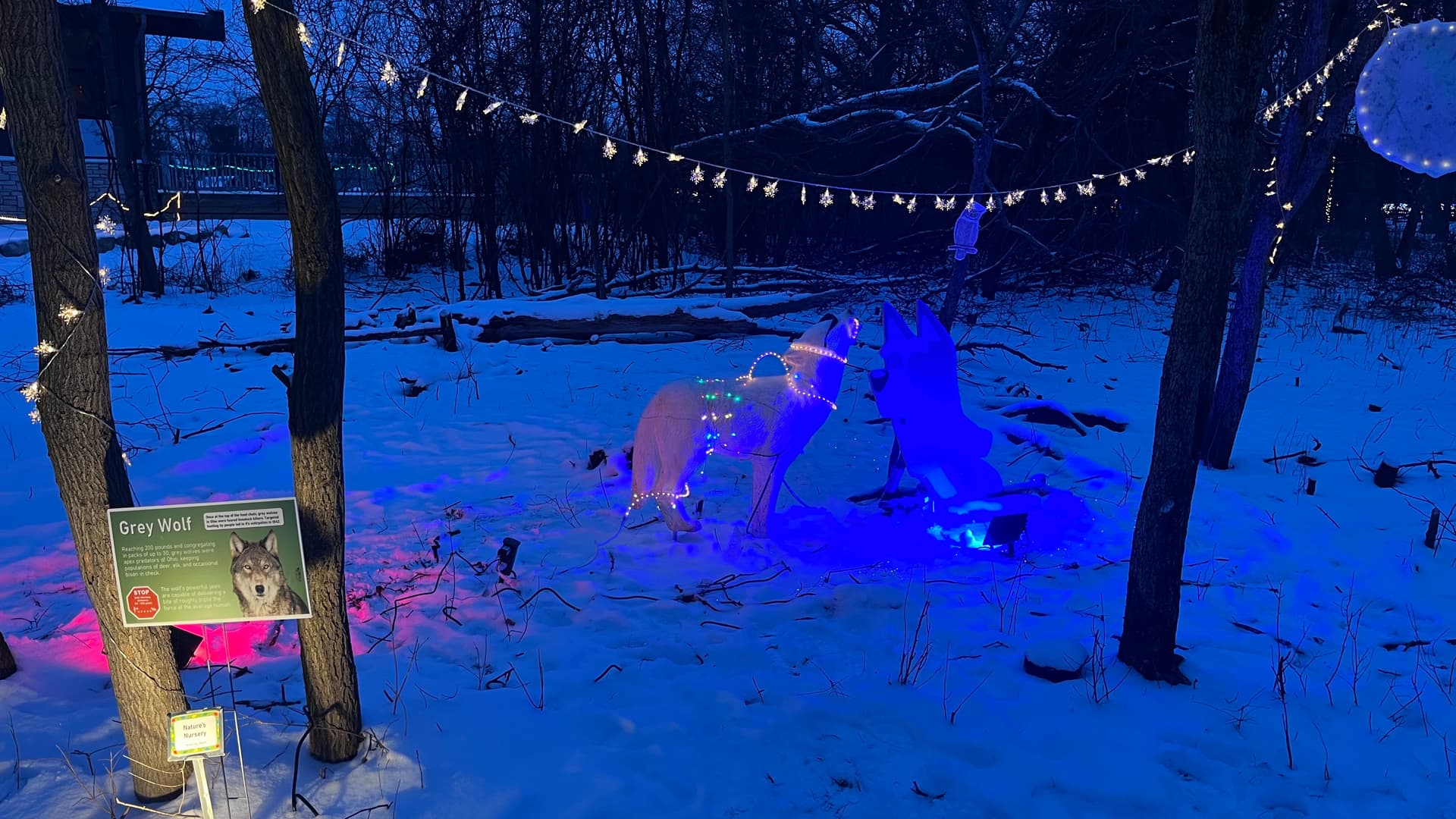
My hobby is woodworking and DIY stuff, my partner’s hobby is volunteering, and our hobbies have recently crossed paths! She volunteers at a wildlife sanctuary and they held an event for kids to see the animals, and they did it up with artwork, displays, fun things for the kids. She was going to make a poster display of Bluey (children’s cartoon dog) to have next to their wolf statue… while she was telling me this, I got a big grin and went “I could make that on the CNC…” 
This is one of the first times I started a CNC project from scratch and had it work out 100% on the first try, all in one day #growth! I traced the reference pic in CAD and carved the outlines, then she painted it, lacquered it, got it all set up, and it was a huge hit! Kids could be heard howling from the parking lot  She’s been so happy that I was able to make this on the CNC, and on a personal note, she’s never been very artsy but she said this has given her the confidence to do more crafting <3. I’m also motivated to build things for the charities she volunteers for, and I wanted to throw that idea out there because some plywood and an afternoon for one of us, could mean the world for others.
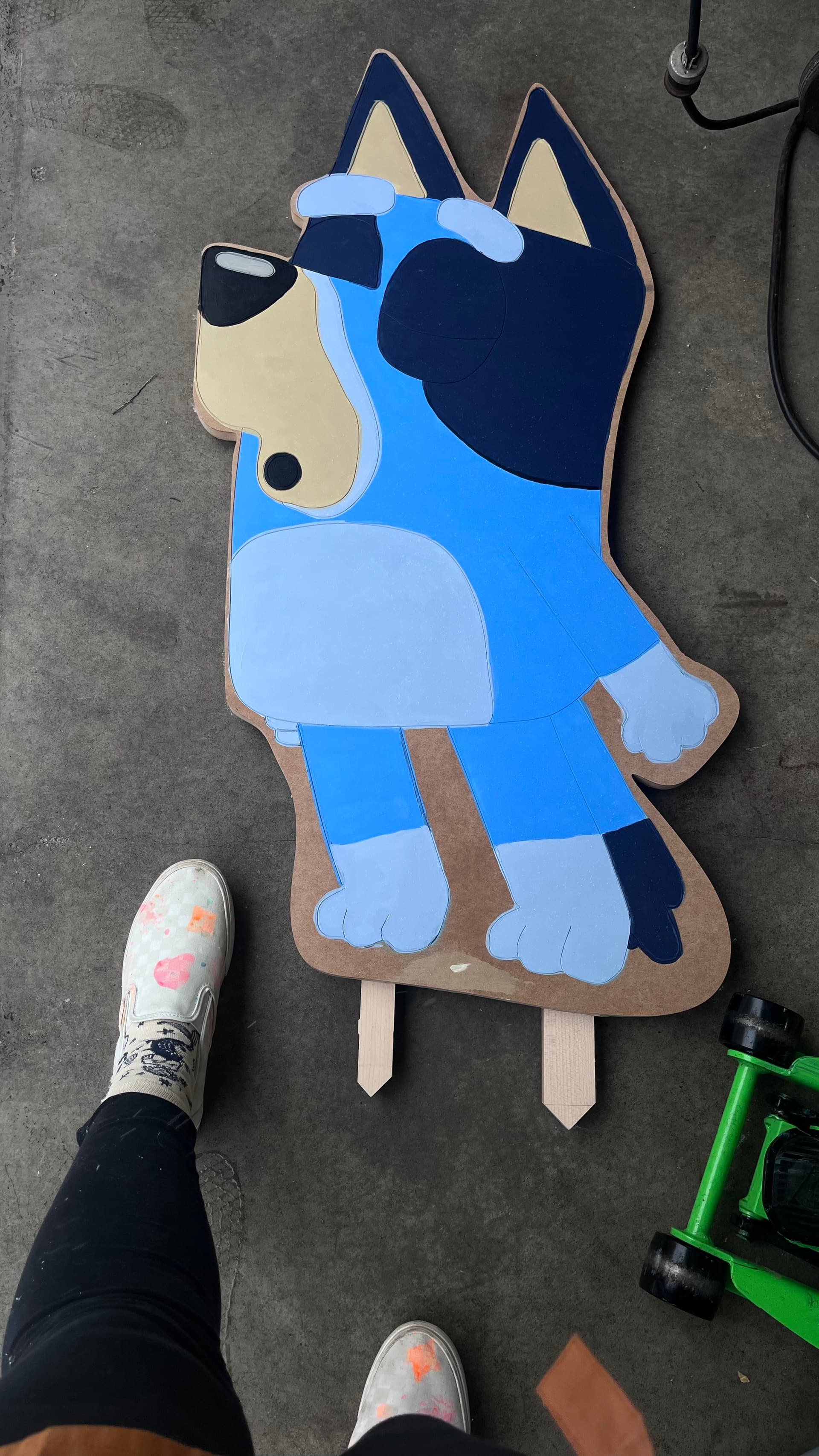
The process:
- Import Bluey pic into CAD → trace over all the outlines → save as DXF
- I spent an hour or two making a python script to do this for me, but the source image is very low resolution and highly compressed, so it would have been more trouble than it was worth to get it right. It was a good project, I did get pretty close, but tracing was easy and kind of fun once you get the hang of splines!
- It didn’t take long at all to trace, but I’ve also been digitizing polygons in GIS for a very long time so it’s second nature to me..still, highly recommend learning to trace in your CAD of choice!
- Import DXF into estlCAM
- Select the drawing → Resize tool to adjust to smaller size for quick test cut
- Select your carving bit → Select the drawing →Click
Automaticin the tool bar → ClickCreate objects automatically- Closed shapes:
Engrave… - Open shapes:
Engrave… - Click OK
- Closed shapes:
- Tool paths are done, so click preview to check it out
- Assuming you liked it, save out the gcode, load it up, and run it!
- Assuming the test cut worked, go back to EstlCAM and make it bigger
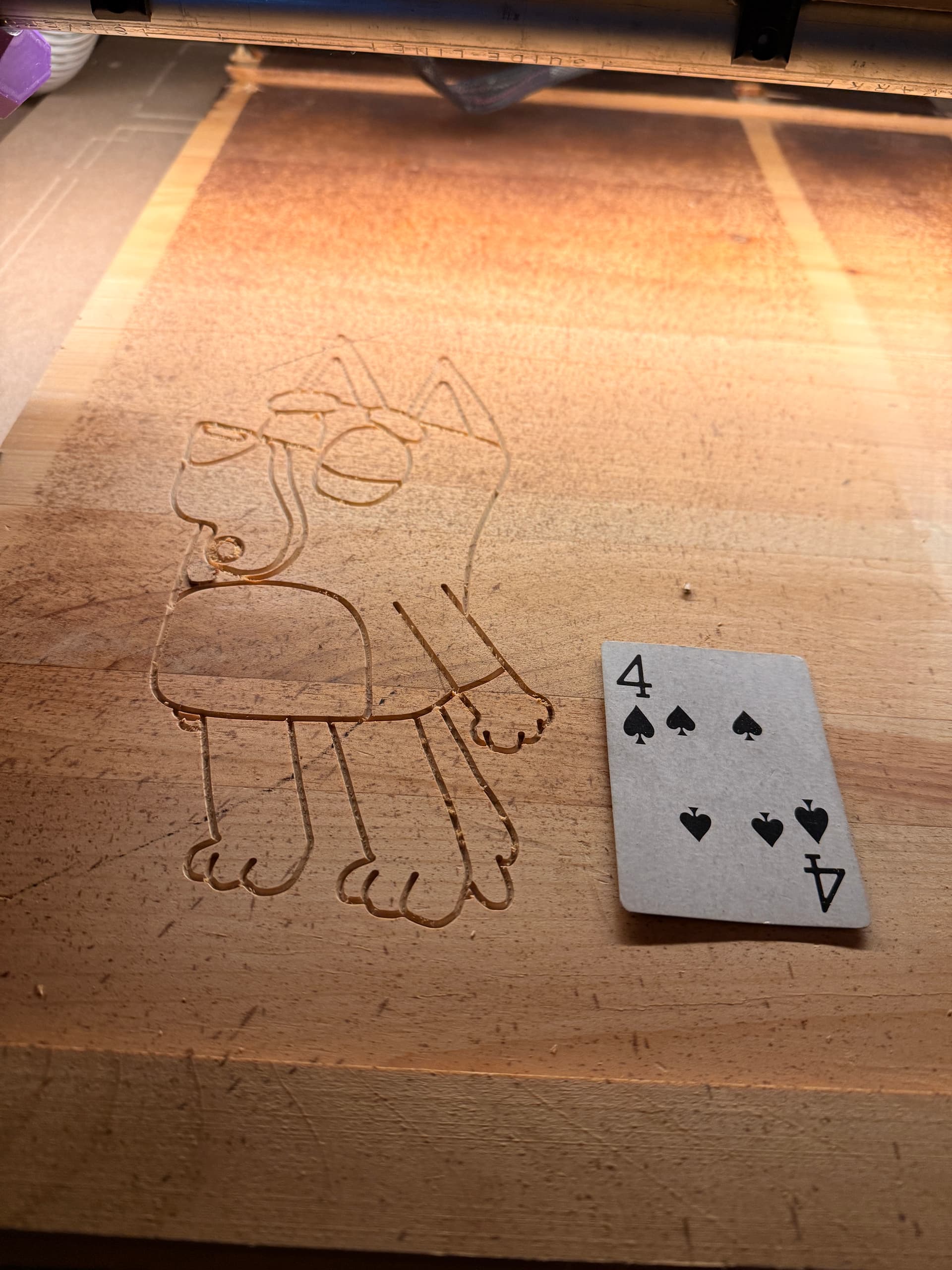
Bluey was cut out of 3/4” MDF, because it’s all I had in this size. It ended up being fine, it took a primer coat of paint, and spray on lacquer to protect it, as it had to live outside for 2 days. For the test cut, I did 2 mm depth and for the final, I did 1.5 mm depth. I wish I kept it at 2 mm, but c’est la vie! Cutting out Bluey was done by free handing an outline in CAD with another spline, it worked out really nicely, giving it a hand made feel. Carving was done with the 45* v1E bit, cutting out the “part” was done with the 1/8” O-flute from v1e. More pics:
Test cut in recycled pine from an old desk:
Lil Bluey and Big Bluey:

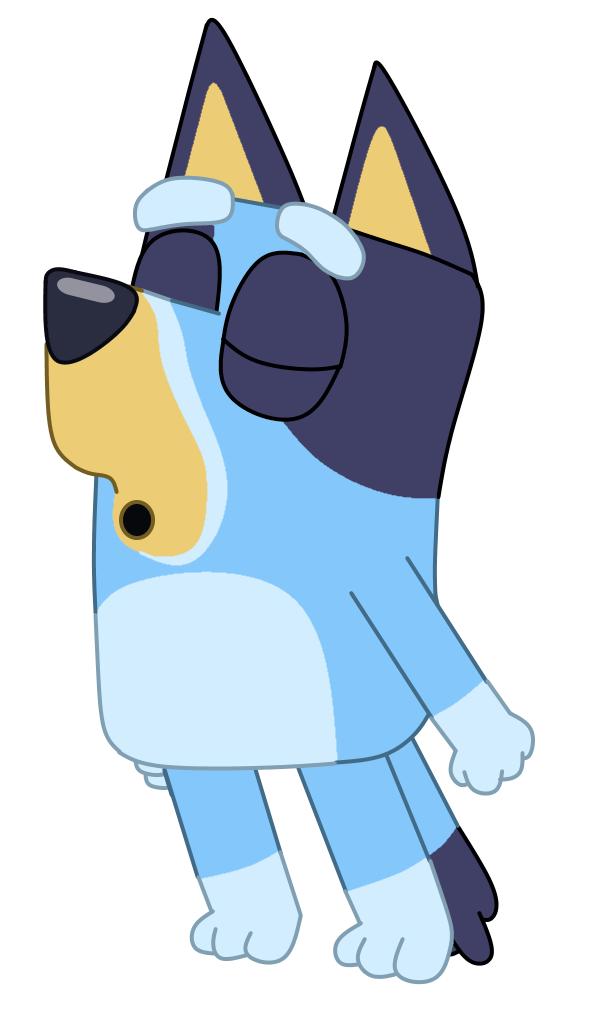
The inspiration, https://www.deviantart.com/braydennohaideviant/art/Bluey-Howling-849173731:
Link to the Nature’s Nursery site, in case someone wants to learn more and maybe even donate to their cause: https://natures-nursery.org