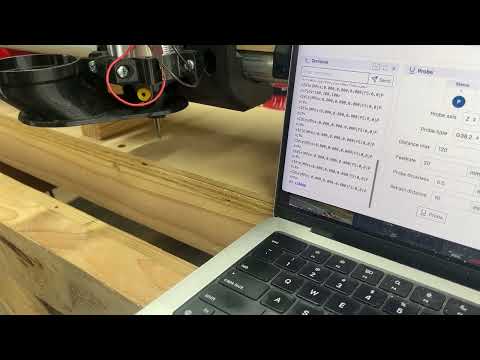
(IDK how to embed videos here, short clip on youtube)
Just got it up and running for the first time and it’s so cool! Couldn’t find any info on the YAML code to make it function on a Jackpot 3 board, so fed Claude with all the info I could find and it spat out exactly what I needed.
Just in case anyone else wants to run one, add this to your config.yaml file, reboot, then M3 S10000 is the 10k RPM, S30000 is 30k, and M5 turns it off. Spiffy!
I’m guessing nothing because I think it works from a PWM signal to the power and the machine is really turning on and off. It wont spin backwards if I’m right, but I’m really hoping I’m wrong
Hmm, I’m not sure but I don’t think so. I know going from a # to S you have to shut it off and back on but I don’t remember ever going the other way.
I have done all my cuts directly through MillMage, so I can speed up/down direction and spindle on the fly by %. Doing it that way I never had to fall back to manual mode I guess.
Honestly it would be silly to try and adjust the dial when you can bump the numbers from the computer. It really is just more or a curiosity than anything. Actually, it may be a bit of a safety lock out. My machine ran over its dust collection hose the other day and it jumped off the tracks. If the dial is disabled completely during operation than the 1 in a billion strange accidents cant happen.
Yeah pretty sure it only goes forward. If you put a RPM number less than the minimum I think it shuts off.
Wish it went backwards because there’s a pretty cool and affordable ATC that you could use: https://rapidchangeatc.com/ Looks like most of it is 3D printed too.
But the T1 was wayyyy more plug and play over getting a spindle and controller set up. I don’t currently really need to change tools since I’m mostly making cabinets and flat pack style plywood things.
Maybe that’s what I found some months ago when looking into it — we all have 3D printers and some CAD skills so $400 for someone else to print parts seems silly…
I added M3 to my startup code (with no speed directive), so later speed commands will work, then M5 to the end code to disable the spindle, plus M3/M5 around tool changing, replacing what Ryan has in the example gcode about pin 27.