This thread will be used to track my actual progress on adding the Bondtech INDX to my MP3DPv4. I will provide files for anything I design and print to make this work.
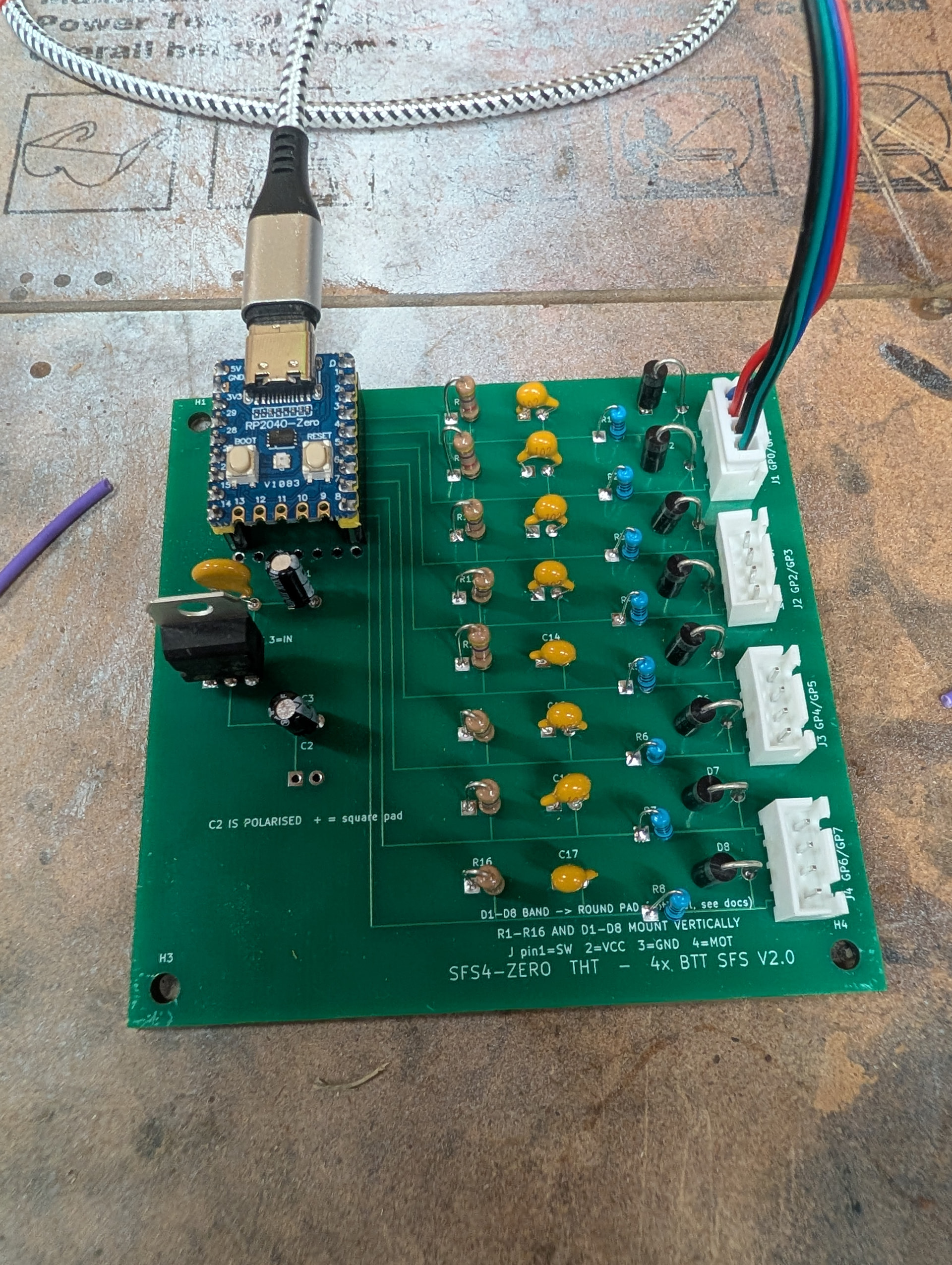
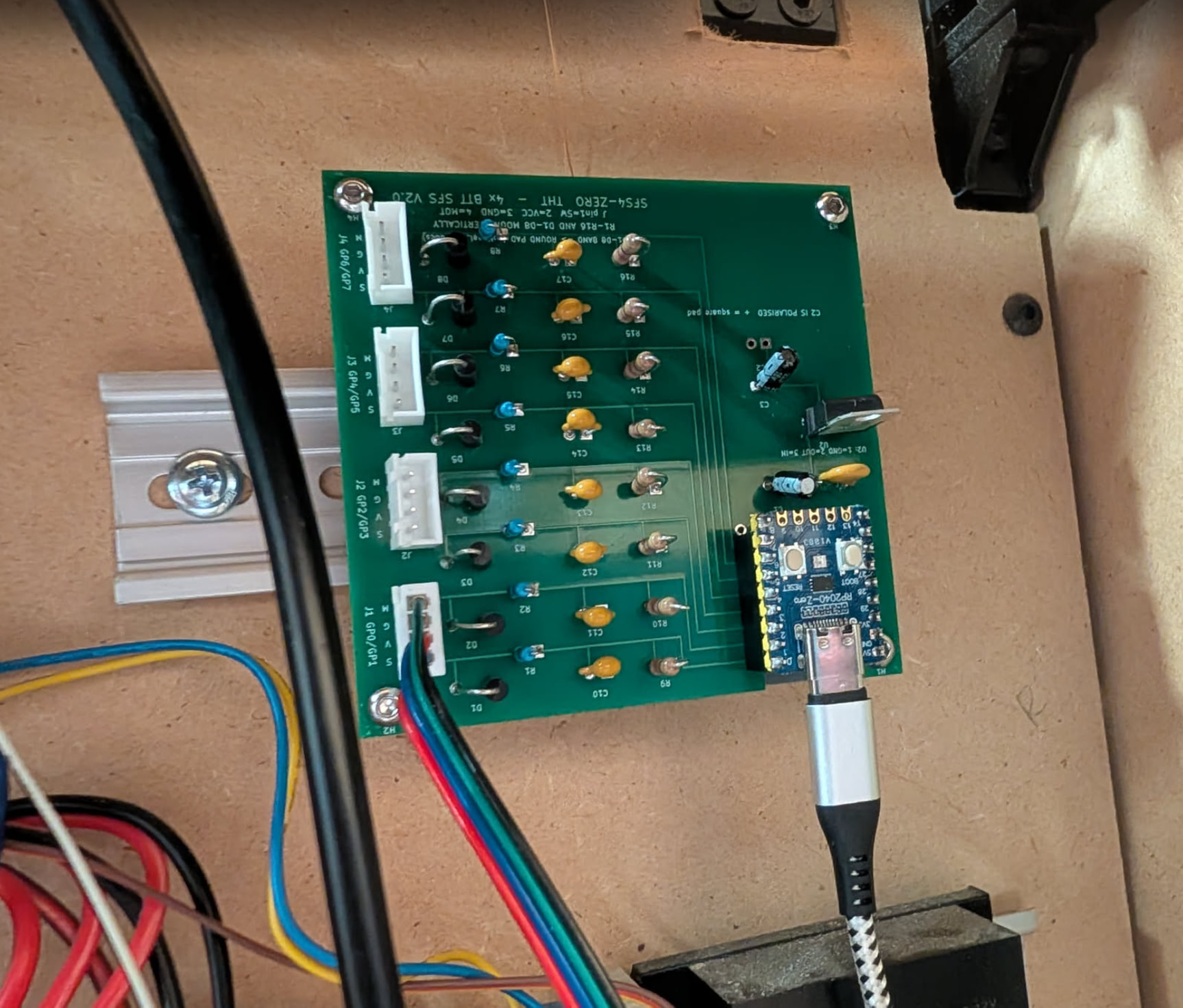
So far, I’ve ordered the dev kit with 4 toolheads. I’ve started working on a mount and circuitry to have 4 Bigtreetech SFS v2 filament sensors go into a single Rp2040.
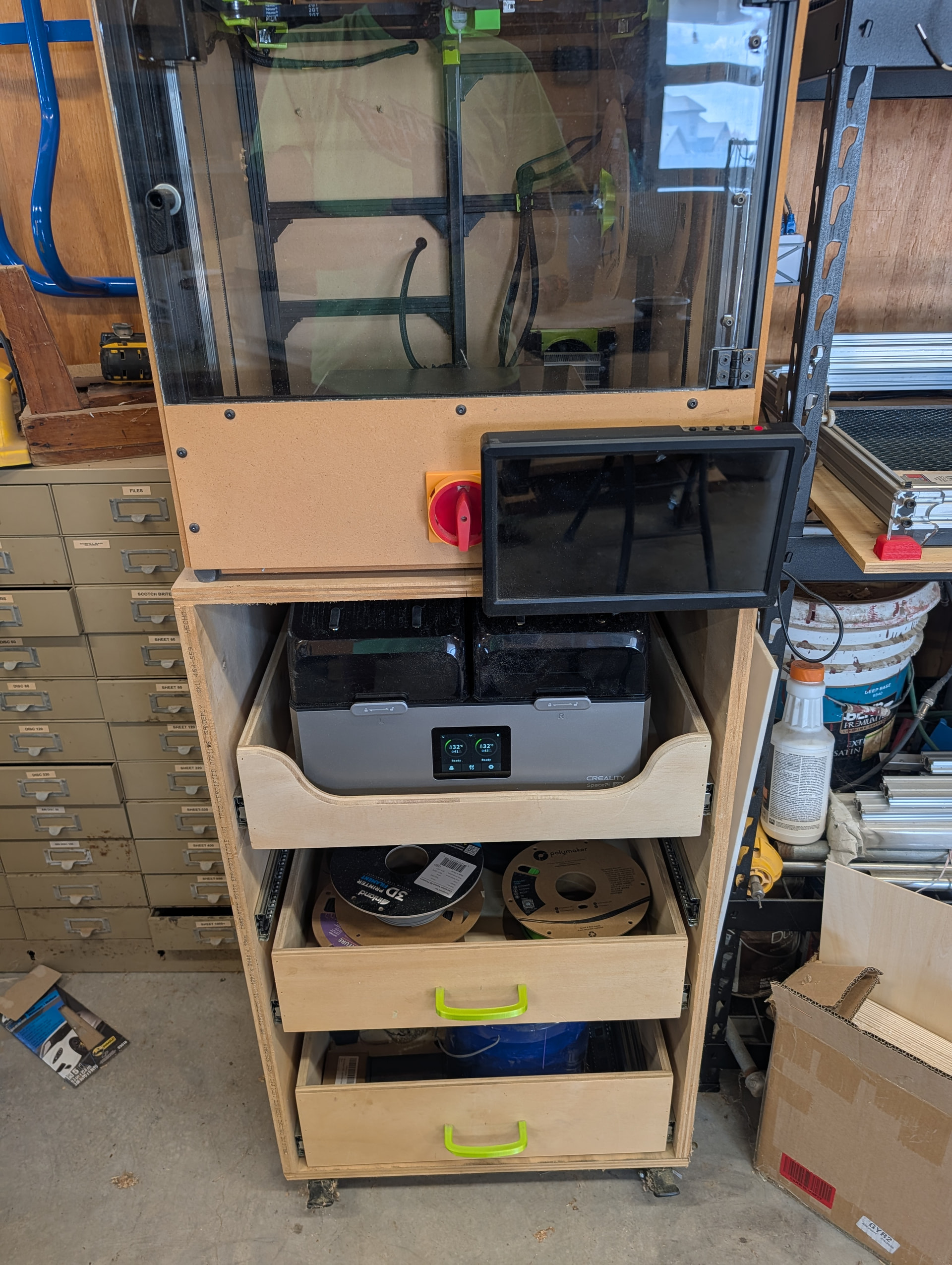
Today, I modified my 3d printer stand to get a creality x4 to fit. I also cut slots in the sides of the stand for ptfe tubes to go through.
Here’s the after work. I lost some drawers in the process, but I can build more. I need to make at least one for my parts and tools to go in.
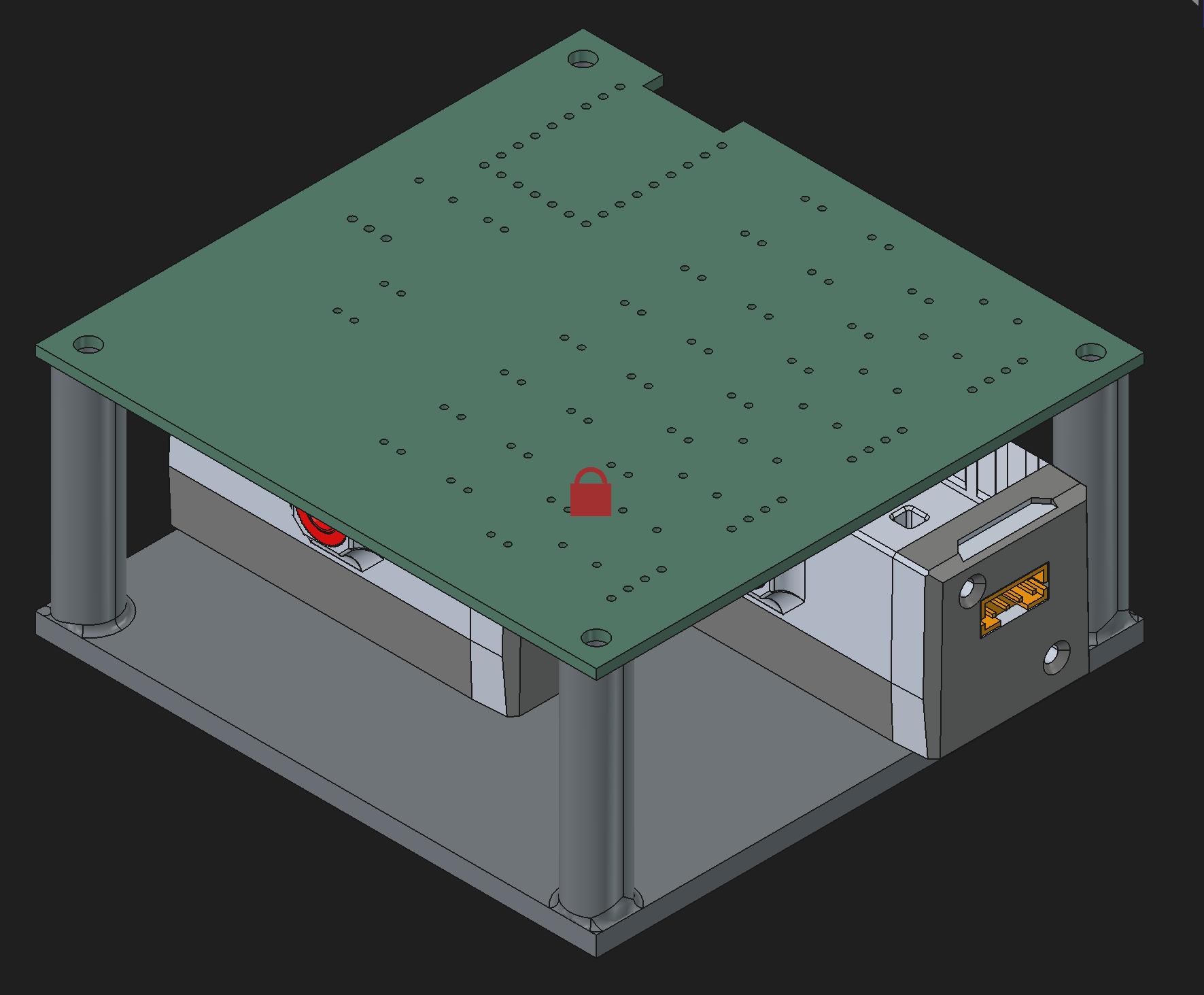
Playing with board mounts… This doesn’t look ‘horrible’ … Trying to fit two filament sensors to take up little space and still clear everything is the hardest part. Right now, the assembly order would be to mount the sensors to the 3d printed mount, mount the mount to the side of the printer, then mount the board on top. I don’t like it, but I don’t hate it.
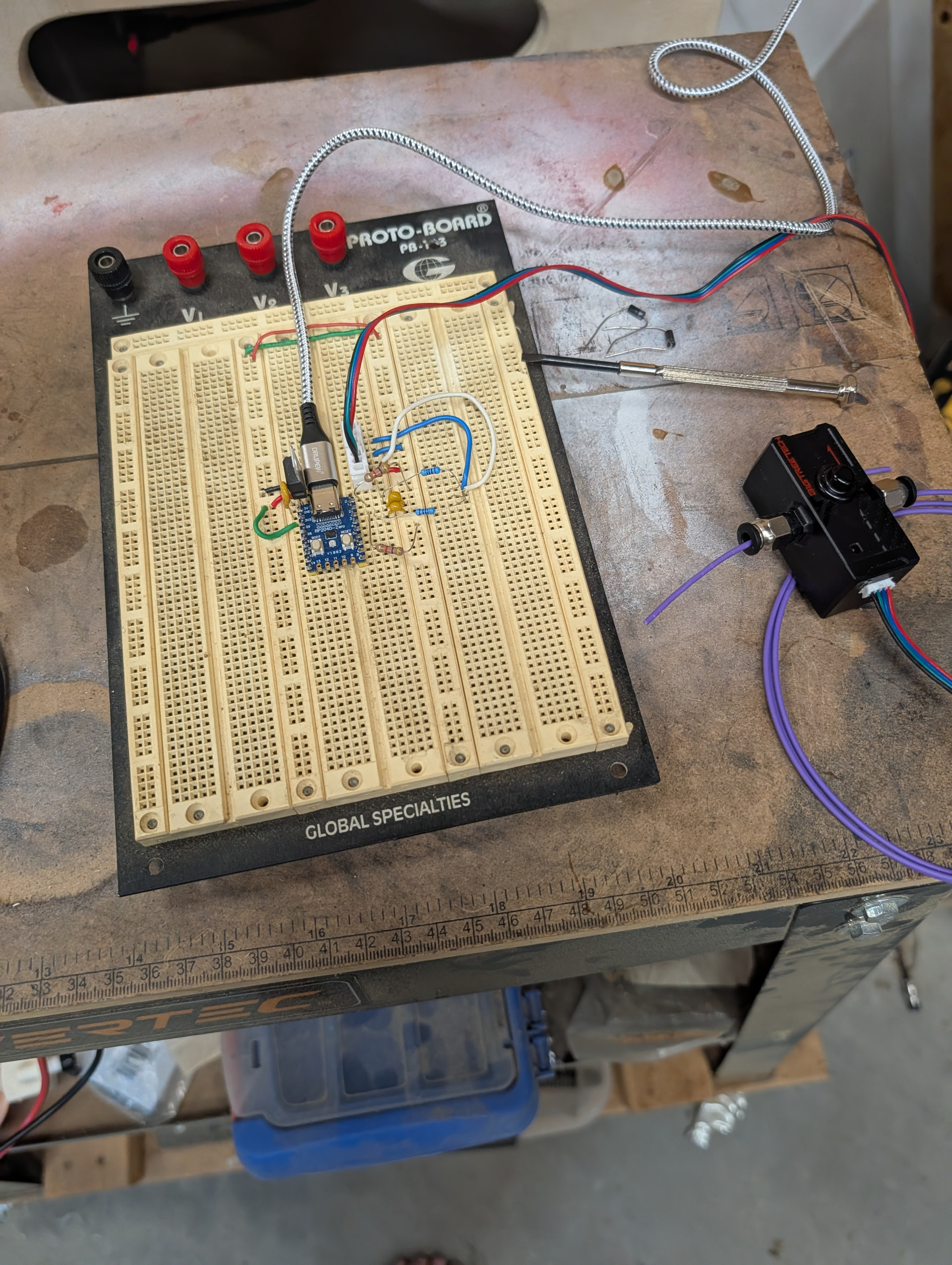
And the protoboard. The circuit Claude created had some diodes that seemed to not work. I need to double check the circuit. I don’t “think” I had them backwards from the diagram.
EDIT: Put the diodes back in ‘the correct way’. I thought things looked screwy when I was building out the circuit. Sure enough, the device image in the schematic was mirrored from how it was supposed to be.
I finished testing the new board layout last night. I then ordered some boards to be printed. It’ll be weird having a real PCB on a project instead of a bunch of soldered wires.
I also don’t like the 3d print design from above. I forgot you have to be able to push that little button on top of the SFS to make loading filament easier. Technically the SFS_Mux board doesn’t need to live next to the sensors. I may just mount it inside the back of the printer and then run all the sensor lines to it. That way only the sensors are on the outside of the printer.
If you’re trying to print your schematic from KiCAD on Linux in landscape and it insists on printing in portrait no matter what buttons you stab, select ‘print preview’ in the print window first. Something weird in the print software that print preview seems to overcome.
This weekend’s goal is to permanently put the rp2040 in the path for the filament sensor. Right now I have that stuff just commented out for printing. I’ll get the rp2040 mounted somewhere and wire the existing sensor to it.
I have managed to cook 2 pi pico boards on the V5 attached to the accelerometer. When they die, klipper gives it up and refuses to start until I either replace that piece or comment it out… fyi.
Yeah. I think that’s a Klipper thing. If it can’t talk to all the firmware on the different boards it won’t run. It kinda makes sense. The software doesn’t know which of the boards are mission critical, so it assumes all are mission critical.
I have 4 more of these RP2040 boards, so I can swap out if necessary. I’ll just make sure I mount it where it’s easy to access.
Well… Getting the new board installed and working on the printer ended up going a lot smoother than some of my other recent additions to the printer. So I guess now my new weekend goal is to get the filament sensor mounted on the outside of the machine and get some PTFE tube running from the filament dryer all the way to the hot end.
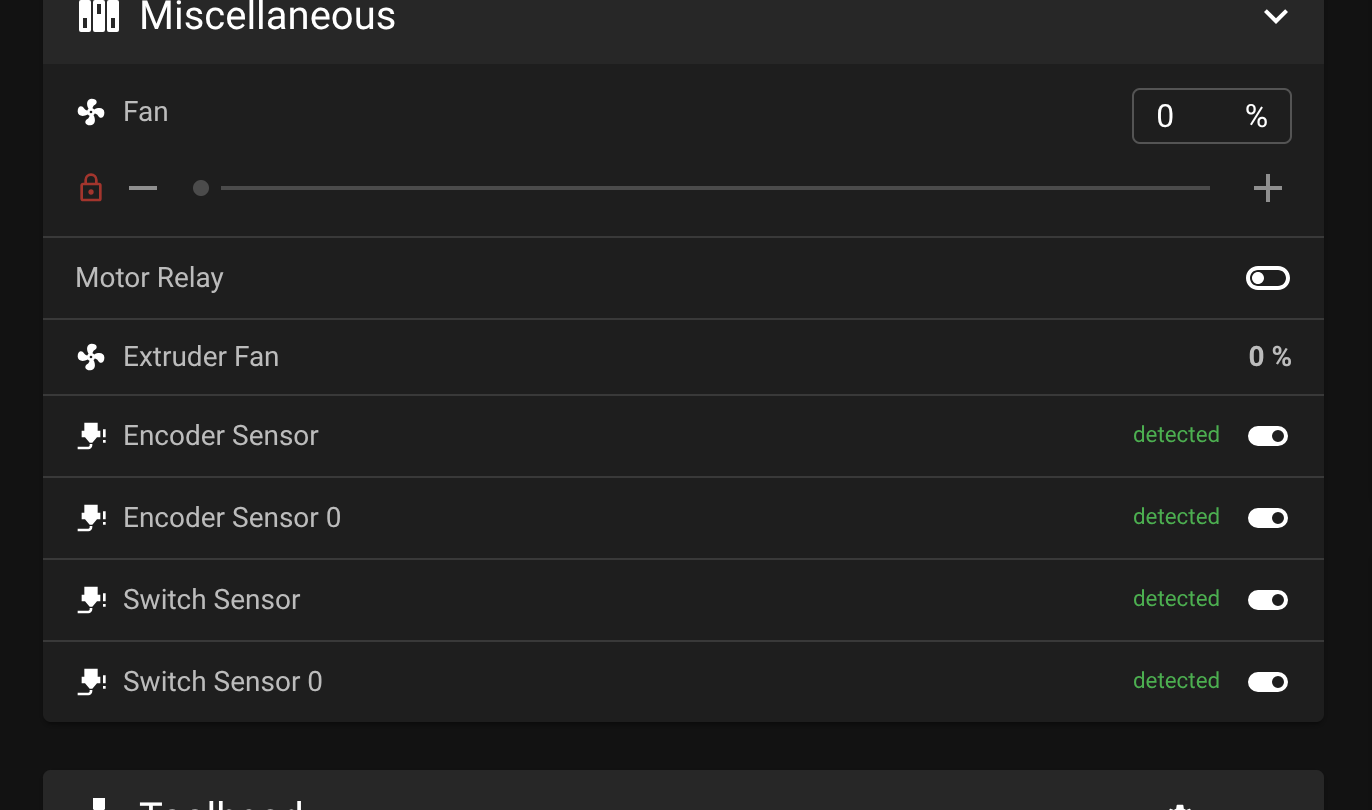
I just printed a XYZ cube with the filament sensor running through the new board.
I’m not really sure why I thought it wouldn’t work. It just seemed too simple.