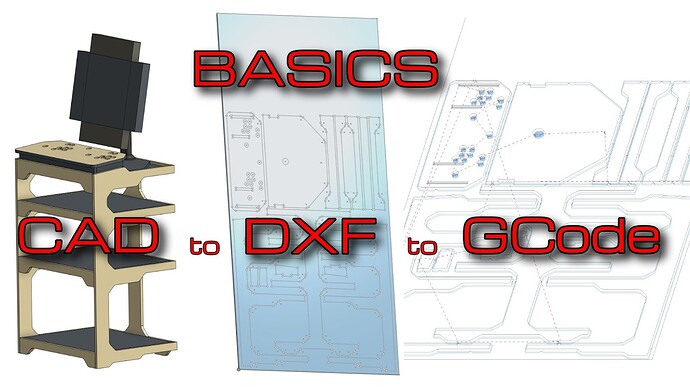
Someone slid a video out trying to be quiet about it! Cant have that!!!
Someone slid a video out trying to be quiet about it! Cant have that!!!
I like it. Still trying to learn Inventor, maybe online CAD is the future?
I’ve never messed with Inventor, but did use Fusion for a long while. I switched to Onshape back when Ryan did and have really enjoyed it. Their learning material helps a ton! And its nice that I can open it from any computer anywhere.
Its a boring video. I am sure I could spice it up a little but it was nearly 20 minutes long originally. Took a while to get it to under 10.
The point of these is to sprinkle them into the docs a little more, and be able to link them if needed when people ask.
This was really in response to a few things. How to get a DXF out of CAD, How to do a layout a little easier than in estlcam, machining order in estlcam (plus a little look at a full project in estlcam for the noobs, as well as setting up for how to use a common zero.
Looking back, I should have just made a few shorter clips.
Oh and I need to add bookmarks, shoot.
Its boring to you because you know it clearly. To who this video is intended for, I bet its not nearly as boring. I think you did an excellent job on it!
 great idea! (need an updated squaring video, that one is from the Marlin days)
Disagree. I think it flowed well.
That’s great 
I saw the instagram post with the cabinet too, but missed the yt video 
I have designed something out of a single sheet of acm (needs 16 1/8” rivets+16 5/8” ones and some 3/4” or 5/8” mdf as the wheels base) with 3 levels and 4 wheels. But no monitor because i have my tablets mounted to the cncs with monitor arms
No, FreeCAD is. 

I really like Onshape. But I am trying to give FreeCAD a shot as well.