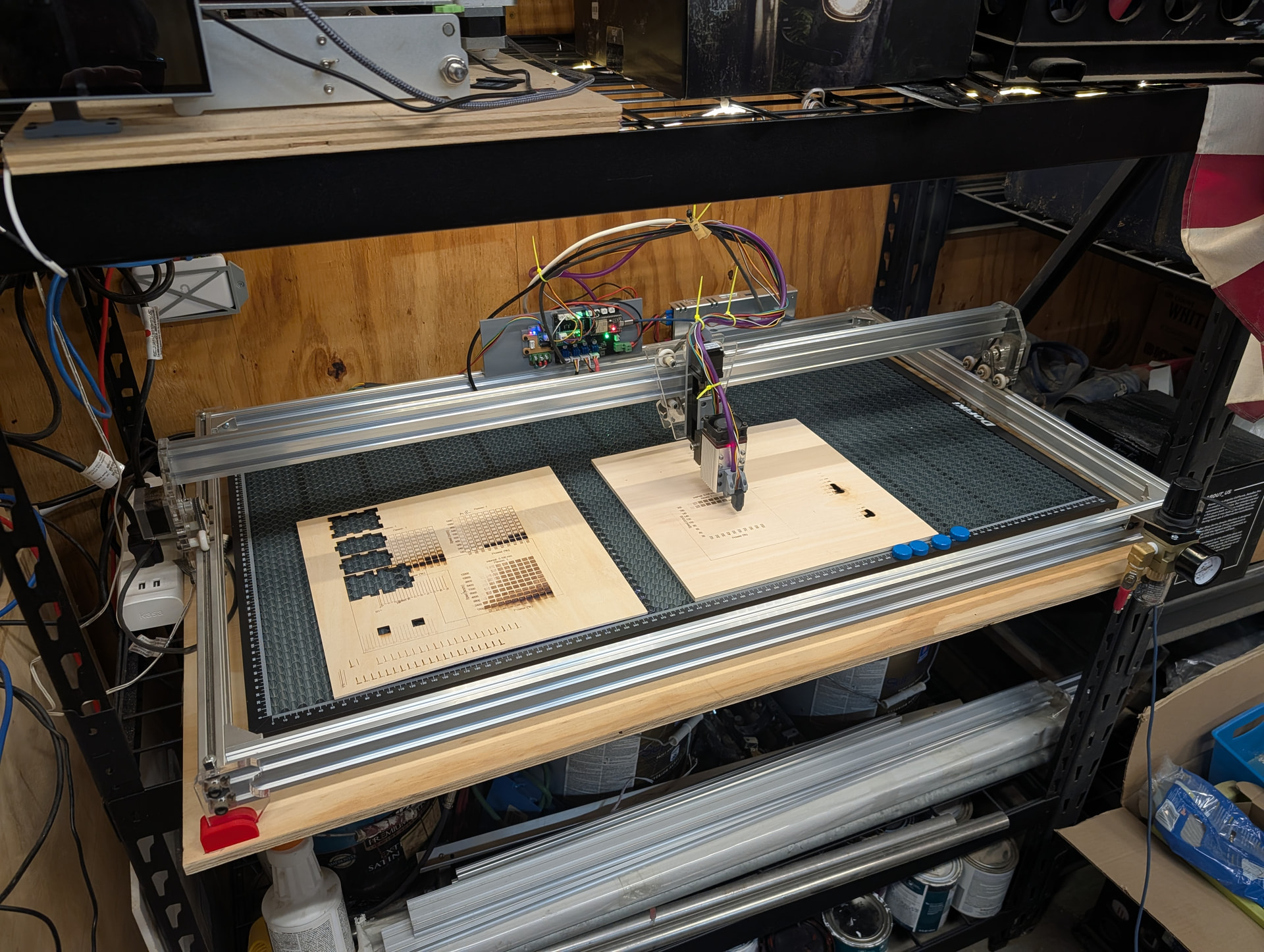
Yeah.
I was able to burn a cut through 3mm and 6mm plywood last night. Took a few tries to find the right combination that would cut through the 6mm without causing charring.
Here’s what I ended up with. Both using air assist.
6mm: 300mm/s, 3 passes, 100% laser, 1mm step down per pass
3mm: 200mm/sec 70% single pass.
Which diode laser are you using again?
It may be silly, but I try to avoid 100% power on any of the ones I have, and I seem to get significantly better life out of them that a few other folks I know with the same lasers…
I don’t go above 90% rated output power even if it means I do an extra pass.
a40640
I don’t like to run at 100% either. I plan on trying to find an alternative. I was just happy to finally get some through-cuts on 6mm plywood. I’ve struggled with that in the past (but honestly never put a ton of effort into it).
Ok. Everything is working now. SD Card issue ended up being the card I was using. I picked up an 8G card, formatted it FAT32, and it works fine.
I’d say this project is complete.
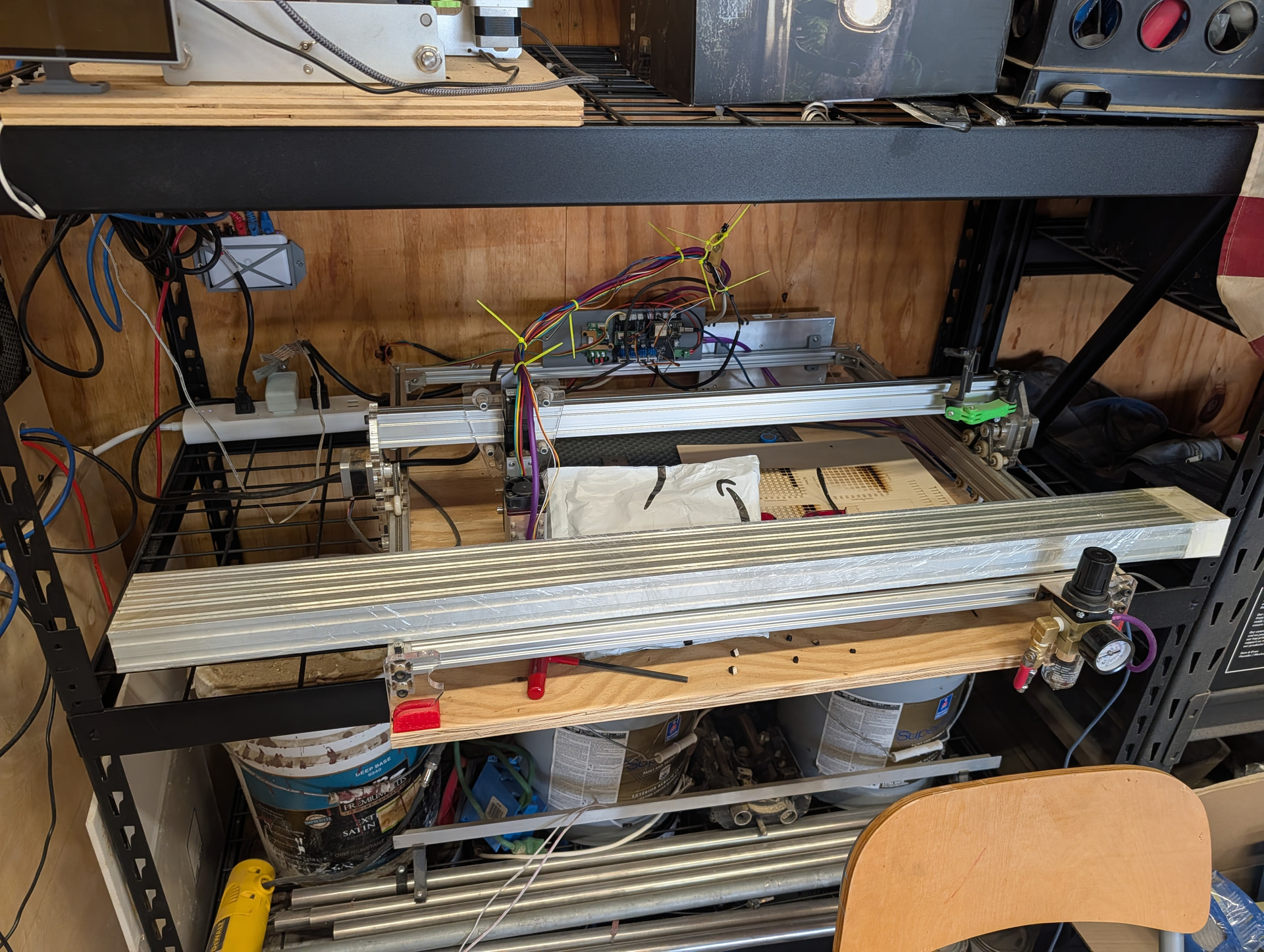
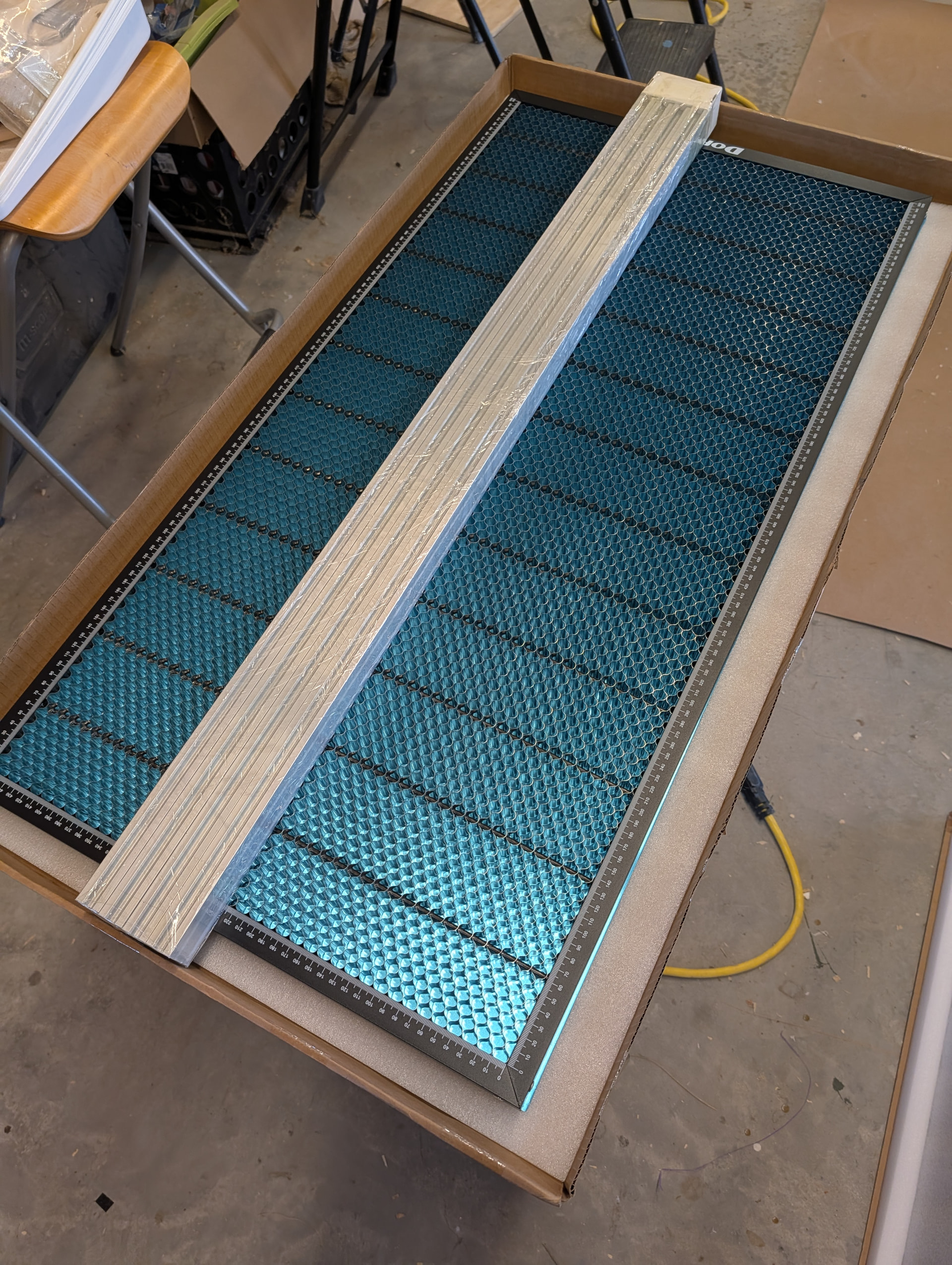
Heh… Measure twice… still order rails too short. The laser needs 47mm of hangover on the gantry because of the design. If I cut the 1000mm rails down for the front/back rails so the 1000mmm gantry fits, then the honeycomb is too wide and hits the Y carriages.
I had to order the 1220mm rails that I almost ordered the first time. Now I need to decide if I stick with the 1000mm front/back rails, or go ahead and make the gantry larger. I’m probably going to stick with the 1000mm front/back rails as the honeycomb really does fit quite nice at this size.
but… BUT… This will give me a lot of leftover 2040 to make an eggbot!

I’ve considered building a LR4 and putting both a spindle and laser on it. Then you can cut and burn all in one gcode, but having the separate devices is nice too. There was a time where I had the MPCNC, 3d printer, and laser all running at the same time in the shop.
My big concern with the laser is safety. I still need to order some glasses. I need to make sure no one comes out to the shop while I’m using it. If it’s a smaller dedicated machine, I can probably enclose it somewhat.
I’m thinking about adding a light outside my shop controlled via FluidNC via Home Assistant using the new http command features that displays a certain color depending on what is running. Green normally, yellow/orange if router is running and red if laser is running. Or something like that.
Hang a curtain that you can close to block direct viewing from the door. My laser is located in a spot where you can’t see it directly from the man door the wife and kids come in.
Now that it will be living on it’s own shelf, I’ve considered putting doors on the front of it.
I have that laser. I really like it. You will want an air pump too. It makes a big improvement on the cuts and it helps keep the laser lense clean.
This is what I have:
I think I saw you mention about this is another thread. I had already ordered that one. Thanks.
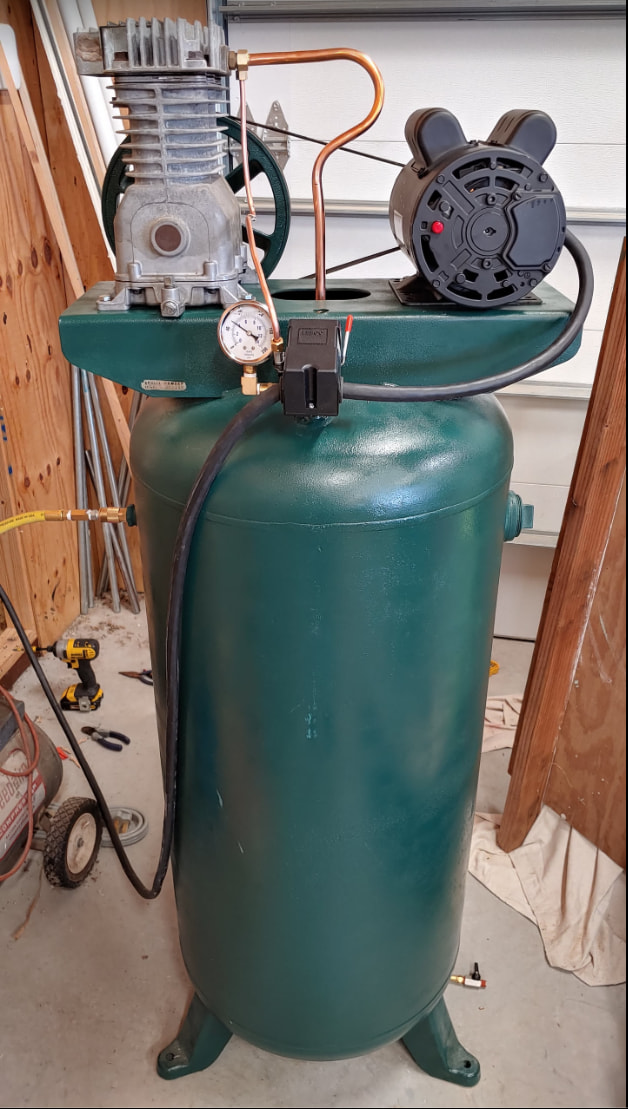
I’m guessing you’ll want a water and oil separator on the line you run to the laser.
This was an older picture. There’s one coming off the tank plus I have a separate filter/regulator on the front of the laser itself after the long hose run.
This is how I do it as well.