Darn good point!
This could be a pure CAM issue.
Darn good point!
This could be a pure CAM issue.
It puts the center of the mill at the start and end of the cut have to try a 60 degree v bit or ppcket a small 7 mm pocket 50 mm long box shape
I will try this and report back!
You where correct. using a v-bit my x and y are correct 10mm=10mm, 100mm = 100mm ect. I failed to take into account the bit width. Thanks for that insight!
Now I am trying to figure out the z axis issue.
Today I removed the grub connectors and Z rods, gave everything a good cleaning, and lightly re-greased the rods. I also made sure everything was lined up, connected properly, and tightly screwed down.
I’m now running test pockets on the Z axis to see whether the number of passes used for a pocket could be contributing to the increased depth issue.
I’ll be pocketing four 0.5-inch holes while decreasing the number of passes: 12, 10, 8, and 6. This should help determine whether the depth changes based on the pass count.
Update: Z-Axis Depth Issue Returned After Cutting Beyond 4 Feet on Y-Axis
Okay, sorry for the late update. Here is everything I have done—or redone—to correct the problems mentioned in this thread, in no particular order:
1. Inaccurate X- and Y-axis movement measurements
Solution: I switched to a V-bit for more precise reference marks. If using an end mill, make sure you account for the bit’s diameter when measuring. Rookie mistake—SMH!
2. Flexing at the core
Solution: I tightened the two core bolts/nuts that control the upper bearings where they ride along the rails. The bearings were barely touching the rails before I adjusted them.
3. Z-axis progressively cutting deeper
Solution: I removed the grub-screw couplers and Z rods, cleaned everything thoroughly with a brush and compressed air, and then reinstalled them. I made sure everything was seated and aligned correctly before tightening the screws. I also lubricated the Z rods.
I also noticed that the X-belt tension clip on the max side was deforming, so I reprinted it in a stronger orientation and replaced it.
After completing all of this, I had no additional Z-depth problems—until I needed to make cuts beyond four feet on the Y-axis.
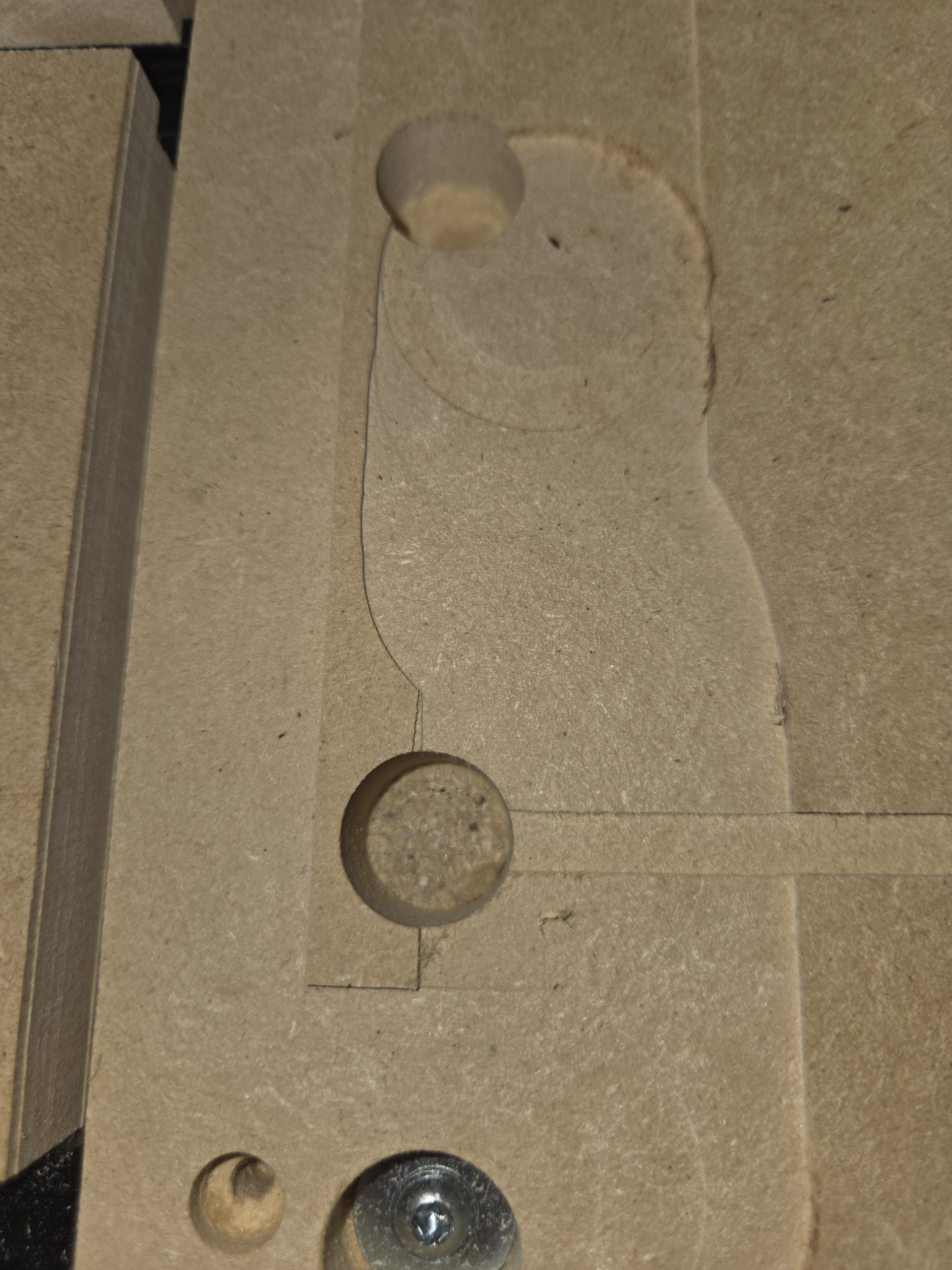
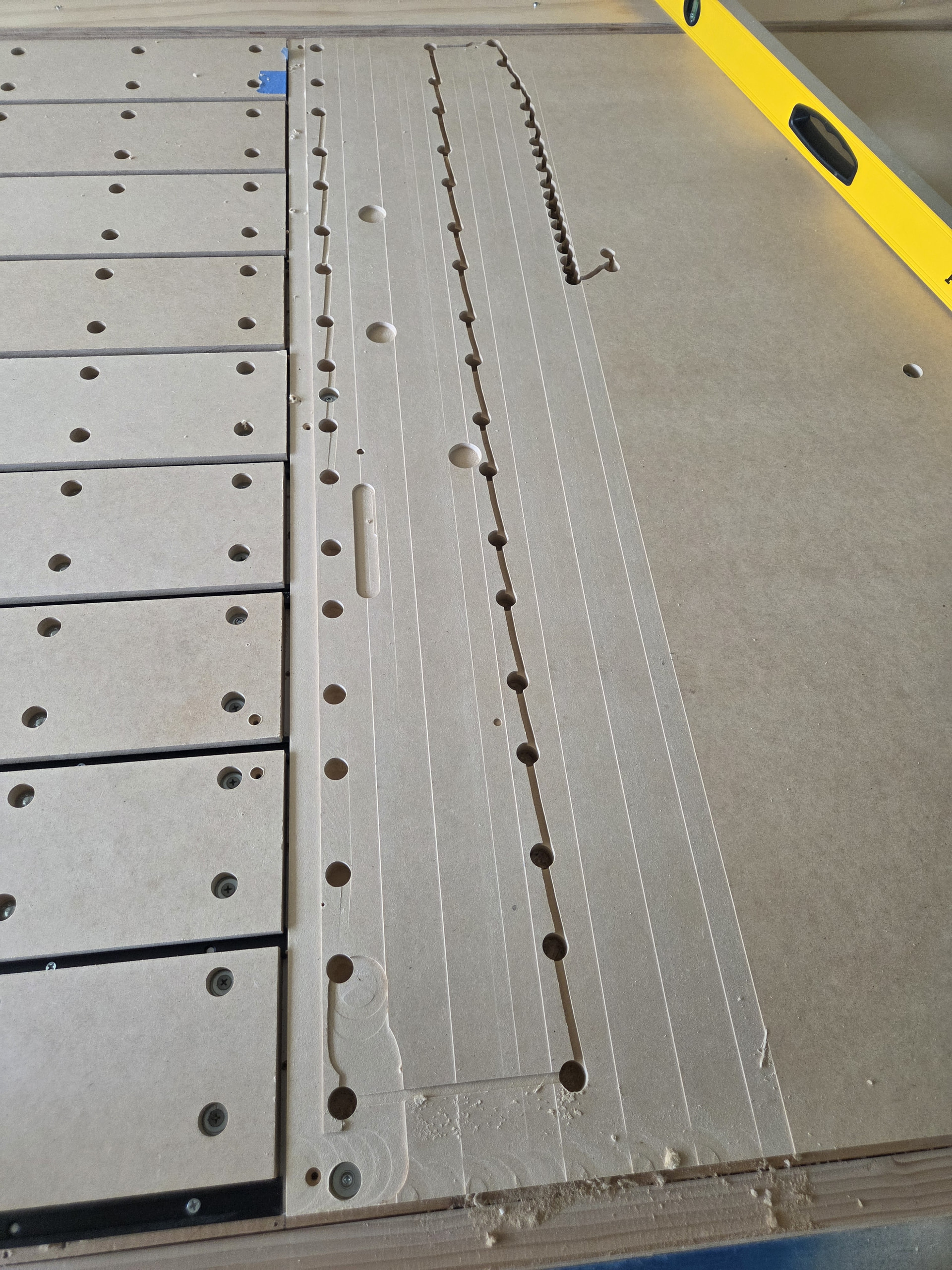
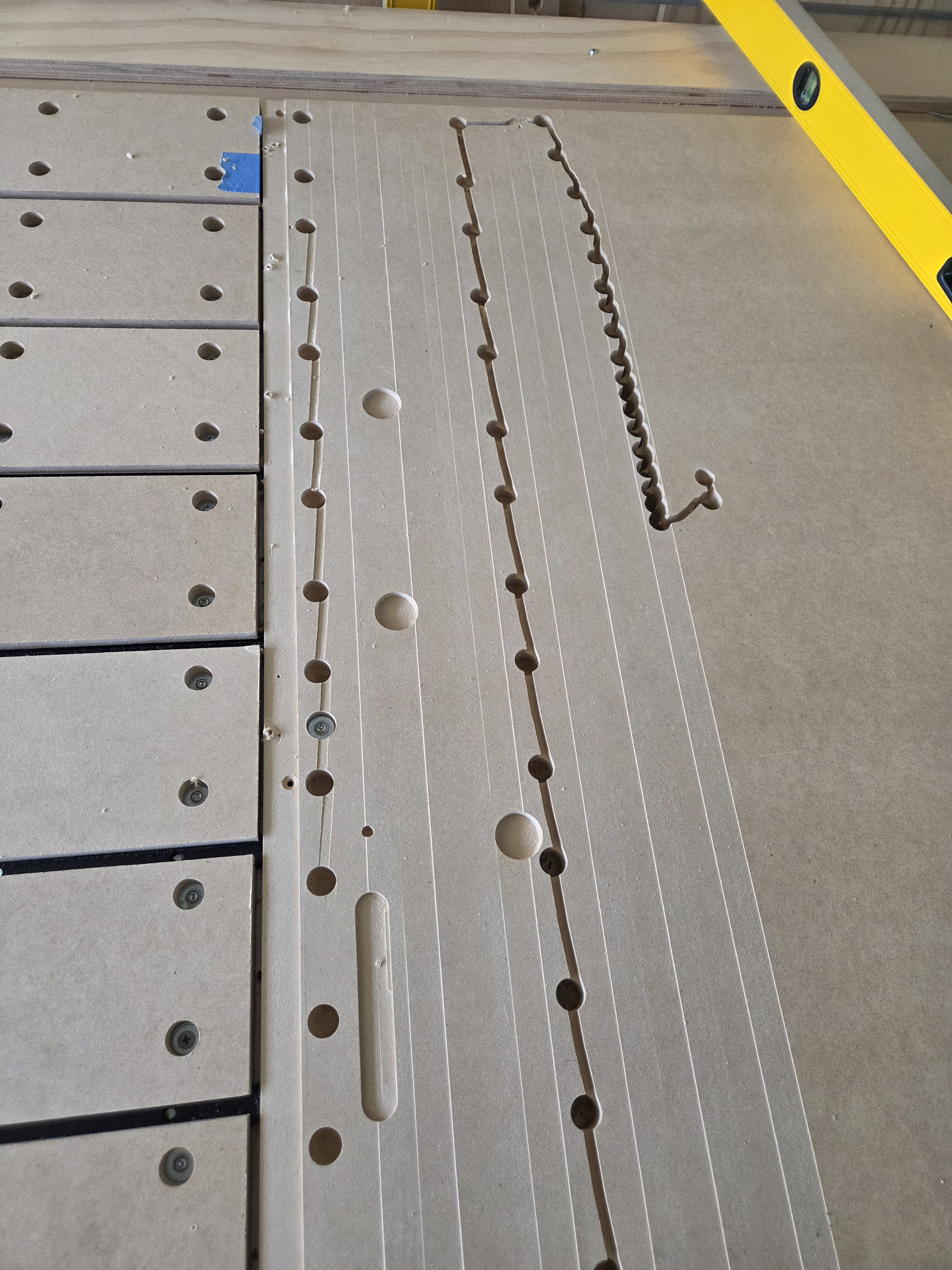
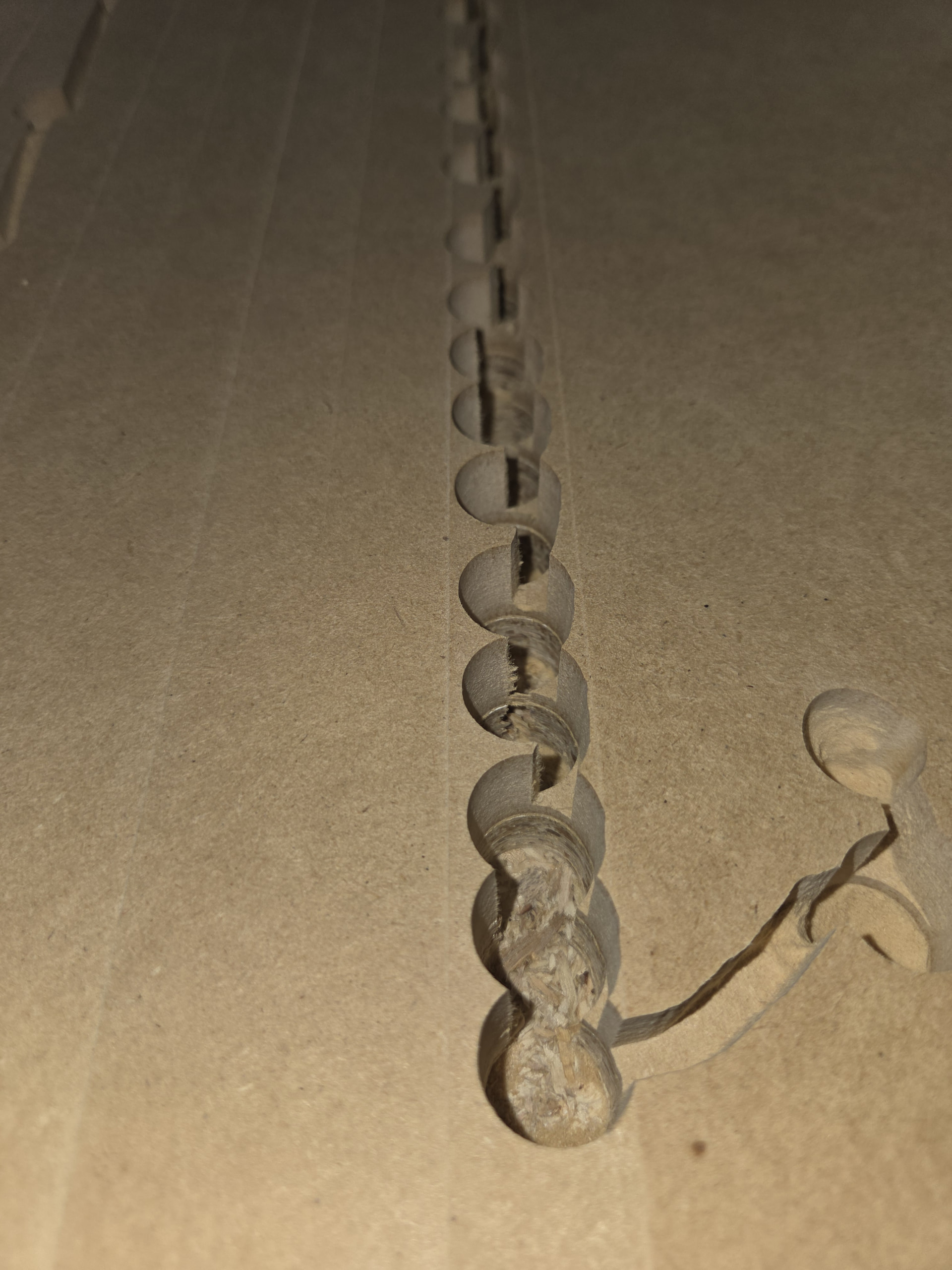
Everything had been working great, other than a few user errors. However, while running G-code to make pilot holes for my spoilboard, the bit began cutting progressively deeper. It eventually plunged so deeply that the machine could barely move along the X-axis.
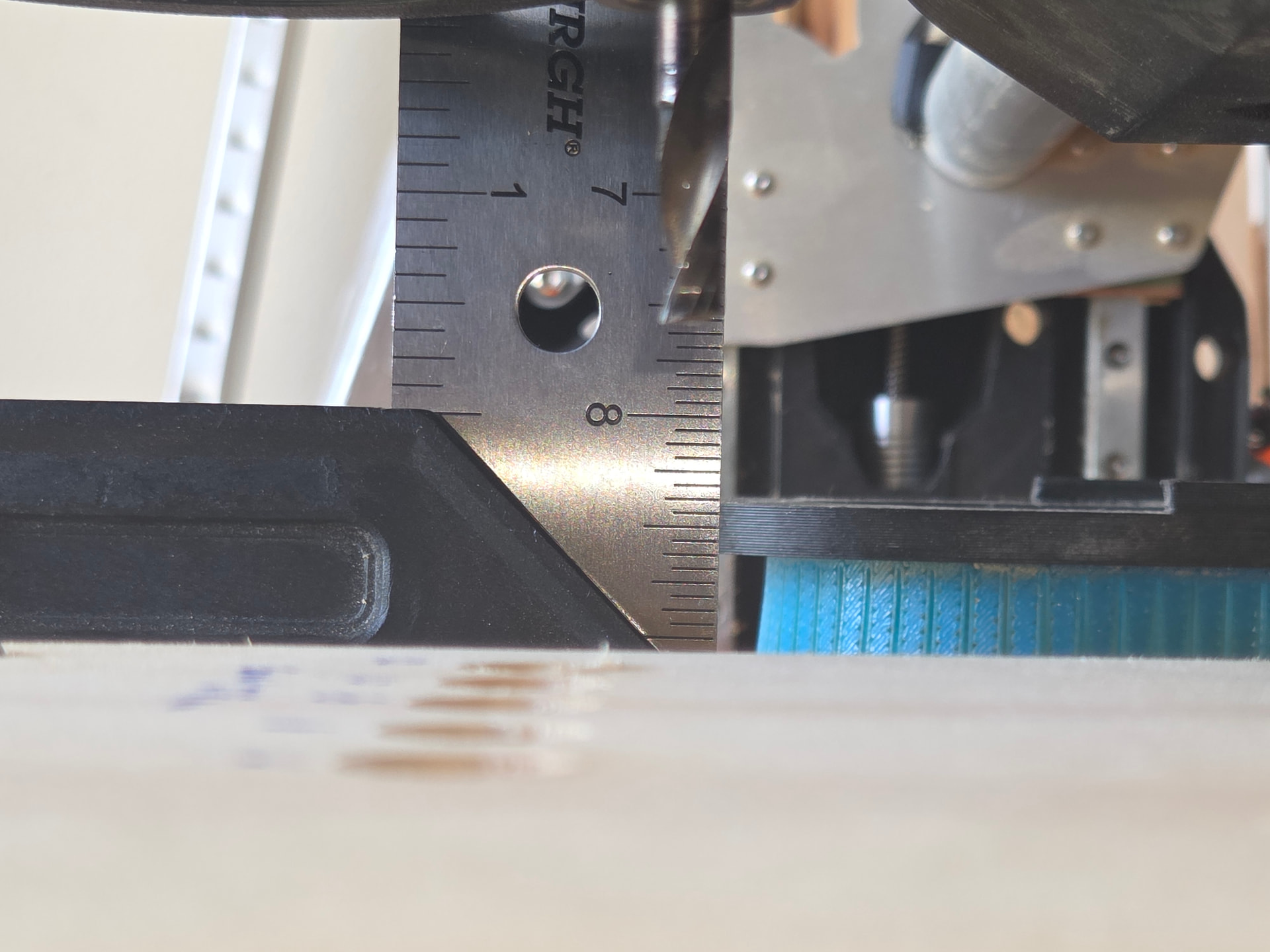
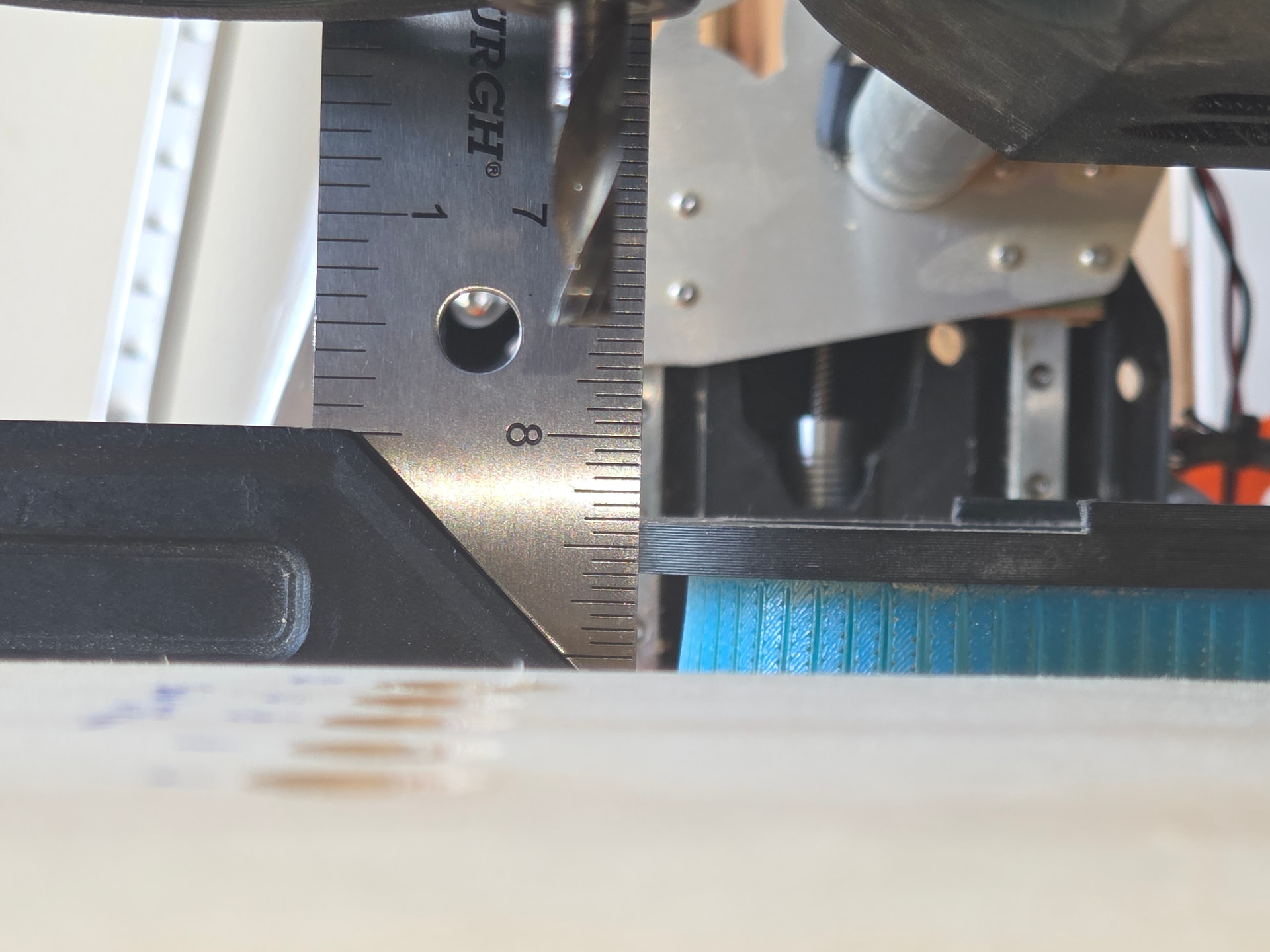
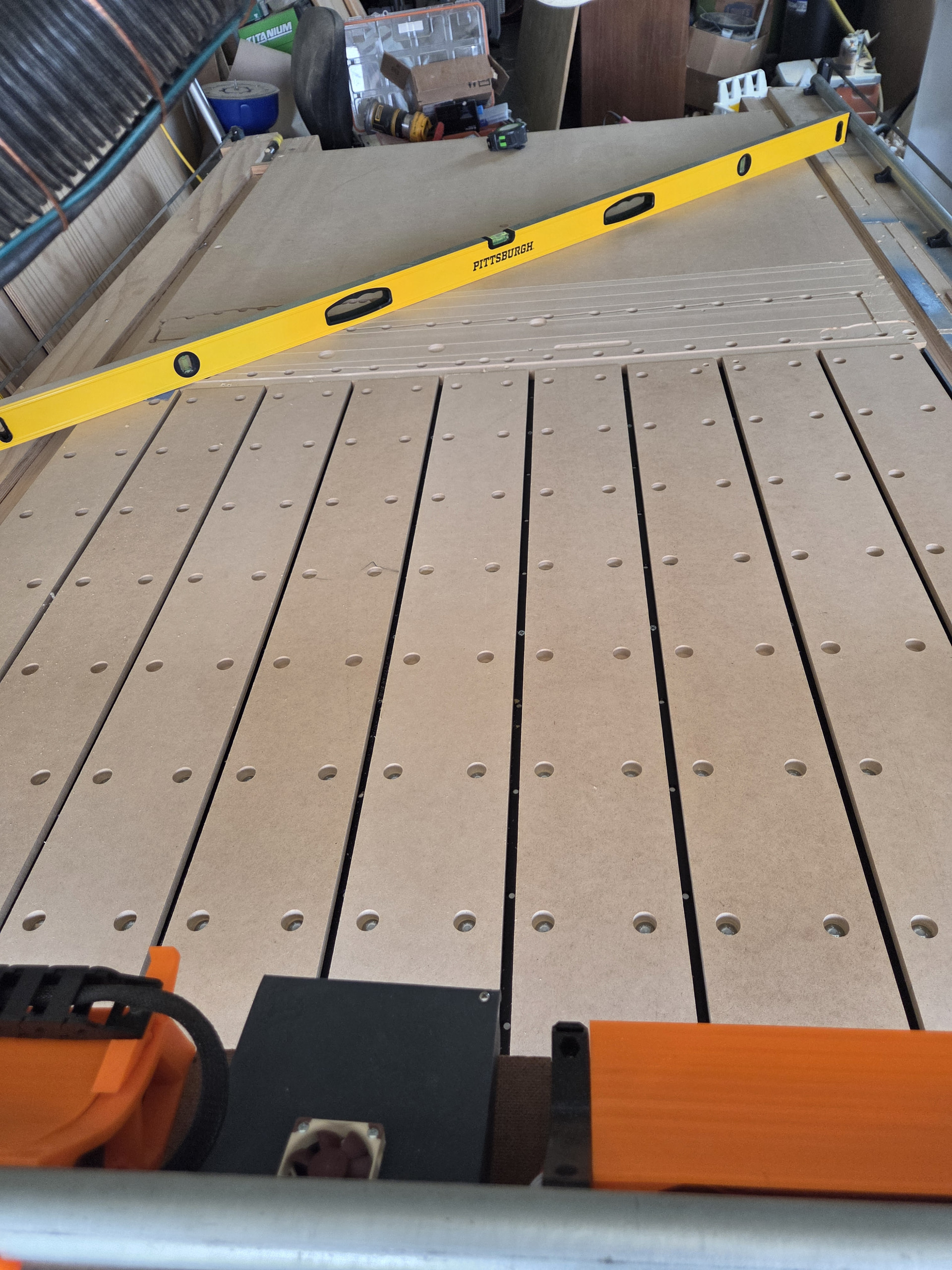
Please see the attached pictures for examples.
Has anyone experienced something similar? Any thoughts on what could cause the Z-axis to progressively lose position when the machine travels beyond four feet on the Y-axis?
If the motors get too hot they skip steps. Did you turn up the voltage?
that is interesting, I didn’t know that.
I have not changed any voltage that I am aware of for the config file in earlier post. But it has been pretty hot here in Oklahoma. I try to monitor that with my temp gun..
Not voltage, current
This is a good practice. Keep track of the case temperature of your stepper motors and the heat sinks on the drivers on your controller.