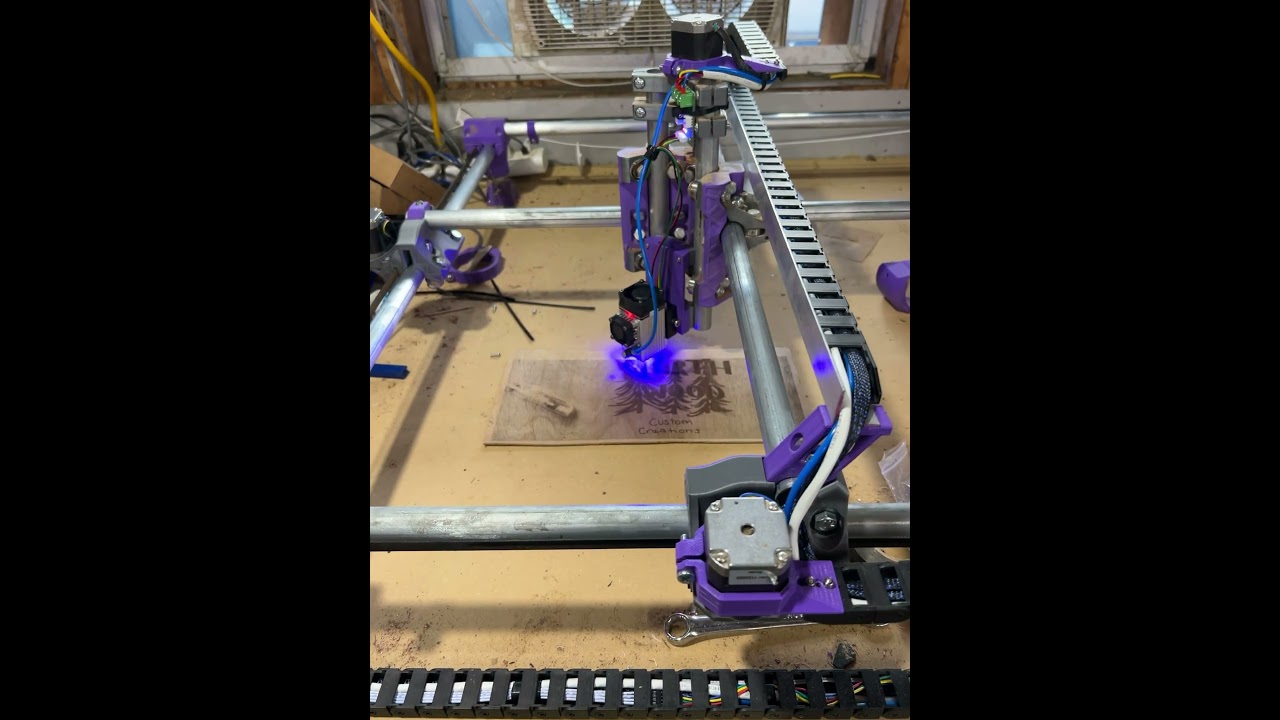
Thanks so much for the help @jamiek That was defiantly it. The laser lights up now! And now I realize I have absolutely no clue about running a laser LOL. Oh well that’s tomorrows task. All day in a 100° garage has me whooped.
Also Lightburn will only connect over WiFi. Still no USB. Not sure what to do about that one.
Sorry I am not getting all the forum emails. I keep running into my daily limit. I need to get rid of some of the entire section notifications, I think. I have the limit set to 150/day.
I will say hopefully next time I’m home I can figure out the USB. I’m running a raster image right now and its slower than running a carve with a spindle LOL
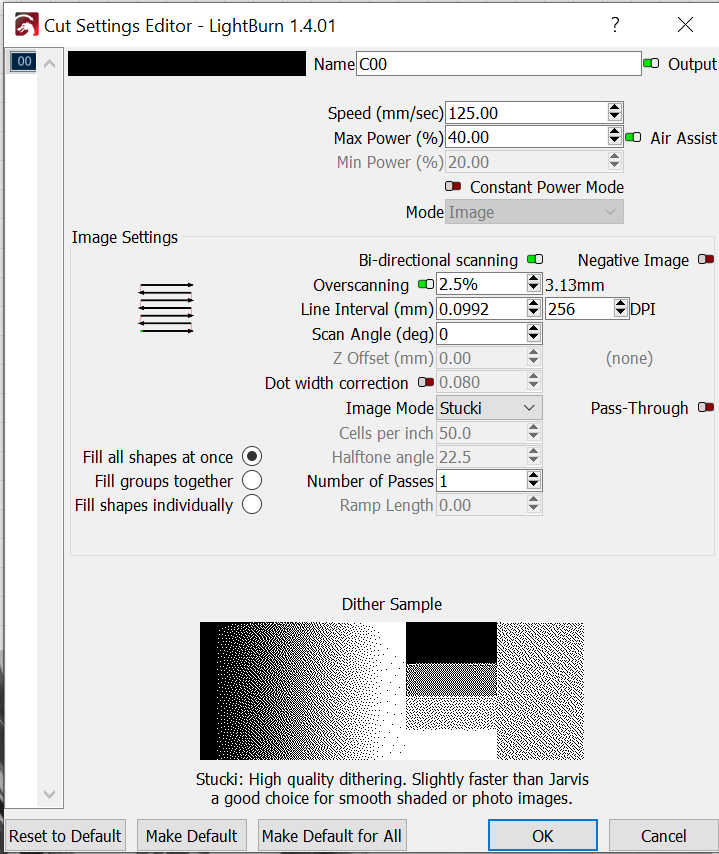
Raster (M4) worked more than 80mm/s for me with a 0.19mm dot size in AP mode. What are all the rest of your settings because you should not need a direct connection for a really really decent speed. but if you have a 0.019 dot size it will take 10x the time.
Ok just figure out to see what the dot size is. .0992 or 256DPI is the default. So I guess next time I need to change that lol. I still would prefer it hooked up USB and turn off the WiFi
You can but then you run into computer issues and sleep stuff since it is actually sending commands, with wifi you just need to hit start.
The real use for a direct connection is the calibration stuff in lighburn, not actually running files. Burns are very long and I would always do that from an SD card.
Your tops speed is probably too fast. You need to feel the steppers they should be absolutely smooth from one end to the other if it stutters in any way it is too fast. You will be at 60-90mm/s.
You are using dithering, that is probably not a good idea. that is a lot of dots you are not taking advantage of M4. Try grayscale you should get a better image and faster speeds without stuttering.
Your speed and power are odd to me, 40% at 120mm/s means you are not getting many grey values. you should run the grayscale calibration.
Start a new thread and tag me, and I am sure some of the laser people will jump in with some tips.
I still have so much to learn about lightburn its not even funny. Your gonna hate me for saying this but maybe a Docs page with some general settings for laser and lightburn might not be a bad idea…
ok…don’t know anything about this. I see where it says it now but have no idea how to change it. I had her make it a gray scale image before I tried to do it.
I ran this from the computer in the garage. inside now where there is AC lol. I believe I set it at 70% max power. And yes I probably should run a grayscale calibration. I did not do that before. Too excited to see it working LOL
I’m flying out at 0730 tomorrow morning. I will start that a few days before I get back. If I do it now ill forget all about it and not end up changing anything LOL
I’m sorry, guys. Sadly I lost the plot on this thread about 400 - 500 posts or so ago… so I’m really not sure what supposedly requires my limited know-how here.